Best AI Thumbnail Generators for YouTube in 2026
A YouTube thumbnail is not just a small image. It is one of the most important parts of the video packaging. Before a viewer hears your voice, sees your editing, or understands your story, they see your thumbnail and title. That is why the best AI thumbnail generators in 2026 are not just image generators. A good YouTube thumbnail tool should help creators create clickable visuals, test different concepts, build recognizable style, improve CTR, and connect the thumbnail with the actual video idea. In 2026, AI thumbnail tools can help with prompts, layouts, faces, text, backgrounds, emotions, contrast, colors, composition, and thumbnail variations. Some tools are best for quick templates. Some are built specifically for YouTube packaging. Some are better for designers. Some are better for creators who want a full workflow from idea to thumbnail to video. Here are the best AI thumbnail generators for YouTube creators in 2026.
Share
1. Canva — best easy AI thumbnail maker for most creators
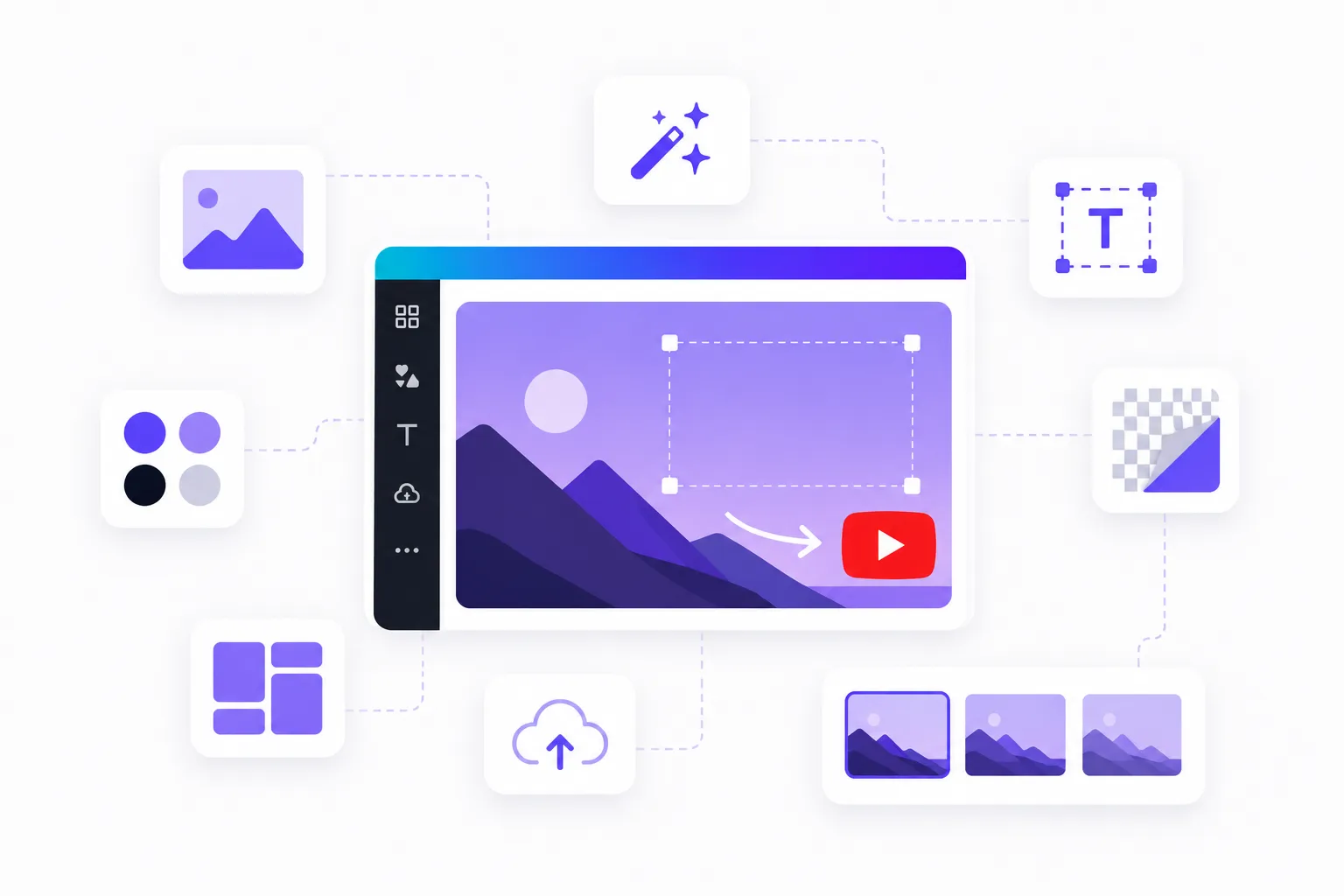
Canva is one of the easiest tools for creating YouTube thumbnails, especially for creators who do not have design experience. It offers YouTube thumbnail templates, drag-and-drop design tools, background removal, brand kits, stock assets, fonts, graphics, and AI image generation.
Canva also has an AI thumbnail maker that can help creators generate thumbnail visuals with Magic Media and other AI tools. Its YouTube thumbnail maker includes templates and customization options for creators who want to build thumbnails quickly without starting from a blank canvas.
Canva is useful for:
- YouTube thumbnails;
- Shorts covers;
- podcast covers;
- channel banners;
- social media graphics;
- simple video assets;
- branded templates;
- text overlays;
- background removal;
- quick thumbnail variations.
The strongest advantage of Canva is simplicity. You can start from a template, change the text, add your image, adjust colors, remove the background, add arrows or shapes, and export a thumbnail in minutes.
Canva is especially useful for creators who need consistency. If you run a channel and want all thumbnails to feel like they belong to the same brand, Canva’s templates and brand kit can help.
It is not always the best tool for advanced YouTube packaging strategy, but for creators who want fast, clean, good-looking thumbnails, Canva is still one of the most practical choices.
Best for: easy YouTube thumbnails, templates, brand kits, quick design.
Official site: https://www.canva.com/
2. Play Profi — best for connecting thumbnails with the full YouTube workflow
Play Profi is one of the most useful tools for creators who do not want to make thumbnails in isolation. A good thumbnail is not just a pretty picture. It must work together with the video idea, title, hook, script, audience, and niche.
That is where Play Profi stands out.
Play Profi is built as an AI content production platform for creators. It can help with ideas, titles, thumbnail concepts, AI-generated thumbnails, scripts, voiceovers, dubbing, AI presenters, Shorts, video generation, music, and content automation.
For YouTube thumbnails, this is important because the thumbnail should not be disconnected from the video. The strongest YouTube packaging usually starts with a clear idea:
- what is the promise of the video?
- what emotion should the thumbnail create?
- what should the viewer understand in one second?
- what is the conflict, surprise, transformation, or curiosity gap?
- what title and thumbnail work together?
Play Profi is useful because it can help creators develop the whole packaging around the video, not only the image. A creator can start with a topic, generate title options, create thumbnail ideas, test different angles, write the script, and then move into video production.
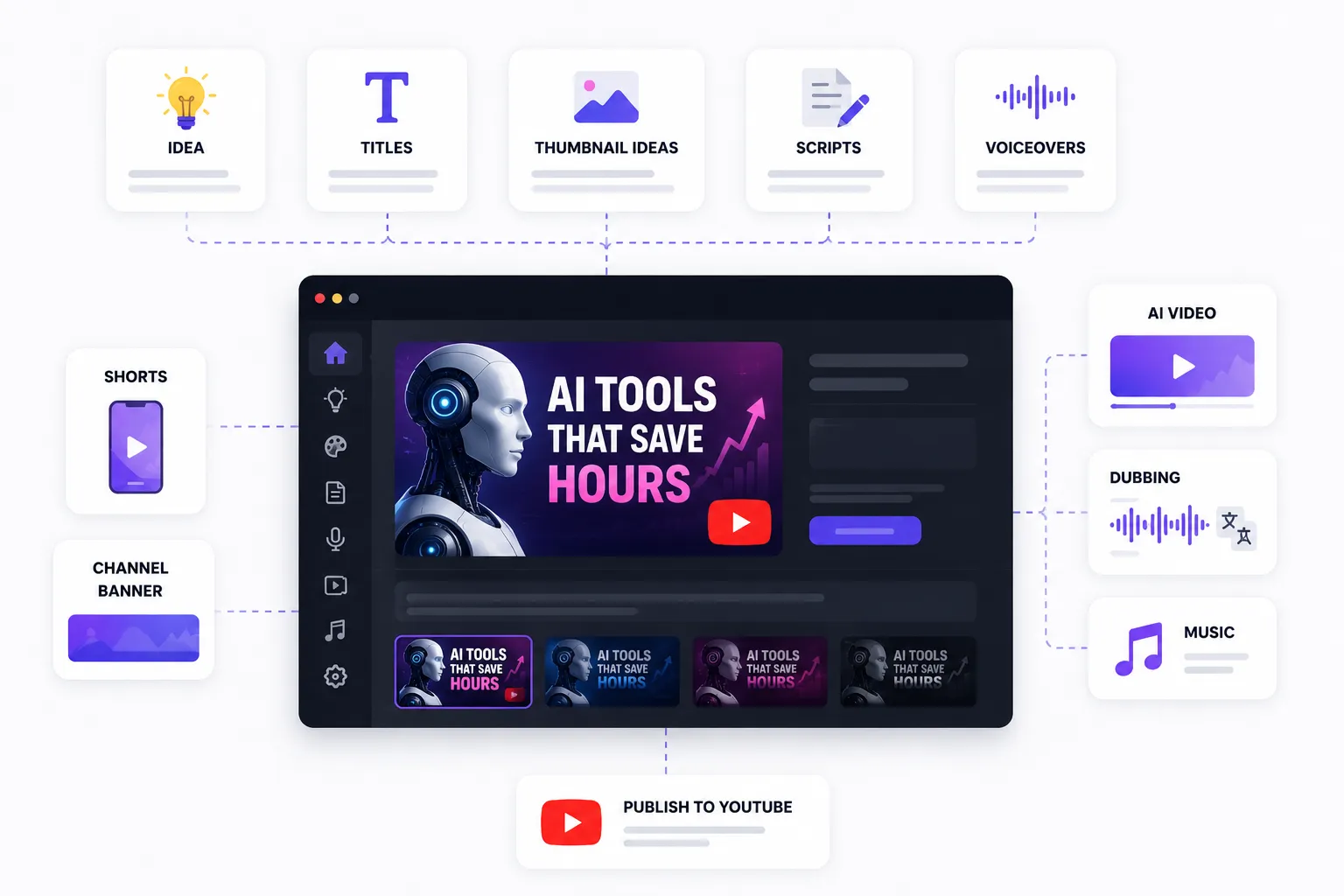
For example, instead of simply asking for “a YouTube thumbnail about AI tools,” a creator can build a stronger concept:
“I tested 10 AI tools for YouTube creators”
“Can AI replace a video editor?”
“I made a faceless YouTube video in 10 minutes”
“This AI tool turned one idea into a full video”
Then the thumbnail can be created around the actual hook of the video, not around a generic image.
Play Profi is useful for:
- YouTube thumbnail ideas;
- AI-generated thumbnails;
- title and thumbnail combinations;
- Shorts covers;
- faceless channel packaging;
- video ideas;
- scripts;
- voiceovers;
- AI video workflows;
- creator content systems.
The strongest use case is for creators who want to make YouTube content faster and more consistently. Instead of using one tool for titles, another for thumbnails, another for scripts, and another for videos, Play Profi helps creators work inside one connected production flow.
This makes it especially useful for solo creators, faceless YouTube channels, content teams, social media managers, and YouTubers who want to test more ideas without hiring a full production team.
Best for: creators who want thumbnails connected with titles, scripts, video ideas, Shorts, voiceovers, and full YouTube content production.
Official site: https://playprofi.com/
3. Pikzels — best dedicated YouTube packaging tool
Pikzels is one of the most specialized tools for YouTube thumbnails and titles. Unlike generic design tools, Pikzels is built specifically around YouTube packaging, CTR, thumbnail testing, and repeatable results. The platform describes itself as a YouTube packaging tool for creating, testing, and iterating thumbnails and titles that get clicked. (Pikzels)
Pikzels is useful for:
- AI YouTube thumbnails;
- thumbnail prompts;
- title and thumbnail packaging;
- thumbnail recreation;
- thumbnail analysis;
- CTR-focused concepts;
- YouTube-style layouts;
- fast variations;
- testing different thumbnail ideas.
One of its strongest features is that it is built specifically for YouTube performance. Many AI image tools can create a beautiful image, but a beautiful image is not always a good YouTube thumbnail. A good thumbnail needs clarity, emotion, contrast, simplicity, and strong packaging.
Pikzels focuses on that. Its prompt-to-thumbnail feature is designed to turn an idea into a ready-to-test YouTube thumbnail, and its positioning is clearly aimed at creators who care about clicks, not just aesthetics.
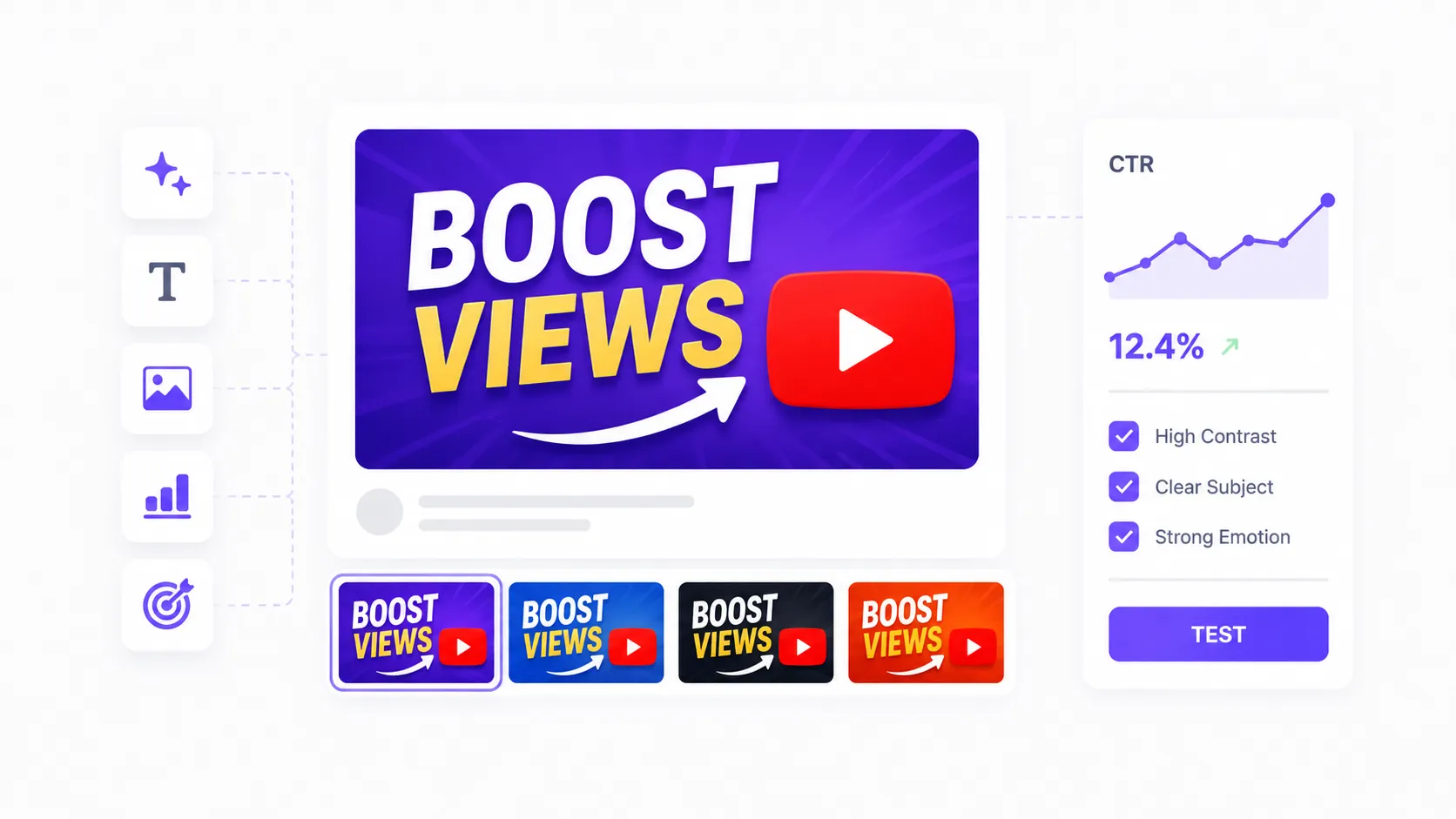
This makes it a good option for creators who want a tool focused only on thumbnails and titles rather than a full video production platform.
Best for: dedicated YouTube thumbnail generation, packaging, CTR-focused concepts.
Official site: https://pikzels.com/
4. Adobe Express — best for polished thumbnail templates and AI design
Adobe Express is another strong option for YouTube thumbnail creation. It offers a free online YouTube thumbnail maker with templates, customization, brand tools, background images, stock assets, fonts, and design features. Adobe also offers an AI thumbnail generator that can create fresh thumbnails from prompts. (Adobe)
Adobe Express is useful for:
- YouTube thumbnails;
- social media graphics;
- branded video covers;
- template-based designs;
- background removal;
- AI-generated images;
- text overlays;
- channel visuals;
- marketing assets.
Adobe Express is especially useful for creators who want a more polished design environment but do not want to use complex professional tools like Photoshop. It sits between simple template tools and advanced design software.
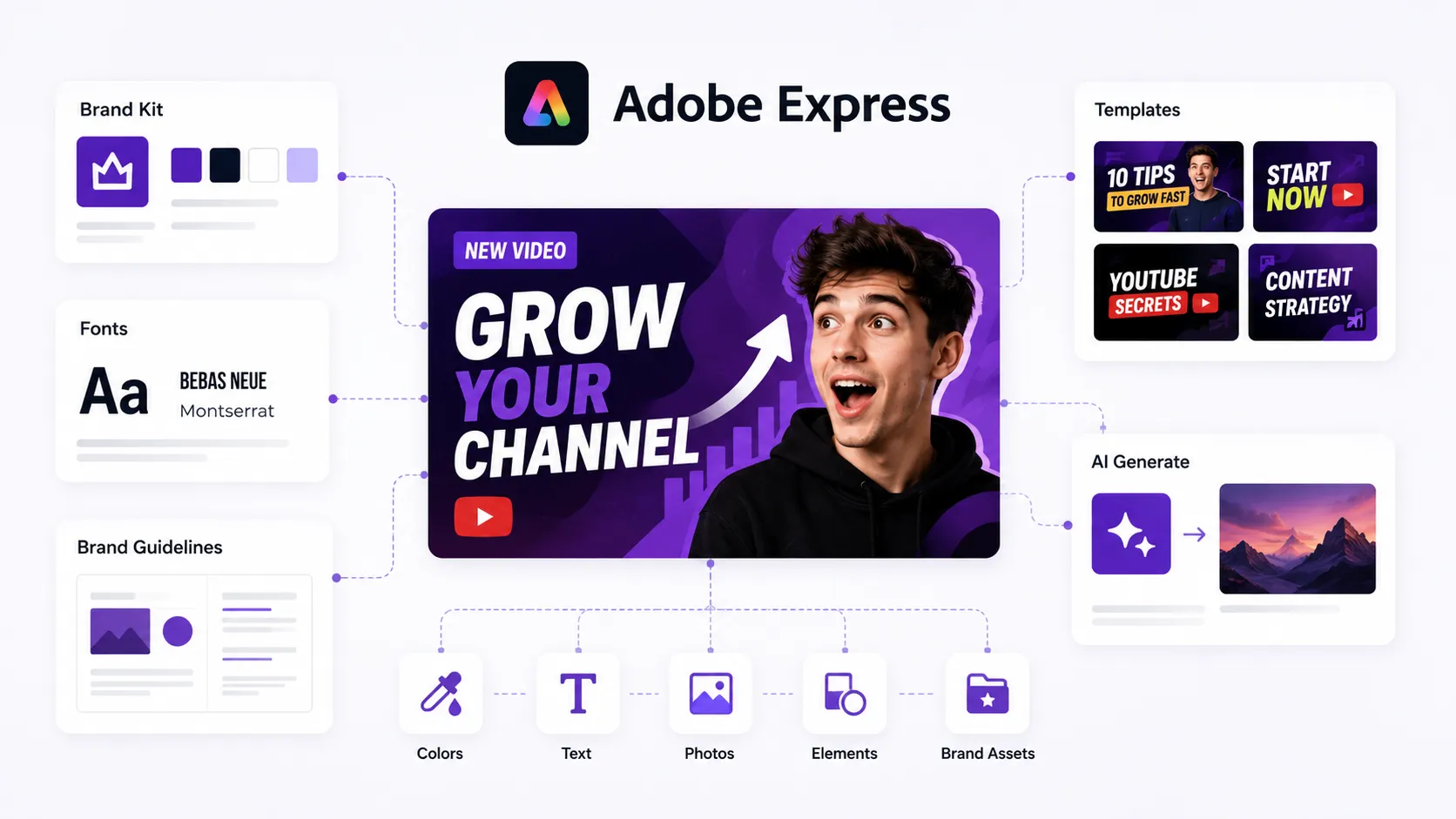
The platform is good for creators who care about clean visual identity, brand consistency, and professional-looking thumbnails. You can start with a template, customize the image, add text, adjust colors, and create thumbnails that match your channel style.
Adobe Express is not as YouTube-specific as Pikzels, but it is a strong general design tool for thumbnails and creator assets.
Best for: polished YouTube templates, AI design, branded thumbnails, creator graphics.
Official site: https://www.adobe.com/express/
5. Thumbnail AI — best for quick thumbnail feedback and scoring
Thumbnail AI is useful for creators who already have thumbnail concepts and want quick feedback before publishing. Instead of only generating thumbnails, tools like this focus on evaluating whether a thumbnail may attract attention.
This is important because many creators make thumbnails based only on personal taste. But personal taste is not the same as YouTube performance. A thumbnail can look nice but still fail because the idea is unclear, the text is too small, the face has no emotion, the contrast is weak, or the composition is too crowded.
Thumbnail feedback tools can help creators check:
- clarity;
- contrast;
- emotional impact;
- readability;
- visual focus;
- thumbnail strength;
- possible CTR issues;
- whether the image works at small size.
This type of tool is best used after creating a few thumbnail options. You can generate or design several versions, then use AI feedback to choose the strongest one or improve weak areas.
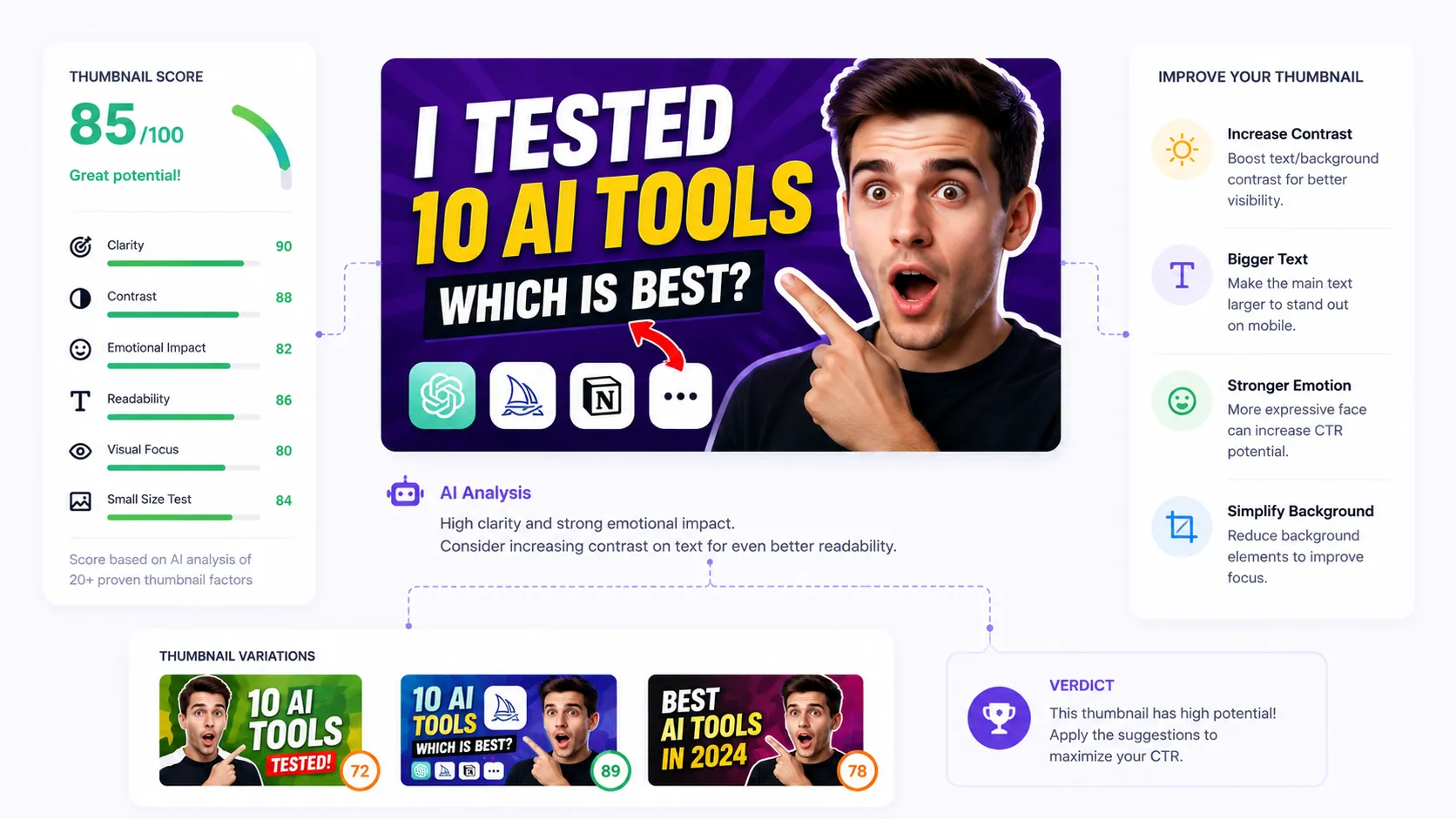
It is not a replacement for real YouTube A/B testing, but it can help creators avoid obvious mistakes before uploading.
Best for: thumbnail feedback, scoring, quick checks, improving existing thumbnails.
Official site: https://thumbnail-ai.com/
6. Fotor — best for quick AI thumbnail design and image editing
Fotor is a practical AI design and image editing tool that can help creators make YouTube thumbnails, edit images, remove backgrounds, enhance photos, add text, and create social media graphics.
Fotor is useful for:
- AI thumbnail design;
- background removal;
- image enhancement;
- text overlays;
- portrait editing;
- social media graphics;
- quick design edits;
- YouTube covers.
It is especially useful when you already have an image but need to make it more clickable. For example, you may want to brighten a face, remove the background, add contrast, create a dramatic background, or add readable text.
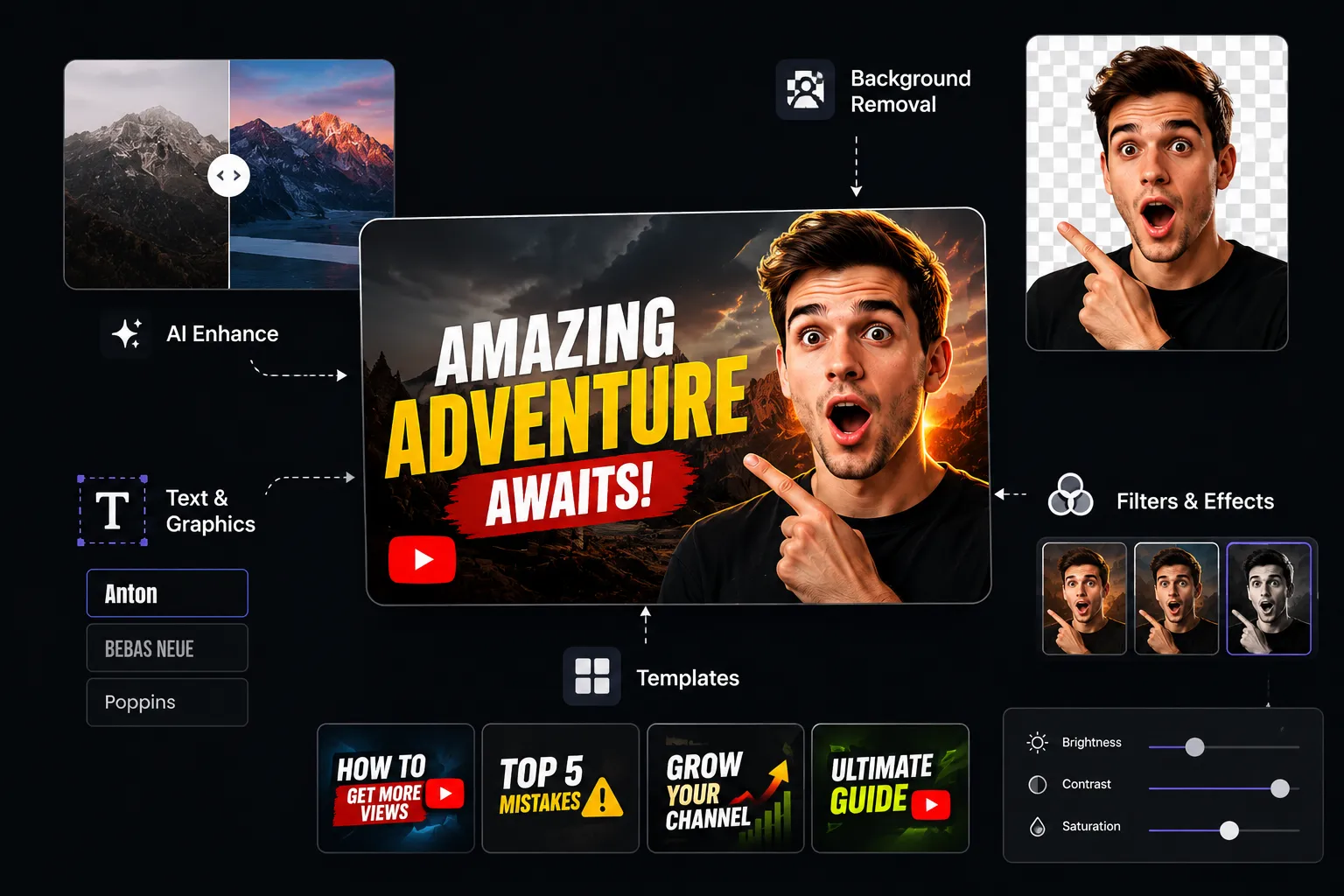
Fotor is not as specialized for YouTube strategy as Pikzels and not as connected to a full creator workflow as Play Profi, but it can be useful for fast visual editing and thumbnail polishing.
Best for: quick AI design, photo editing, background removal, and thumbnail polishing.
Official site: https://www.fotor.com/
7. Simplified — best for thumbnails, social graphics, and creator templates
Simplified is a content creation platform that includes design, video, social media, writing, and AI tools. For YouTube creators, it can be useful for making thumbnails, social posts, video graphics, and marketing assets.
Simplified is useful for:
- YouTube thumbnail templates;
- social media graphics;
- AI writing;
- video assets;
- brand templates;
- content calendars;
- marketing visuals;
- quick creator designs.
This tool is especially useful for small content teams and social media managers who need to create many different assets around one video: thumbnail, post, story, short clip, quote card, and promotional graphic.
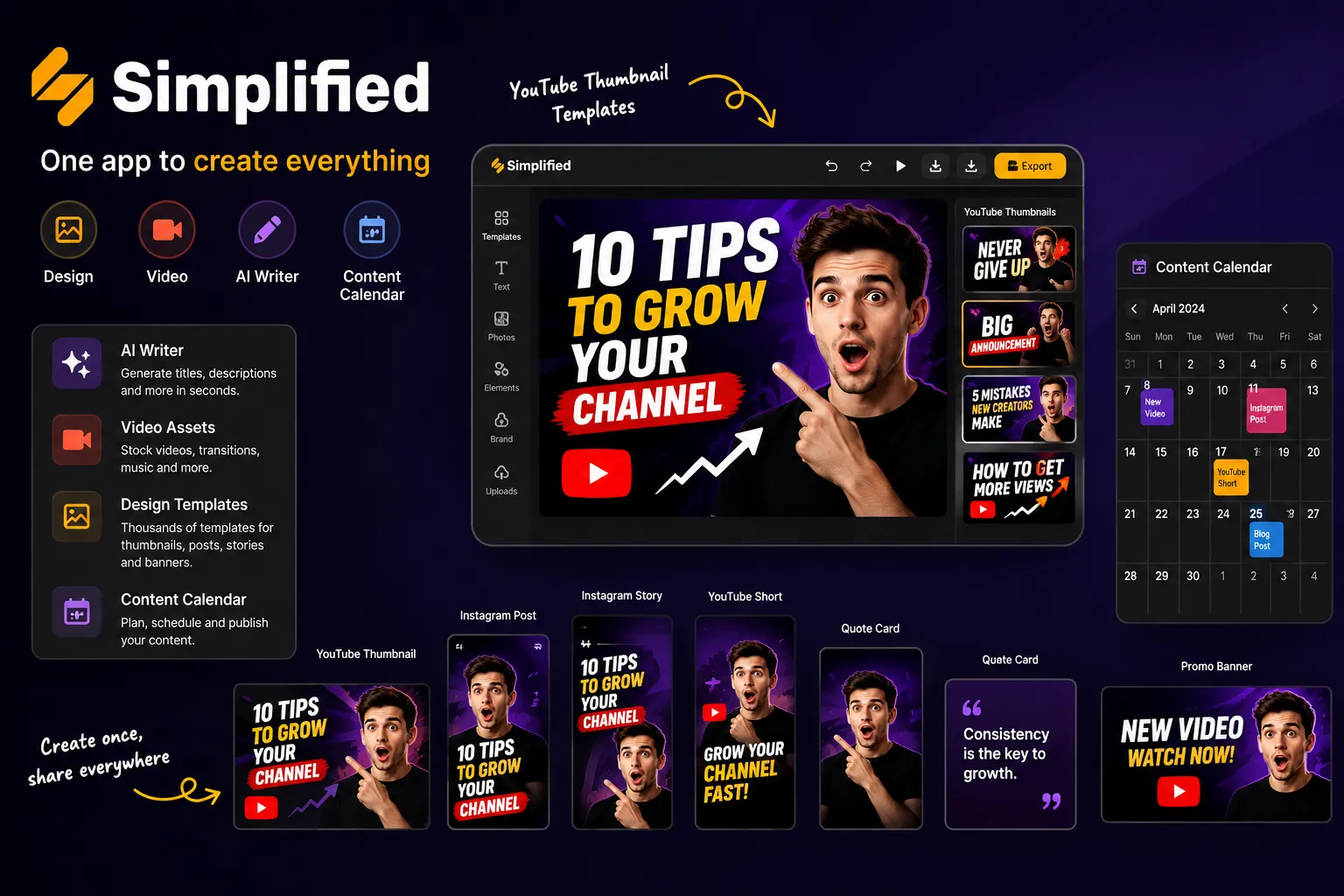
For YouTube thumbnails, Simplified works best when you want speed and templates rather than deep custom image generation.
Best for: thumbnail templates, social graphics, marketing content, creator assets.
Official site: https://simplified.com/
8. Figma — best for creators who want full control over thumbnail systems
Figma is not a traditional AI thumbnail generator, but it is one of the best tools for creators and teams who want full control over thumbnail systems, layouts, templates, and brand consistency.
Figma is useful for:
- custom thumbnail systems;
- reusable layouts;
- team collaboration;
- brand templates;
- design components;
- text styles;
- thumbnail variations;
- YouTube packaging systems.
The main advantage of Figma is control. If you run a serious YouTube channel, you may want reusable thumbnail templates: one style for interviews, one for documentaries, one for reaction videos, one for tutorials, and one for Shorts covers.
Figma lets you build those systems and quickly create variations without starting from scratch every time.
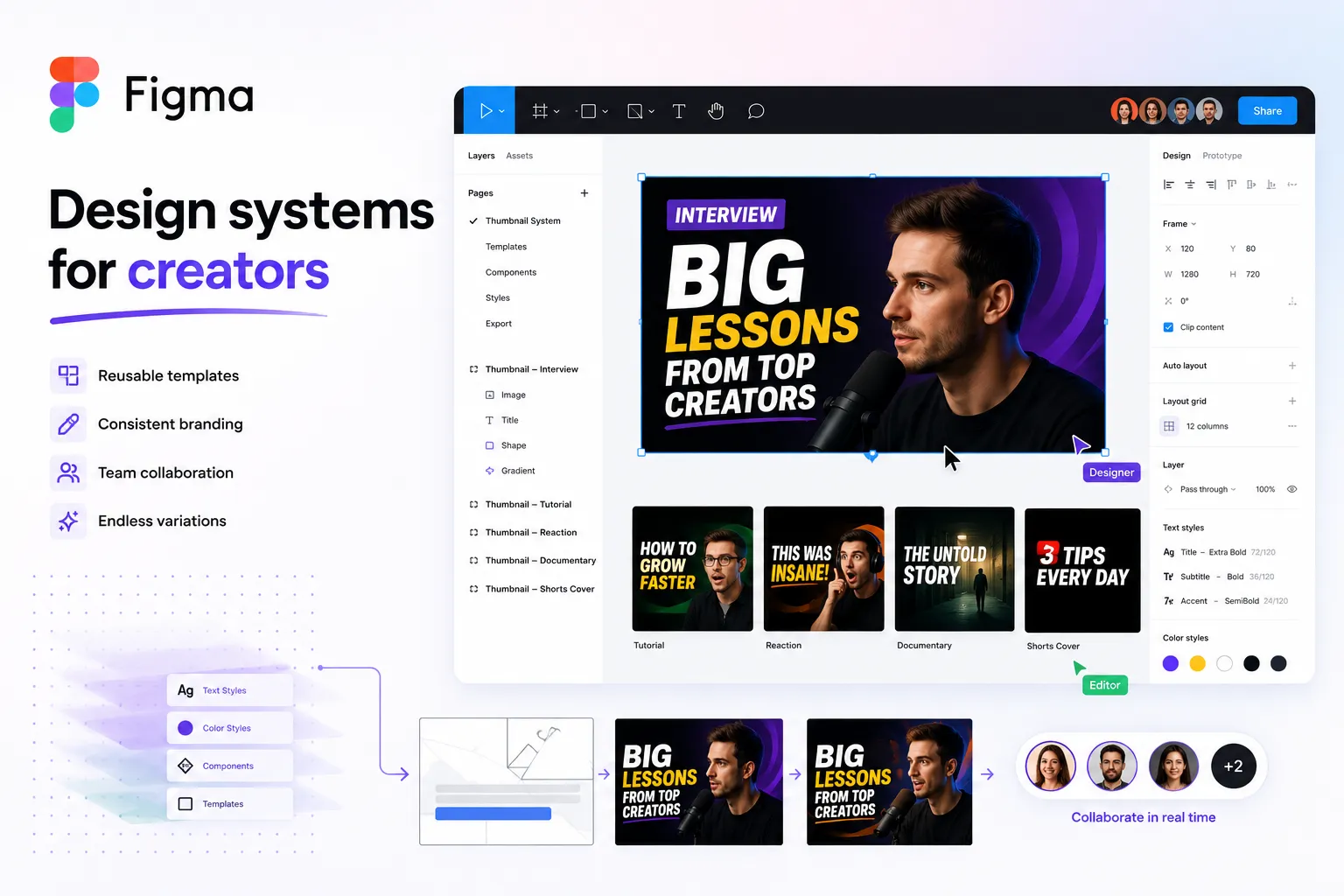
It is more advanced than Canva or Adobe Express, so it is better for creators who have design experience or work with a designer. But for serious YouTube packaging, a structured Figma template system can be very powerful.
Best for: custom thumbnail systems, reusable templates, professional control.
Official site: https://www.figma.com/
9. Midjourney — best for highly creative thumbnail visuals
Midjourney is one of the strongest tools for generating visually impressive AI images. It is useful for creators who want dramatic, cinematic, artistic, surreal, or highly stylized thumbnail backgrounds and concepts.
Midjourney is useful for:
- cinematic thumbnail backgrounds;
- dramatic scenes;
- stylized portraits;
- surreal concepts;
- fantasy or sci-fi visuals;
- documentary-style imagery;
- high-impact visual concepts;
- creative YouTube thumbnails.
Midjourney is not a YouTube thumbnail tool by itself. It does not automatically understand your title, CTR, audience, or packaging strategy. But it can generate very strong raw visuals that can later be edited in Canva, Photoshop, Figma, Adobe Express, or another design tool.
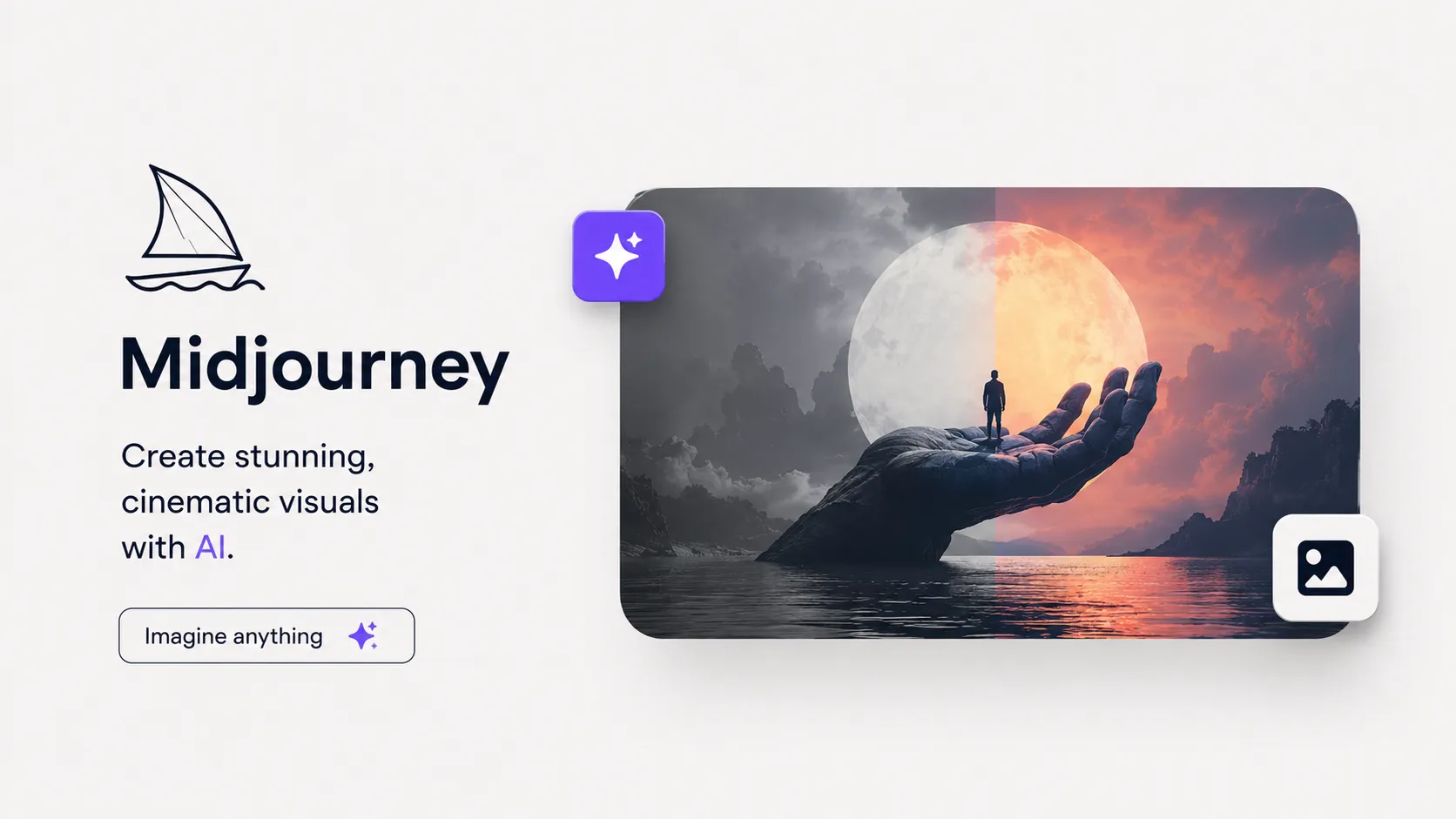
This makes it especially useful for creators in niches where visuals matter a lot: science, history, mystery, storytelling, gaming, finance, technology, horror, documentaries, and entertainment.
Best for: creative AI visuals, dramatic thumbnail concepts, cinematic images.
Official site: https://www.midjourney.com/
10. Leonardo AI — best for stylized thumbnail images and creative assets
Leonardo AI is another strong image generation tool for creators who want custom visuals, stylized images, characters, scenes, and creative assets. Like Midjourney, it is not only a thumbnail tool, but it can be very useful for generating the visual elements of a thumbnail.
Leonardo AI is useful for:
- AI-generated characters;
- stylized visuals;
- cinematic backgrounds;
- fantasy scenes;
- gaming thumbnails;
- product visuals;
- concept art;
- custom image assets;
- social media visuals.
For YouTube thumbnails, Leonardo AI works best when combined with a design tool. You can generate the main visual, then add text, arrows, faces, contrast, and layout in another editor.
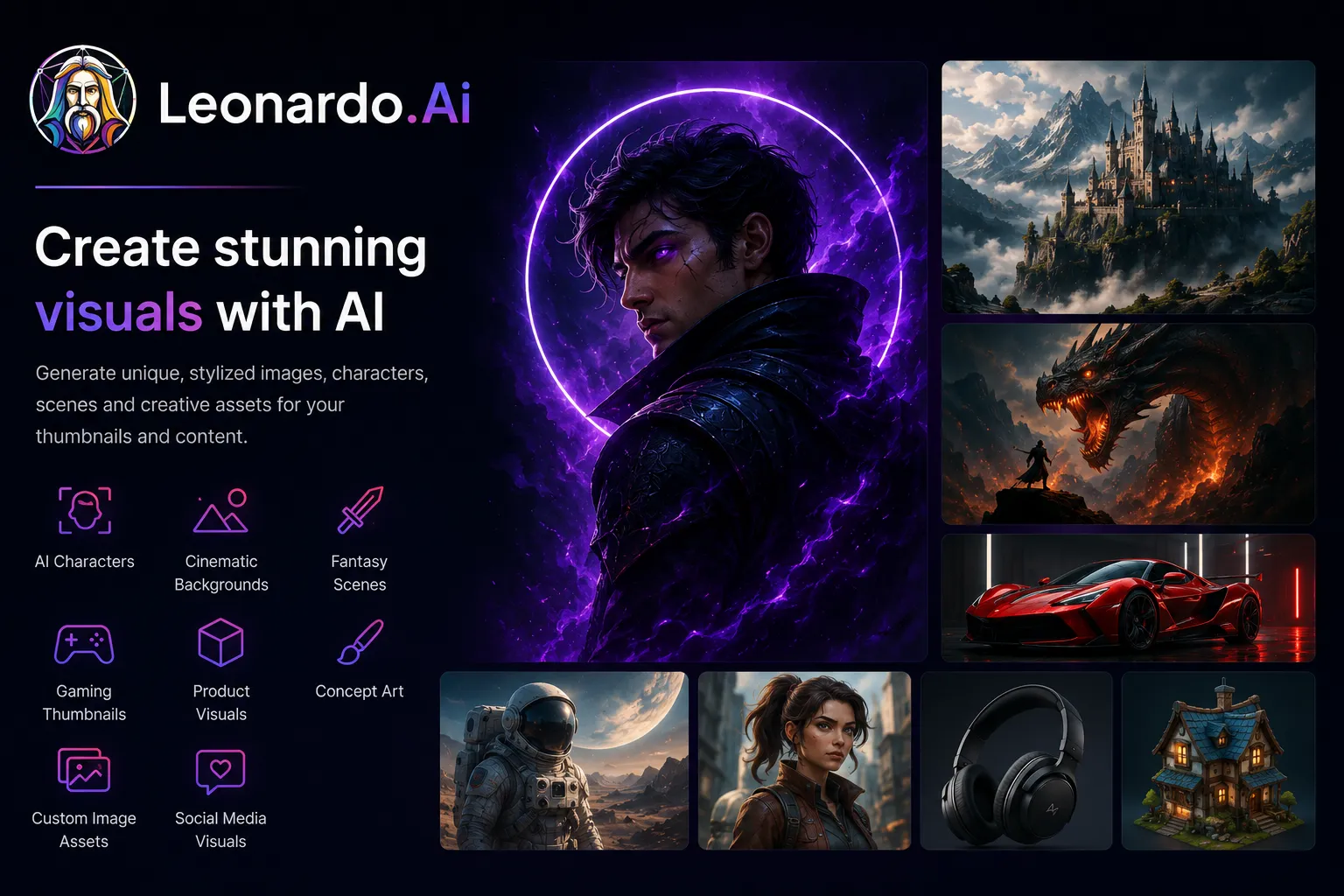
It is especially useful for creators who need a lot of original visuals and do not want every thumbnail to look like a stock image.
Best for: stylized AI images, creative assets, characters, custom thumbnail visuals.
Official site: https://leonardo.ai/
Final thoughts: what is the best AI thumbnail generator for YouTube?
- What is the video about?
- Why should someone click?
- What emotion does it create?
- Is the idea clear in one second?
- Does it work together with the title?
- Is it readable on mobile?
- Does it stand out from competing videos?
- Does it promise something the video actually delivers?
If you want thumbnails connected with titles, ideas, scripts, Shorts, voiceovers, and the full content production workflow, Play Profi is one of the strongest all-in-one options.