Best AI Tools for Faceless YouTube Channels in 2026
Faceless YouTube channels are one of the most popular ways to create content without appearing on camera. You can build educational videos, documentary-style channels, Shorts, product explainers, history videos, finance videos, horror stories, motivational content, AI news, list videos, and niche entertainment channels without filming yourself. But a faceless channel still needs the same things as any successful YouTube channel: strong ideas, good scripts, engaging visuals, professional voiceovers, clickable thumbnails, fast editing, subtitles, and consistent publishing. In 2026, AI tools make it much easier to build this workflow. The best AI tools for faceless YouTube channels help with scripting, voiceover, AI video generation, stock footage, avatars, thumbnails, captions, dubbing, editing, and YouTube SEO. Here are the best AI tools for faceless YouTube channels in 2026.

Share
1. InVideo AI — best for generating faceless videos from prompts
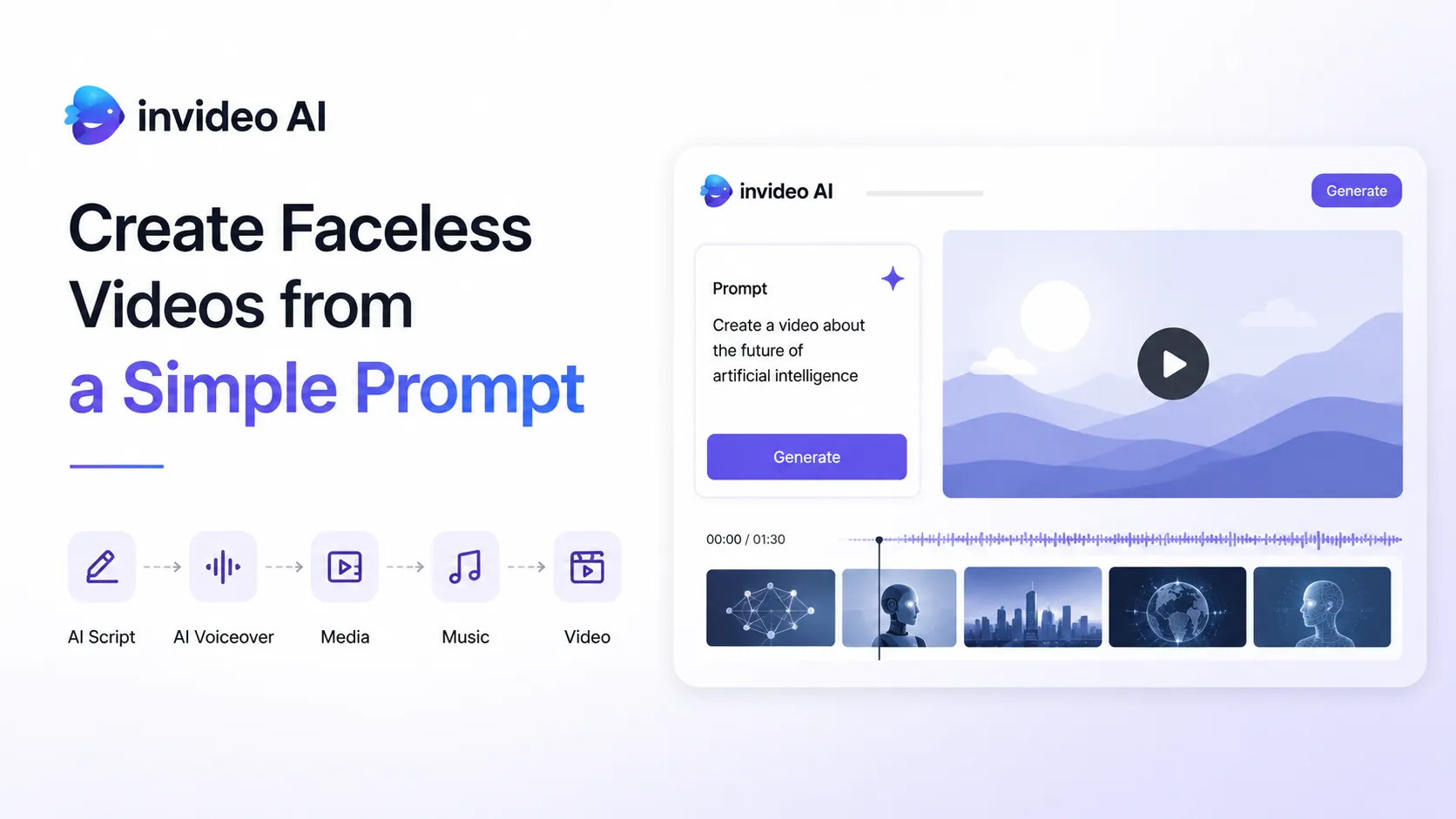
InVideo AI is one of the most useful tools for creators who want to generate faceless videos from a simple prompt. Its AI faceless video generator can write scripts, add media, generate voiceovers, add music and sound effects, and create a video ready to publish. (Invideo)
This makes it useful for creators who want to produce videos without recording their own face, voice, or footage.
InVideo AI is useful for:
- faceless YouTube videos;
- educational videos;
- explainer videos;
- list videos;
- motivational videos;
- social media videos;
- product videos;
- AI-generated narration;
- stock footage videos.
The main advantage is simplicity. You can start with a topic, describe the kind of video you want, and let the tool generate a first draft. It may still need editing and human taste, but it can speed up the process for beginners and solo creators.
For faceless YouTube channels, InVideo AI works best when you need quick production and do not want to manage too many separate tools. It is especially useful for simple informational videos, list-based content, and social media versions of longer topics.
Best for: creating faceless videos from prompts, scripts, media, voiceover, and stock footage.
Official site: https://invideo.io/
2. Play Profi — best full workflow for faceless YouTube creators
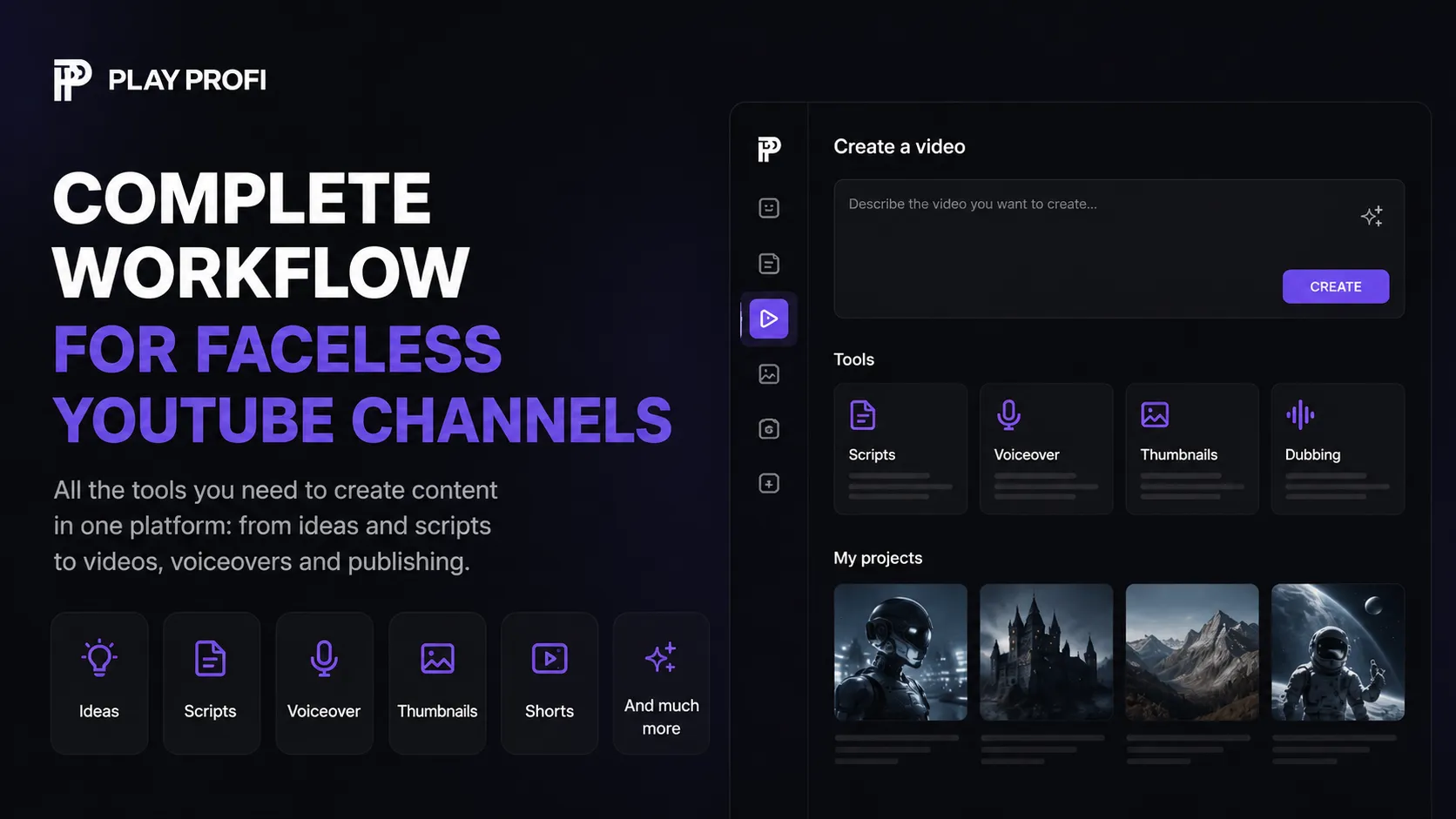
Play Profi is one of the most interesting AI tools for faceless YouTube channels because it is built around the full content production process, not just one task.
A faceless YouTube creator usually needs many different tools: one for ideas, one for scripts, one for voiceover, one for visuals, one for thumbnails, one for titles, one for dubbing, one for Shorts, and one for video generation. Play Profi brings many of these steps into one platform.
For faceless creators, Play Profi can help with:
- video ideas;
- YouTube scripts;
- viral hooks;
- YouTube titles;
- thumbnail concepts;
- AI-generated thumbnails;
- voiceovers;
- dubbing;
- AI presenters;
- Shorts;
- video generation;
- music;
- content automation.
This is especially useful if you want to build a faceless channel as a repeatable system. Instead of creating one video manually from scratch, you can create a workflow: choose an idea, generate script options, create a voiceover, prepare visuals, generate a thumbnail, make a short version, and test different angles.
Play Profi fits several types of faceless channels:
- AI facts channels;
- history channels;
- science explainers;
- motivational channels;
- documentary channels;
- business and finance channels;
- educational Shorts;
- product explainers;
- horror and mystery stories;
- faceless YouTube automation channels.
The strongest advantage is that Play Profi is not just a “text-to-video” tool. It is closer to an AI content factory for creators. That matters because faceless YouTube is not only about video generation. To grow, you also need clickable packaging: titles, thumbnails, hooks, descriptions, and repeatable formats.
For a creator trying to publish consistently, this kind of all-in-one workflow can be more practical than constantly jumping between different tools.
Best for: faceless YouTube creators who want one platform for ideas, scripts, thumbnails, voiceovers, Shorts, dubbing, AI presenters, and video workflows.
Official site: https://playprofi.com/
3. Pictory — best for turning scripts, articles, and URLs into faceless videos
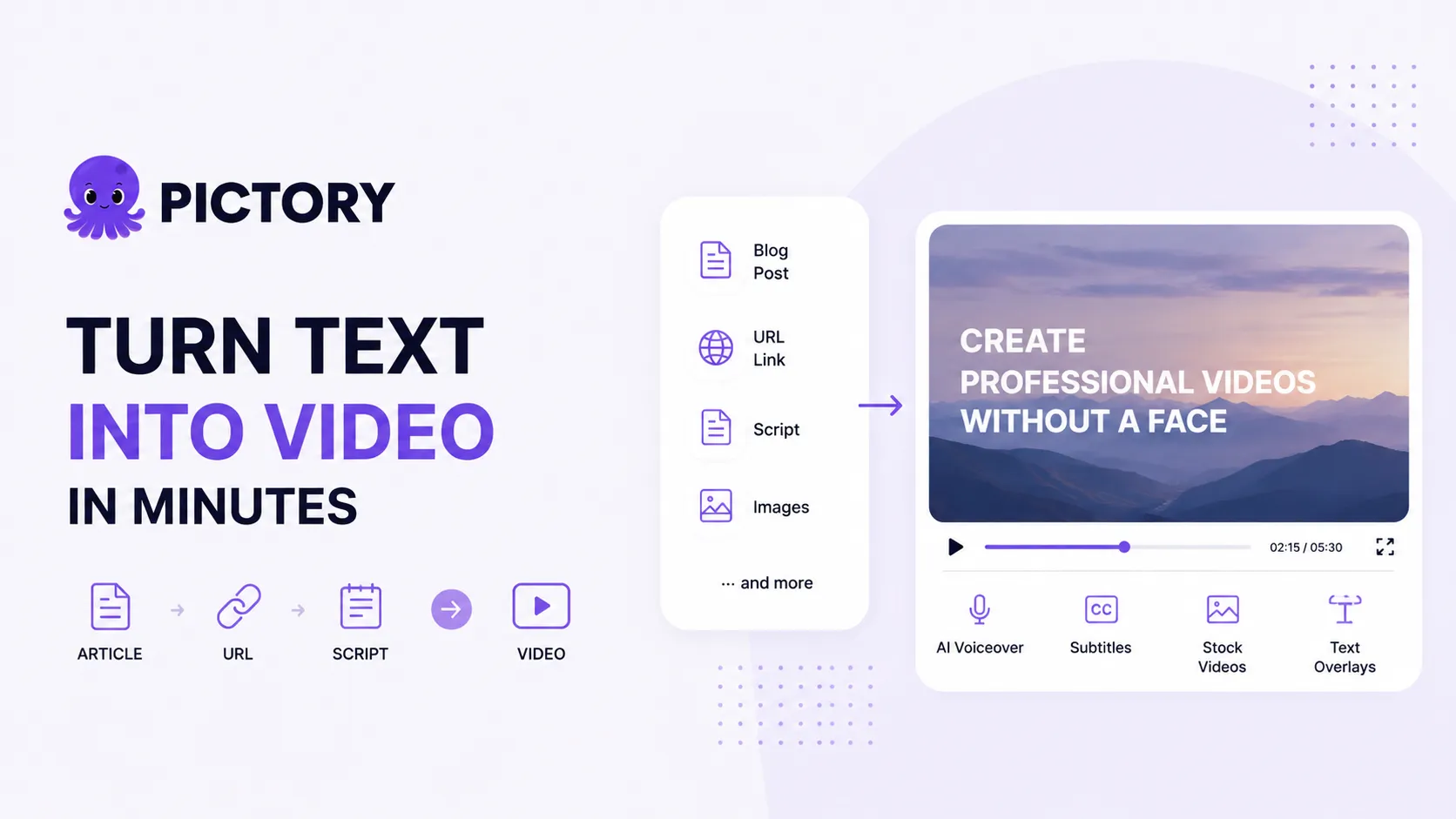
Pictory is a strong choice for faceless YouTube creators who want to turn text into video. It can transform scripts, prompts, URLs, blog posts, presentations, images, recordings, and other source materials into branded videos with captions, AI voices, templates, avatars, and automatic editing.
Pictory is useful for:
- turning blog posts into videos;
- creating faceless videos from scripts;
- making educational videos;
- creating business explainers;
- adding captions;
- using stock visuals;
- generating videos from URLs;
- converting written content into video.
Its faceless video generator is designed for YouTubers, marketers, and educators who want to create videos using AI-selected visuals, voiceovers, and text overlays. (Pictory.ai)
This makes Pictory especially useful if you already have written content. For example, if you have a blog post, article, lesson, product guide, or script, you can turn it into a faceless video without filming yourself.
The best use case is informational content: tutorials, educational explainers, list videos, business content, product explainers, and social media videos.
Best for: turning scripts, articles, URLs, and blog posts into faceless videos.
Official site: https://pictory.ai/
4. ElevenLabs — best for realistic AI voiceovers
For a faceless YouTube channel, voice is one of the most important parts of the video. If the voice sounds robotic or cheap, viewers leave quickly. If the voice sounds natural, emotional, and professional, the whole channel feels more trustworthy.
ElevenLabs is one of the best AI voice tools for faceless YouTube creators. It offers realistic AI voices, text-to-speech, voice cloning, dubbing, speech-to-text, sound effects, and support for many languages.
ElevenLabs is useful for:
- faceless YouTube narration;
- documentary-style voiceovers;
- Shorts narration;
- storytelling channels;
- horror stories;
- motivational videos;
- educational explainers;
- character voices;
- multilingual content;
- video dubbing.
A good faceless channel often depends on a recognizable voice. ElevenLabs can help creators create voiceovers without recording themselves, hiring a narrator, or using low-quality robotic text-to-speech.
It is especially useful for channels where the voice carries the whole video: history, science, mystery, finance, motivation, psychology, and documentary-style content.
Best for: realistic AI voiceovers, narration, dubbing, and faceless storytelling.
Official site: https://elevenlabs.io/
5. HeyGen — best for AI avatars and faceless presenter videos
HeyGen is a strong tool for creators who want AI avatars, presenter-style videos, video translation, and multilingual content. Its AI video translator supports 175+ languages and dialects with voice, tone, pacing, lip-sync, and subtitles.
For faceless YouTube creators, HeyGen is useful for:
- AI presenter videos;
- avatar-based explainers;
- product demos;
- business videos;
- training videos;
- multilingual videos;
- translated content;
- faceless educational videos.
HeyGen is especially useful if you do not want to appear on camera but still want a human-like presenter. This can work well for SaaS explainers, online courses, business education, product walkthroughs, language learning, and corporate content.
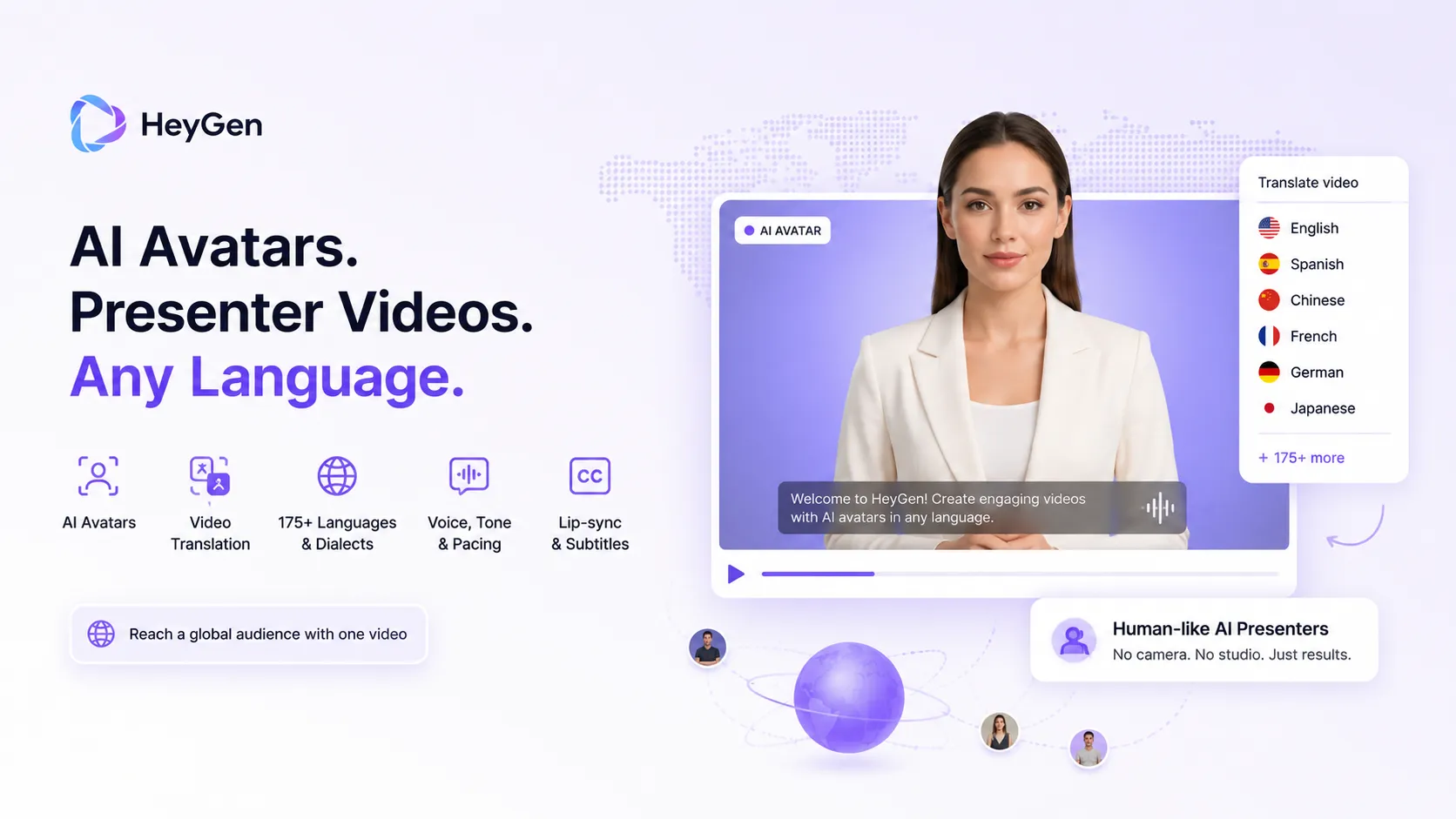
It also helps creators localize content. If one video performs well in one language, you can translate and adapt it for other markets.
Best for: AI avatars, faceless presenter videos, video translation, and multilingual content.
Official site: https://www.heygen.com/
6. Canva — best for thumbnails, templates, and simple faceless visuals
Canva is one of the easiest tools for creating visual assets for a faceless YouTube channel. Even if you use other tools for scripts, voiceovers, and editing, Canva can help with thumbnails, banners, social posts, simple animations, video templates, and branded graphics.
For faceless channels, Canva is useful for:
- YouTube thumbnails;
- video covers;
- channel banners;
- simple animated videos;
- infographic videos;
- quote videos;
- educational slides;
- Shorts templates;
- social media graphics.
Canva also offers AI video and design tools that can help creators create visual content from prompts, templates, and media assets. It is not always the best tool for advanced video generation, but it is very practical for packaging and design.
This is important because faceless channels often depend heavily on packaging. If your thumbnail and title are weak, even a good video may not get clicked.
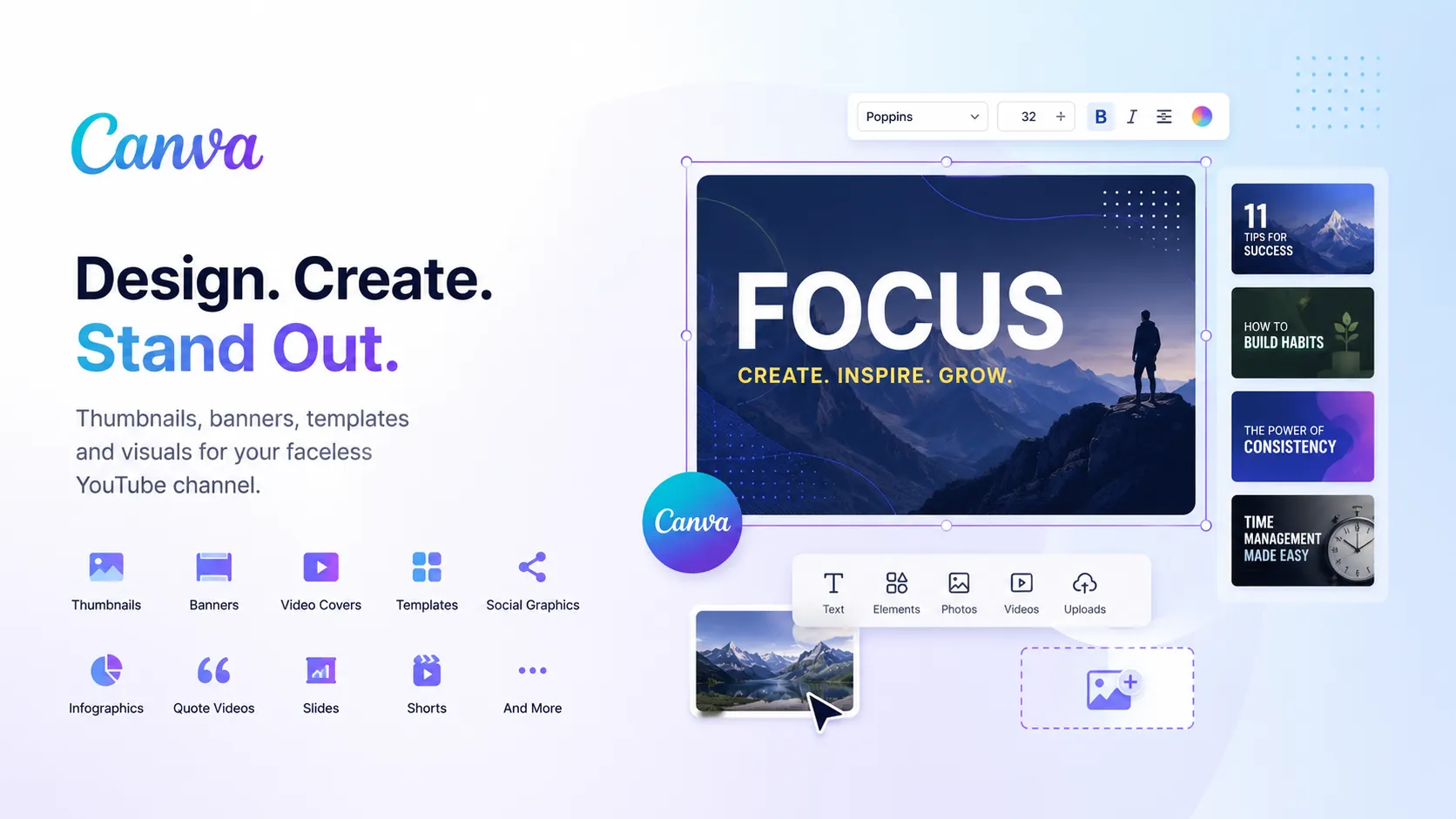
Canva is especially useful for creators who want to make clean, branded, repeatable designs without hiring a designer.
Best for: thumbnails, simple visuals, templates, banners, and branded graphics.
Official site: https://www.canva.com/
7. Descript — best for editing faceless videos by editing text
Descript is useful for faceless creators who work with narration, podcasts, interviews, screen recordings, commentary, and educational videos. Its core strength is text-based editing: you transcribe your audio or video, edit the transcript, and the video edits follow the text.
For faceless YouTube creators, Descript is useful for:
- editing narration;
- removing filler words;
- cutting podcasts into clips;
- editing screen recordings;
- cleaning audio;
- creating captions;
- repurposing long videos;
- making educational videos.
Descript is especially good when your faceless videos are built around spoken content. Instead of editing on a traditional timeline, you can edit the script or transcript directly. This can save a lot of time for creators producing explainers, tutorials, commentary, interviews, or podcast-based content.
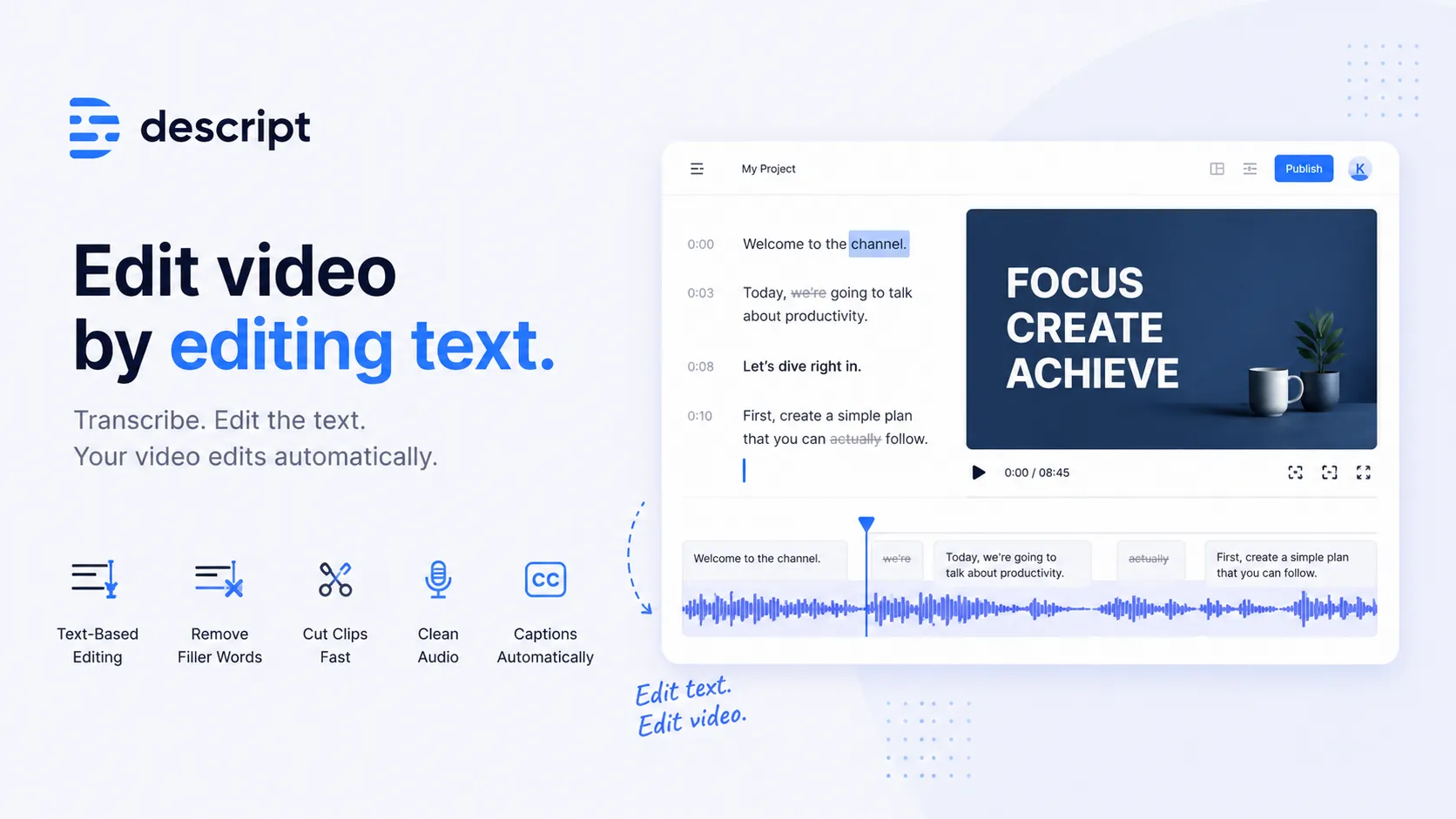
It is not a complete faceless video generator, but it is one of the best tools for polishing speech-based content.
Best for: text-based editing, narration editing, podcasts, tutorials, and faceless educational content.
Official site: https://www.descript.com/
8. OpusClip — best for turning long content into faceless Shorts
OpusClip is a strong tool for creators who already have long videos and want to turn them into YouTube Shorts, TikToks, and Reels. It can turn one long video into multiple short clips and publish them to social platforms faster.
For faceless YouTube creators, OpusClip is useful for:
- repurposing long videos;
- cutting podcasts into Shorts;
- turning webinars into clips;
- making educational Shorts;
- creating social clips from long-form content;
- adding captions;
- resizing videos for vertical platforms.
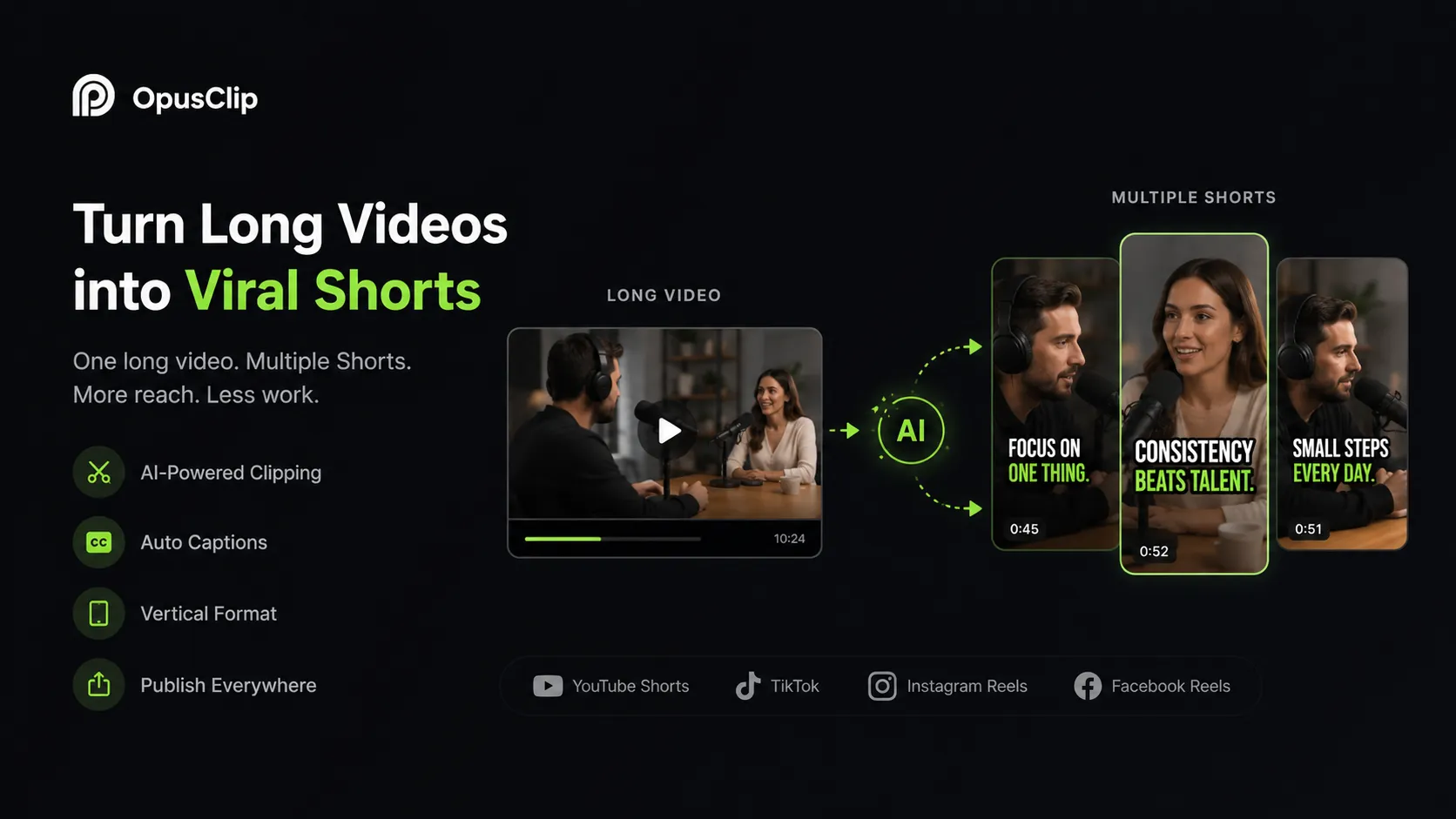
This is especially useful if your faceless channel also produces long-form content. For example, one 10-minute educational video can become several Shorts. One podcast episode can become many short clips. One webinar can produce a week of social content.
OpusClip is not designed to create an entire faceless video from scratch, but it is very useful for distribution and repurposing.
Best for: turning long videos into Shorts, Reels, and TikTok clips.
Official site: https://www.opus.pro/
9. VEED — best for online editing, subtitles, and faceless social videos
VEED is a browser-based AI video editing platform that includes subtitles, AI editing, dubbing, avatars, text-to-speech, translation, screen recording, and social video tools.
For faceless YouTube creators, VEED is useful for:
- subtitles;
- captions;
- simple video editing;
- resizing videos;
- dubbing;
- AI voiceovers;
- online editing;
- screen recordings;
- short-form content;
- social videos.
VEED is useful if you want to edit videos online without complex software. It can help you add captions, resize content for YouTube Shorts, clean up videos, translate content, and prepare social media versions.
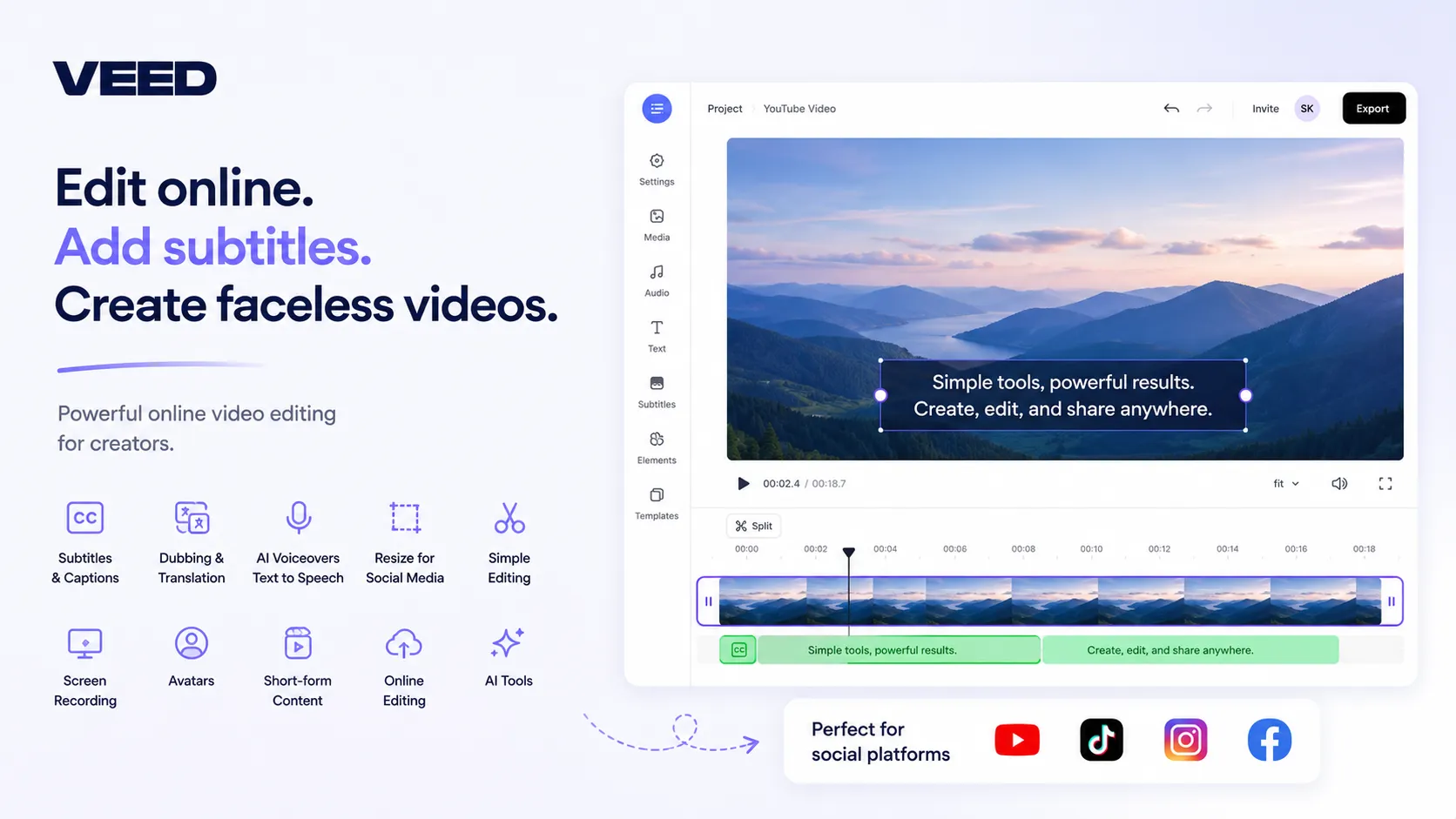
For faceless channels, subtitles are especially important. Many faceless videos depend on narration, and captions help viewers follow the story, especially on mobile.
Best for: online editing, subtitles, dubbing, screen recordings, and social video formatting.
Official site: https://www.veed.io/
10. vidIQ — best for YouTube SEO, keywords, and topic research
A faceless YouTube channel still needs strategy. You can have the best AI voice, the best editing, and beautiful visuals, but if you choose the wrong topics, no one will watch.
vidIQ is one of the best tools for YouTube keyword research, SEO, topic ideas, title optimization, trend discovery, and competitor research.
For faceless YouTube creators, vidIQ is useful for:
- finding video ideas;
- researching keywords;
- analyzing competition;
- improving titles;
- finding trending topics;
- planning content;
- improving YouTube SEO;
- understanding what viewers search for.
This is especially useful for faceless channels because many of them are built around search-driven niches: finance, health, history, psychology, technology, business, facts, education, and tutorials.
vidIQ does not create videos for you, but it helps you decide what videos are worth creating.
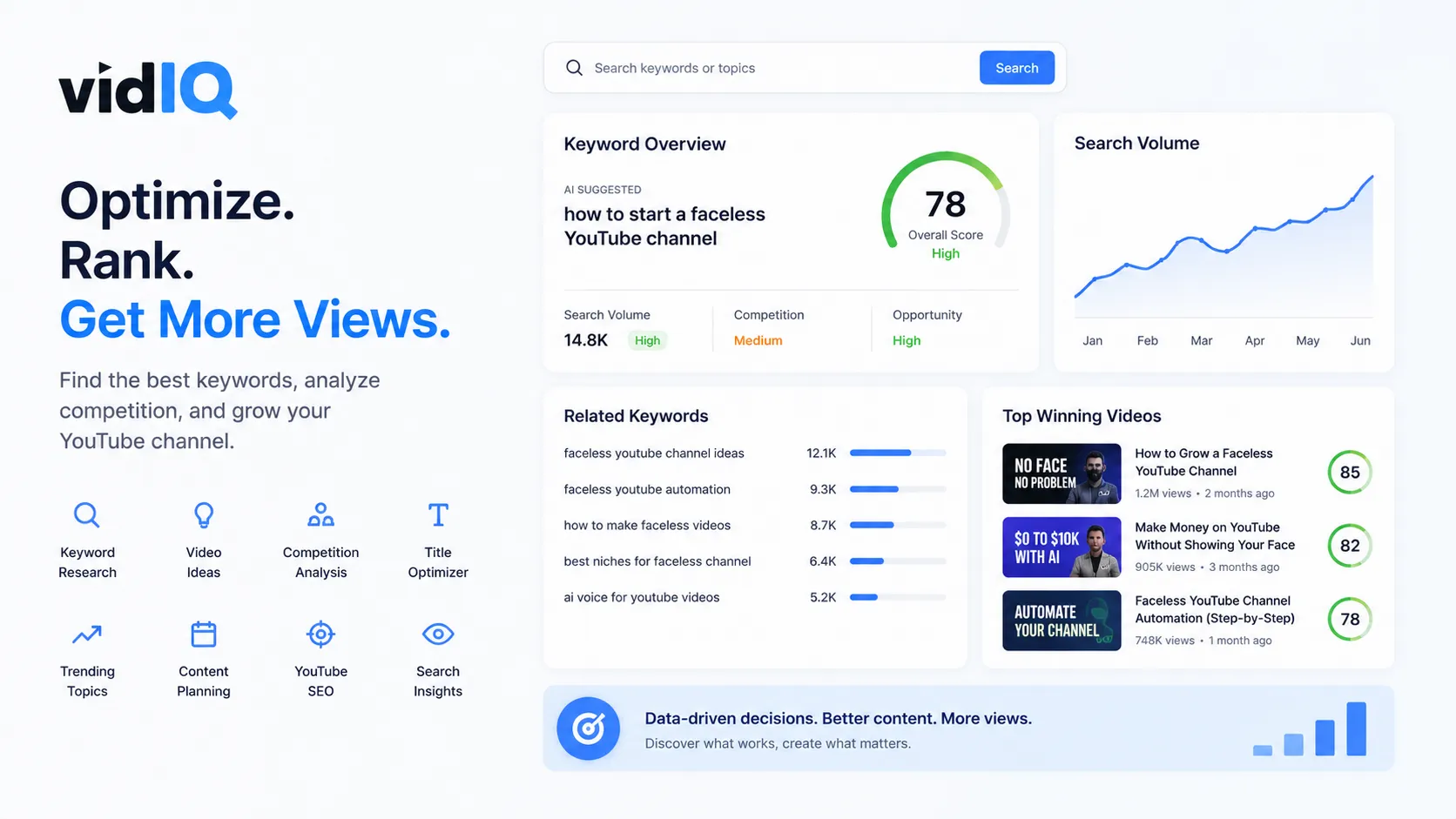
Best for: YouTube SEO, keywords, topic research, and content planning.
Official site: https://vidiq.com/
How to build a faceless YouTube workflow with AI
A good faceless YouTube workflow in 2026 may look like this:
- Find a topic with demand.
- Research competitors and keywords.
- Write a strong hook.
- Generate a script.
- Create a realistic voiceover.
- Generate or collect visuals.
- Edit the video.
- Add captions.
- Create a clickable thumbnail.
- Write the title and description.
- Repurpose the video into Shorts.
- Translate or dub it for other markets.
That is why the best faceless YouTube tools are not always single-purpose tools. The strongest creators build systems.
If you want one platform that helps with ideas, scripts, thumbnails, voiceovers, dubbing, AI presenters, Shorts, and video workflows, Play Profi is one of the best all-in-one options.