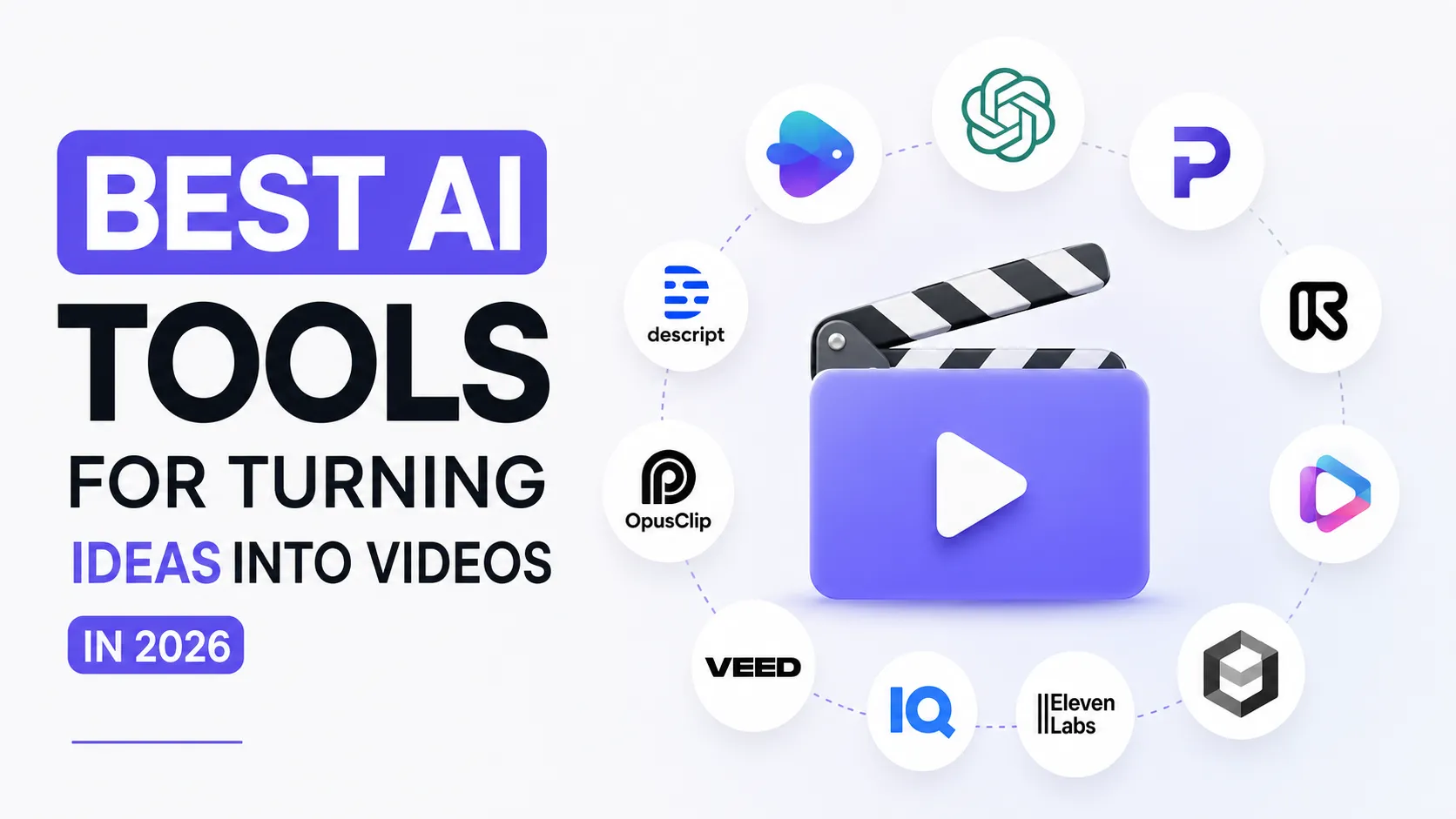
Best AI Tools for Turning Ideas into Videos in 2026
Turning an idea into a video used to require a full production process: research, scriptwriting, filming, voiceover, editing, subtitles, thumbnails, music, and publishing. In 2026, AI video tools can help creators move much faster. Some tools can turn a prompt into a video. Others help with scripts, voiceovers, captions, AI visuals, avatars, stock footage, editing, dubbing, and repurposing. But not every AI video tool solves the same problem. Some are good for cinematic generation. Some are better for faceless YouTube videos. Some are built for social media clips. Some help with editing existing footage. And some tools are designed as a full content workflow from idea to finished video. Here are the best AI tools for turning ideas into videos in 2026.
Share
1. InVideo AI — best for creating videos from one text prompt
InVideo AI is one of the most direct tools for turning an idea into a video. You can start with a simple prompt, and the platform can generate a script, add clips, subtitles, music, transitions, voiceovers, and other video elements. Its AI video generator is designed to create videos from text prompts directly in the browser.
This makes it useful for creators who want to produce videos quickly without starting from a blank timeline.
InVideo AI is useful for:
- YouTube videos;
- explainer videos;
- social media videos;
- faceless videos;
- marketing clips;
- product videos;
- promo videos;
- educational content;
- short-form videos.
The strongest use case is speed. If you have an idea but do not want to manually write a script, search for footage, record a voiceover, and edit everything together, InVideo AI can help create a first version quickly.
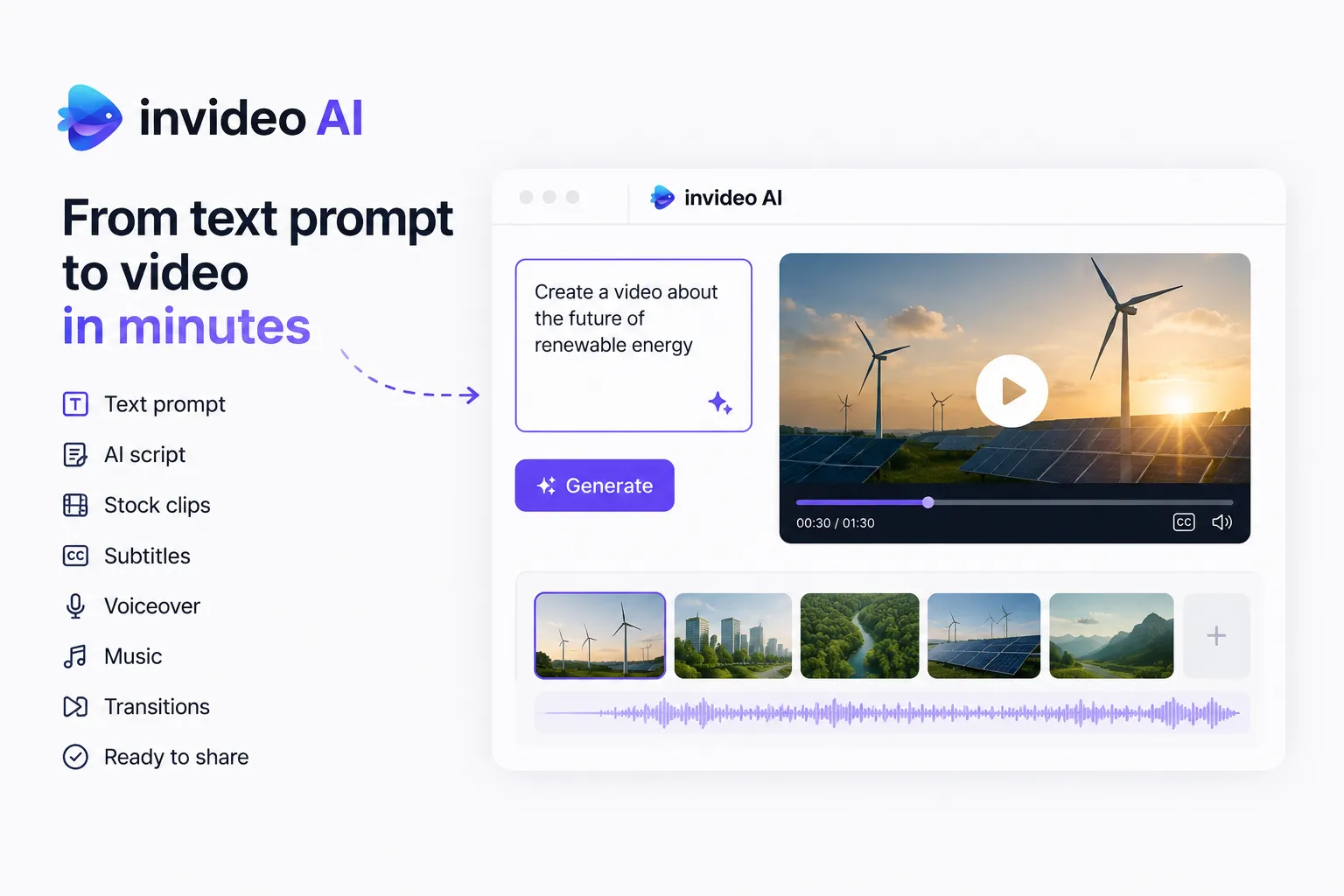
It works especially well for simple informational videos, marketing videos, product explainers, social posts, and faceless content. The result may still need editing, but it gives creators a fast starting point.
Best for: turning a text prompt into a complete first-draft video.
Official site: https://invideo.io/
2. Play Profi — best full workflow for turning ideas into content
Play Profi is one of the most interesting AI tools for turning ideas into videos because it focuses on the full creator workflow, not just one isolated step.
Many tools can do one thing: generate a script, create a voiceover, make a thumbnail, or produce a short AI clip. But real content production requires all of these parts to work together. A YouTube creator does not just need a video file. They need an idea, a hook, a title, a script, a thumbnail, voiceover, visuals, subtitles, Shorts, and sometimes dubbing or localization.
Play Profi is designed for this type of full-cycle workflow.
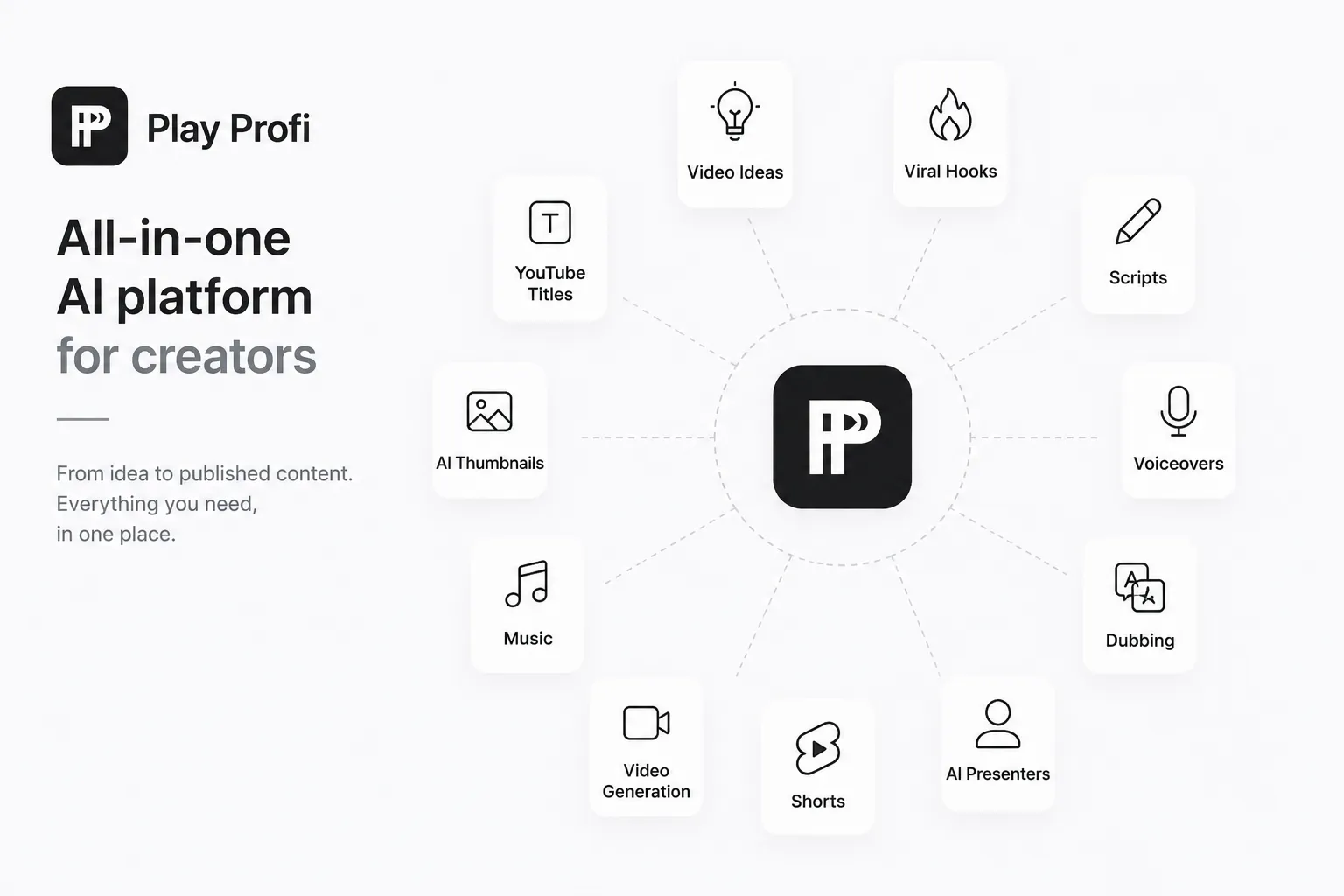
It can help creators with:
- video ideas;
- viral hooks;
- YouTube titles;
- thumbnail concepts;
- AI-generated thumbnails;
- scripts;
- voiceovers;
- dubbing;
- AI presenters;
- Shorts;
- video generation;
- music;
- content automation.
This makes Play Profi especially useful for creators who want to move from “I have an idea” to “I have content ready to test.” Instead of jumping between separate tools, a creator can use one platform to develop the idea, package it, and prepare assets for publishing.
For example, a creator can take a topic like “strange facts about space,” generate different angles, create a short script, prepare a voiceover, produce visuals, generate thumbnail ideas, and turn the same concept into a Short, YouTube video, or social media post.
Play Profi is useful for:
- YouTube creators;
- faceless channels;
- Shorts creators;
- TikTok and Reels creators;
- social media managers;
- educators;
- solo creators;
- small content teams;
- marketers;
- creators who want one subscription instead of multiple separate tools.
The biggest advantage is that Play Profi is not only about making one video. It helps with the whole content system around the video: idea, script, packaging, audio, visuals, Shorts, dubbing, and promotion assets. That is important because in 2026, creators do not win only by generating videos faster. They win by testing more ideas, publishing consistently, and improving what works.
Best for: creators who want one AI platform for ideas, scripts, thumbnails, voiceovers, Shorts, dubbing, AI presenters, and video workflows.
Official site: https://playprofi.com/
3. Pictory — best for turning scripts, blogs, and URLs into videos
Pictory is a strong AI tool for creators who already have written material and want to turn it into video. It can turn text, blogs, scripts, ideas, presentations, images, screen recordings, URLs, and existing videos into branded videos with automatic editing, captions, AI voices, avatars, and templates.
This makes it useful for creators who have:
- blog posts;
- articles;
- scripts;
- newsletters;
- educational content;
- product pages;
- tutorials;
- long text documents;
- website URLs.
Pictory’s script-to-video feature is especially useful when you already know what you want to say. You provide the script, and the tool helps turn it into a video with visuals, voiceover, and captions. (Pictory.ai)
For creators, this is helpful because many ideas begin as text. A blog post can become a YouTube video. A newsletter can become a LinkedIn video. A tutorial can become a faceless explainer. A product page can become a marketing video.
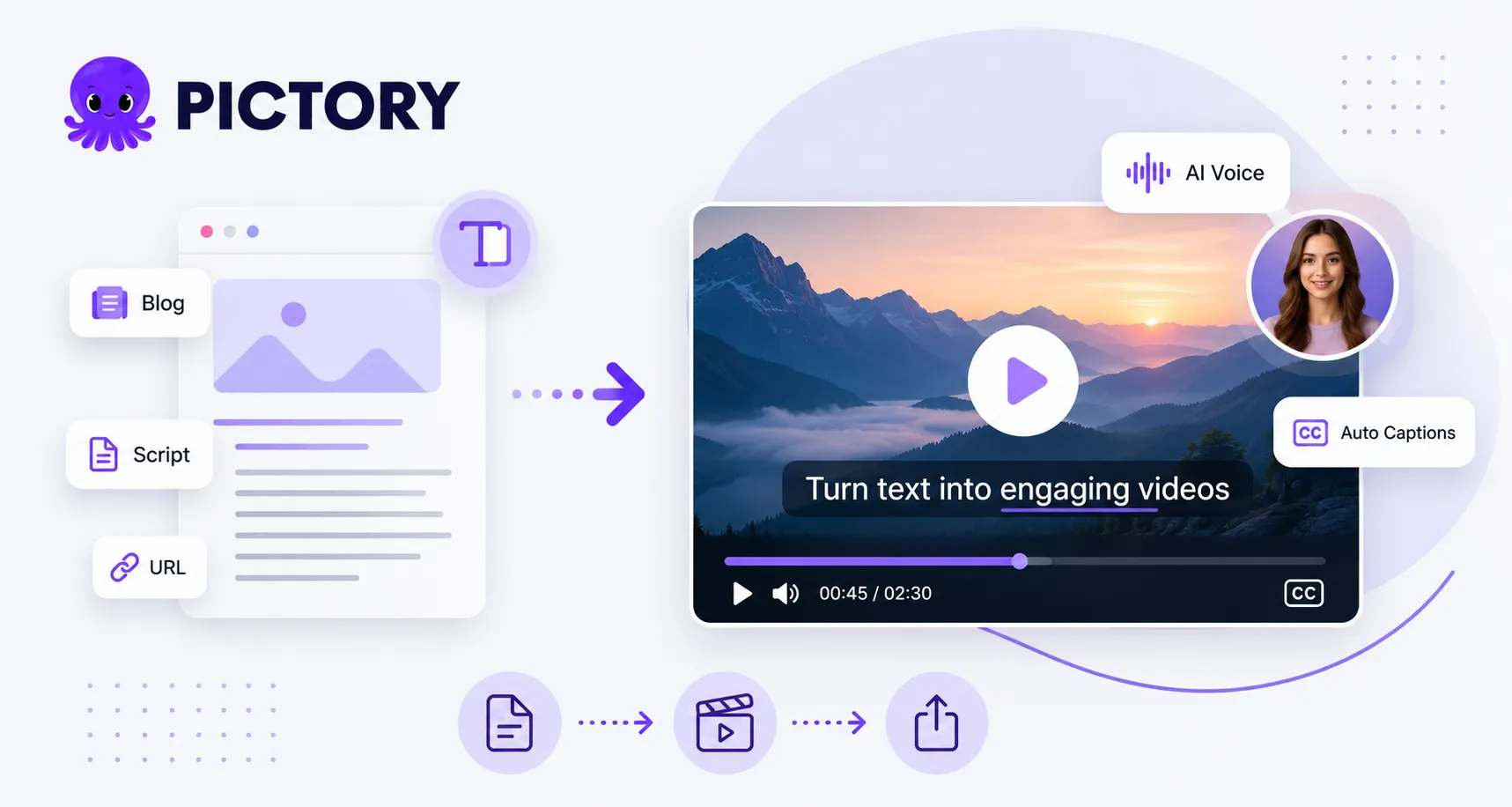
Pictory works best for informational content, explainers, business videos, tutorials, educational videos, and repurposing written content into video.
Best for: turning scripts, articles, blog posts, URLs, and written ideas into videos.
Official site: https://pictory.ai/
4. Runway — best for cinematic AI video generation
Runway is one of the strongest tools for creators who want high-quality AI-generated video, cinematic visuals, experimental scenes, visual effects, and creative storytelling. Runway’s Gen-4 model can use visual references combined with text instructions to generate images and videos with consistent styles, subjects, and locations. (Runway)
Runway is useful for:
- cinematic B-roll;
- AI-generated scenes;
- music videos;
- concept videos;
- product visuals;
- sci-fi scenes;
- documentary inserts;
- visual storytelling;
- creative experiments;
- advertising visuals.
Runway is not the simplest tool for creating a full YouTube video from one idea, but it is one of the best tools for generating powerful visual material. If you need a shot that would be expensive, impossible, or time-consuming to film, Runway can help create it.
Its Gen-4 video workflow can generate 5 or 10 second clips from an input image and text prompt, which makes it useful for building short cinematic sequences, visual inserts, and experimental creative assets.
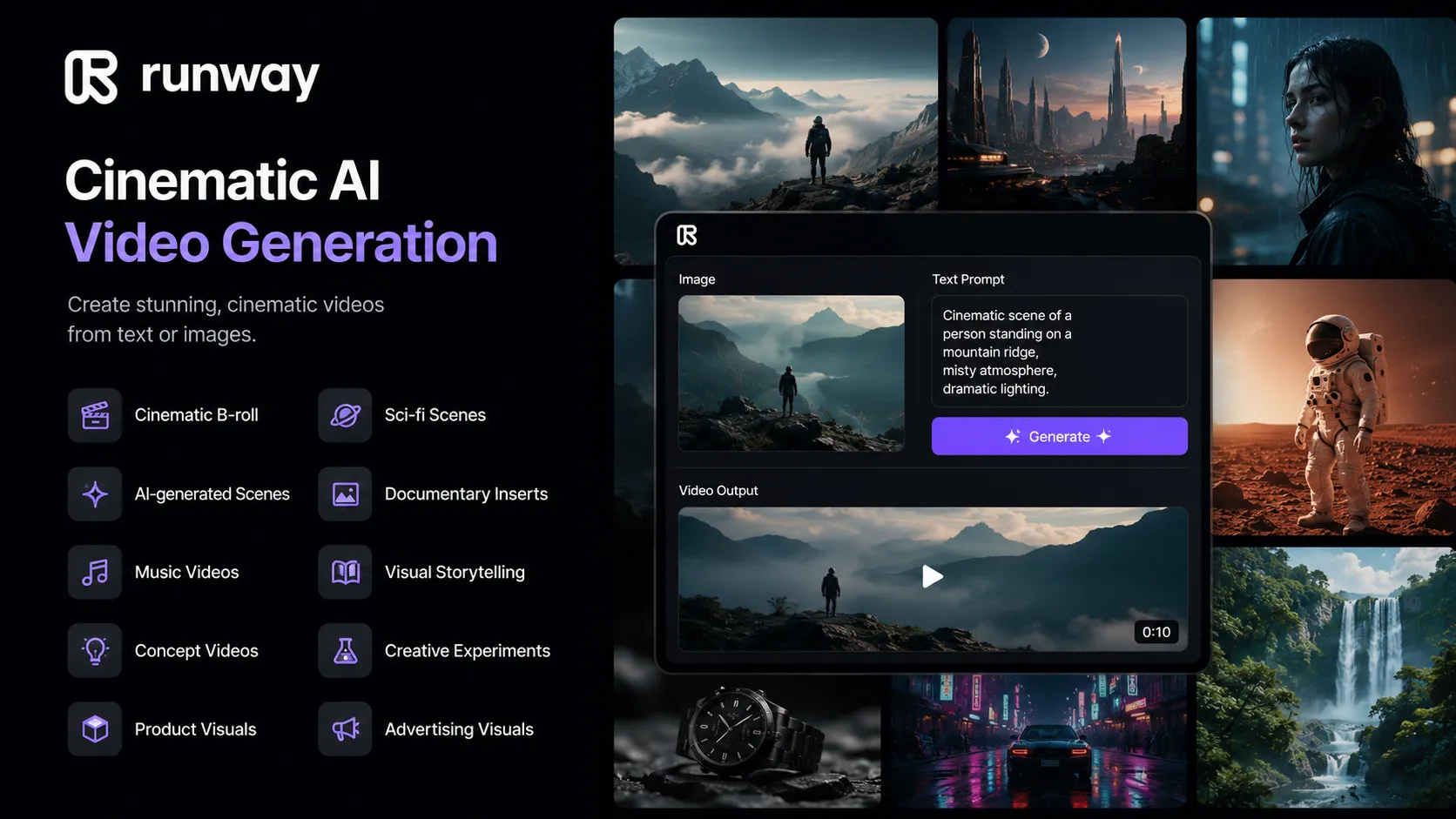
Runway is strongest when the goal is visual quality rather than simple automation. A creator might use it to create cinematic scenes for a documentary, surreal visuals for a music video, B-roll for an explainer, or dramatic shots for a faceless YouTube channel.
Best for: cinematic AI visuals, image-to-video, creative B-roll, and high-quality video generation.
Official site: https://runwayml.com/
5. Canva — best for simple idea-to-video design and templates
Canva is one of the easiest tools for turning simple ideas into visual content. It is especially useful for creators who want clean templates, short videos, social clips, presentations, thumbnails, branded designs, animated graphics, and quick visual assets.
Canva is useful for:
- short social videos;
- YouTube thumbnails;
- educational clips;
- presentation-style videos;
- quote videos;
- branded social posts;
- simple animated videos;
- Instagram Reels;
- TikTok visuals;
- YouTube Shorts assets.
Canva is not usually the best choice for advanced cinematic video generation, but it is extremely useful for creators who want speed and design simplicity. A coach, marketer, small business owner, educator, or solo creator can turn a simple idea into a clean visual video without needing professional editing skills.
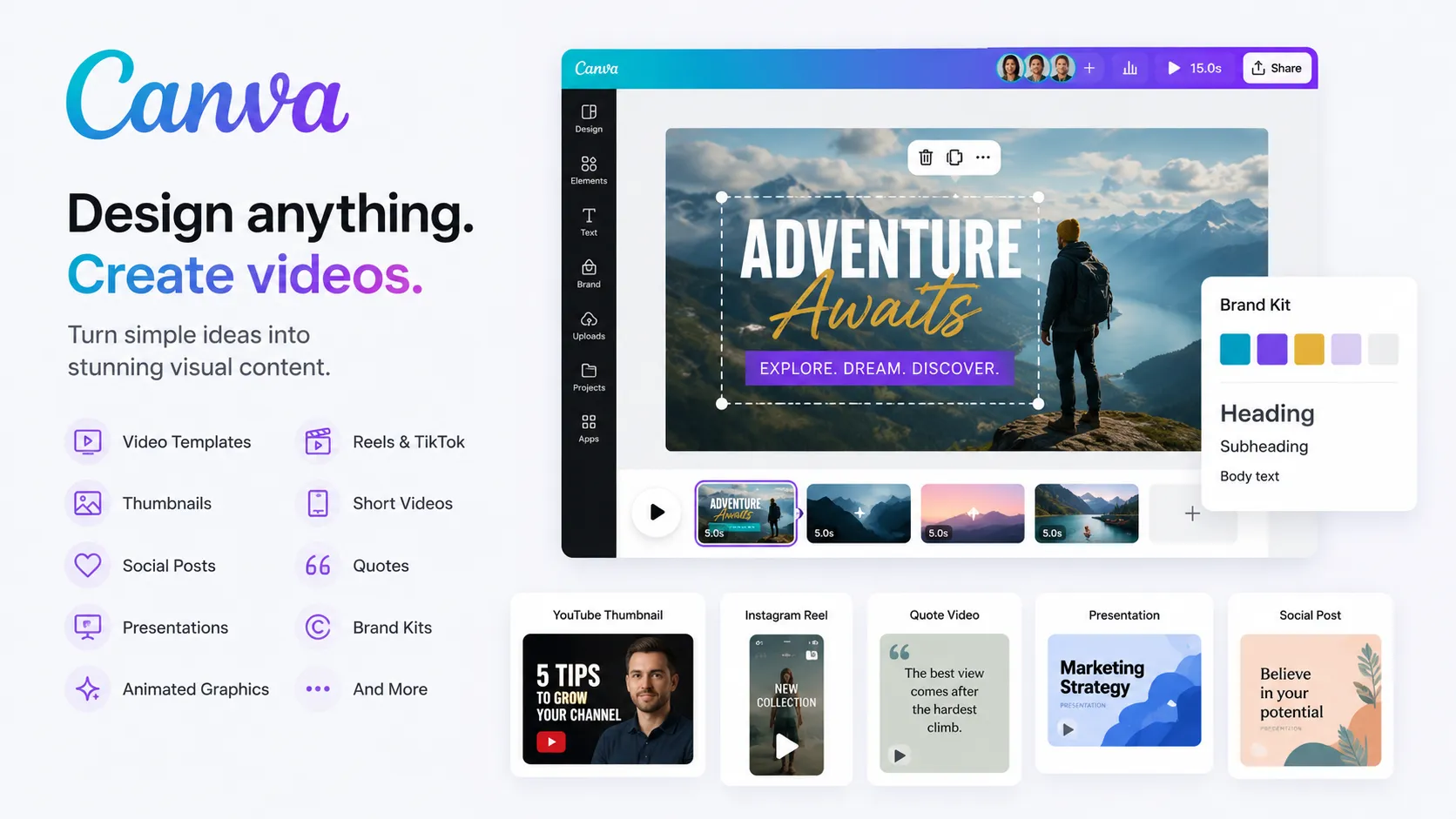
It is also useful for packaging. Even if you create the video in another tool, Canva can help with thumbnails, covers, titles, slides, social posts, and promotional graphics.
Best for: simple visual videos, templates, thumbnails, branded content, and social media design.
Official site: https://www.canva.com/
6. VEED — best for browser-based video editing, subtitles, and quick social videos
VEED is a browser-based AI video creation and editing platform. It includes tools for subtitles, AI editing, avatars, dubbing, text-to-speech, translation, screen recording, and social media video production.
VEED is useful for:
- subtitles;
- captions;
- online video editing;
- social media videos;
- screen recordings;
- product explainers;
- talking-head videos;
- video translation;
- AI voiceovers;
- short-form content.
VEED works well for creators who want to turn ideas into polished, publishable videos without installing professional editing software. You can record, edit, subtitle, translate, resize, and export content directly from the browser.
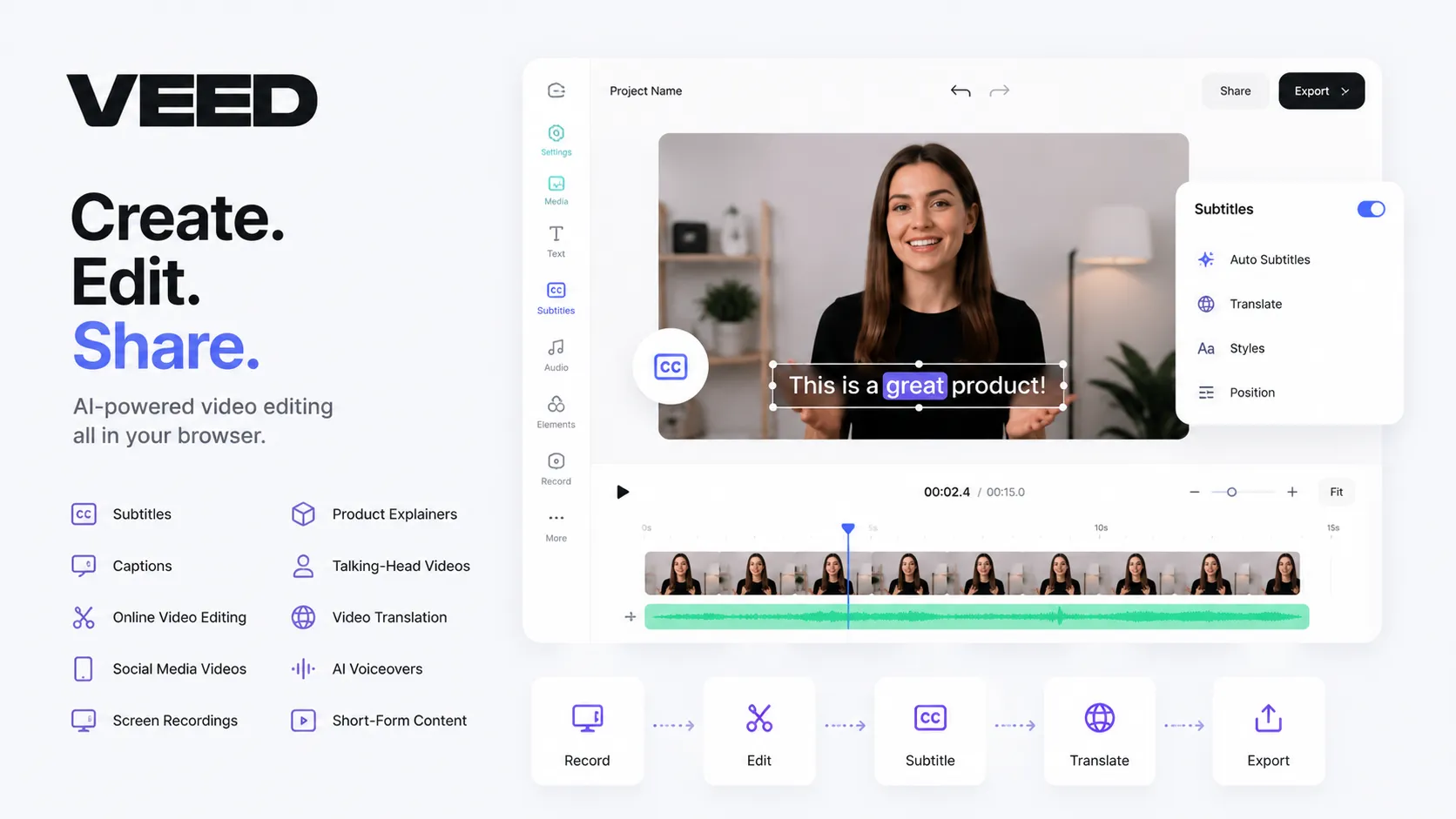
For idea-to-video workflows, VEED is especially useful after the first draft is created. You may generate a script or visuals elsewhere, then use VEED to polish the video, add subtitles, translate it, resize it, and prepare versions for YouTube, Shorts, TikTok, Reels, or LinkedIn.
Best for: online editing, subtitles, dubbing, screen recording, and social video production.
Official site: https://www.veed.io/
7. Descript — best for turning spoken ideas into edited videos
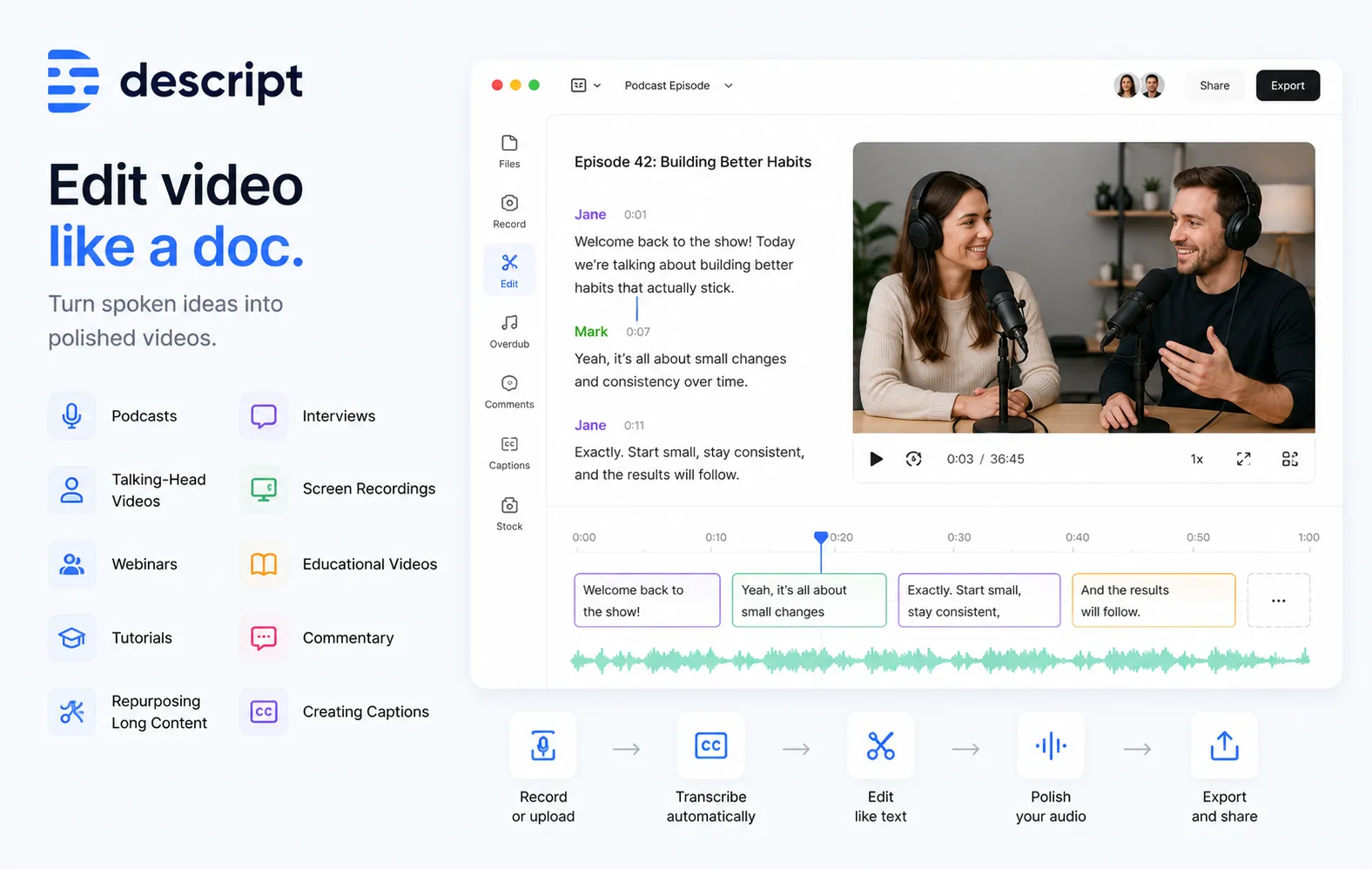
Descript is one of the best tools for creators who build content around speech: talking-head videos, podcasts, interviews, tutorials, webinars, commentary, and educational videos.
Its main advantage is text-based editing. Descript transcribes your audio or video, and then you can edit the video by editing the transcript. This makes the process feel closer to editing a document than editing a traditional video timeline.
Descript is useful for:
- podcasts;
- interviews;
- talking-head videos;
- screen recordings;
- webinars;
- educational videos;
- tutorials;
- commentary;
- repurposing long content;
- creating captions.
Descript is especially helpful when an idea begins as a conversation or recording. For example, you can record yourself explaining an idea, then use Descript to cut unnecessary parts, remove filler words, add captions, and turn the recording into a clean video.
It is not a full text-to-video generator, but it is one of the best tools for turning spoken ideas into polished video content.
Best for: turning recordings, interviews, podcasts, and spoken ideas into edited videos.
Official site: https://www.descript.com/
8. Synthesia — best for AI presenter videos
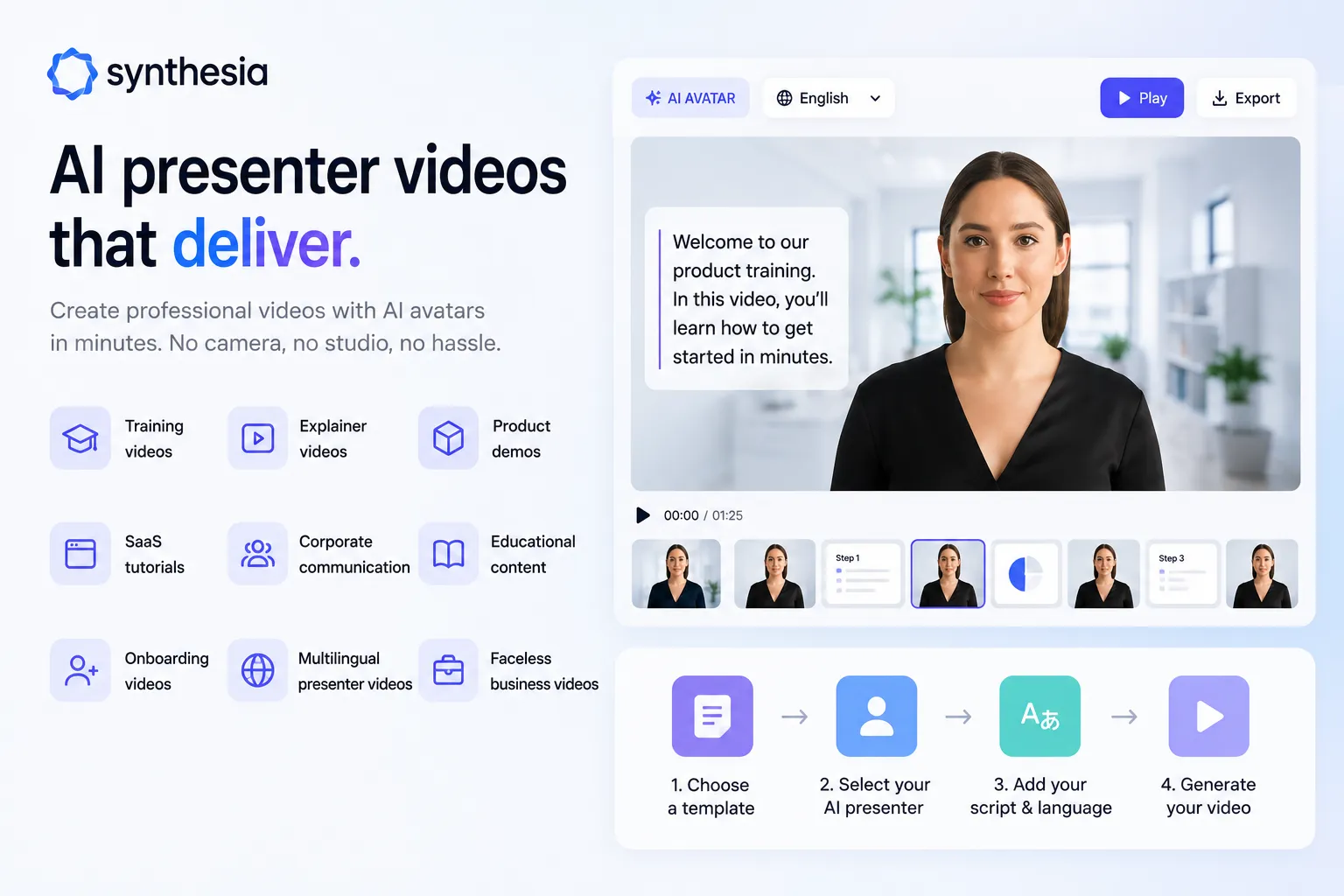
Synthesia is a strong tool for creating AI presenter videos. It is especially useful for business, training, education, product explainers, internal communication, onboarding, and professional video content where you want a presenter without filming a real person.
Synthesia is useful for:
- training videos;
- explainer videos;
- product demos;
- SaaS tutorials;
- corporate communication;
- educational content;
- onboarding videos;
- multilingual presenter videos;
- faceless business videos.
This is a good tool when your idea is mostly informational and needs to be delivered clearly by a presenter. Instead of hiring a presenter, setting up a studio, recording audio, and editing footage, you can create a video with an AI avatar.
For YouTube creators, Synthesia may be useful for educational channels, business explainers, course creators, product walkthroughs, and professional faceless content.
Best for: AI presenter videos, training content, explainers, and business videos.
Official site: https://www.synthesia.io/
9. HeyGen — best for avatars, video translation, and multilingual ideas
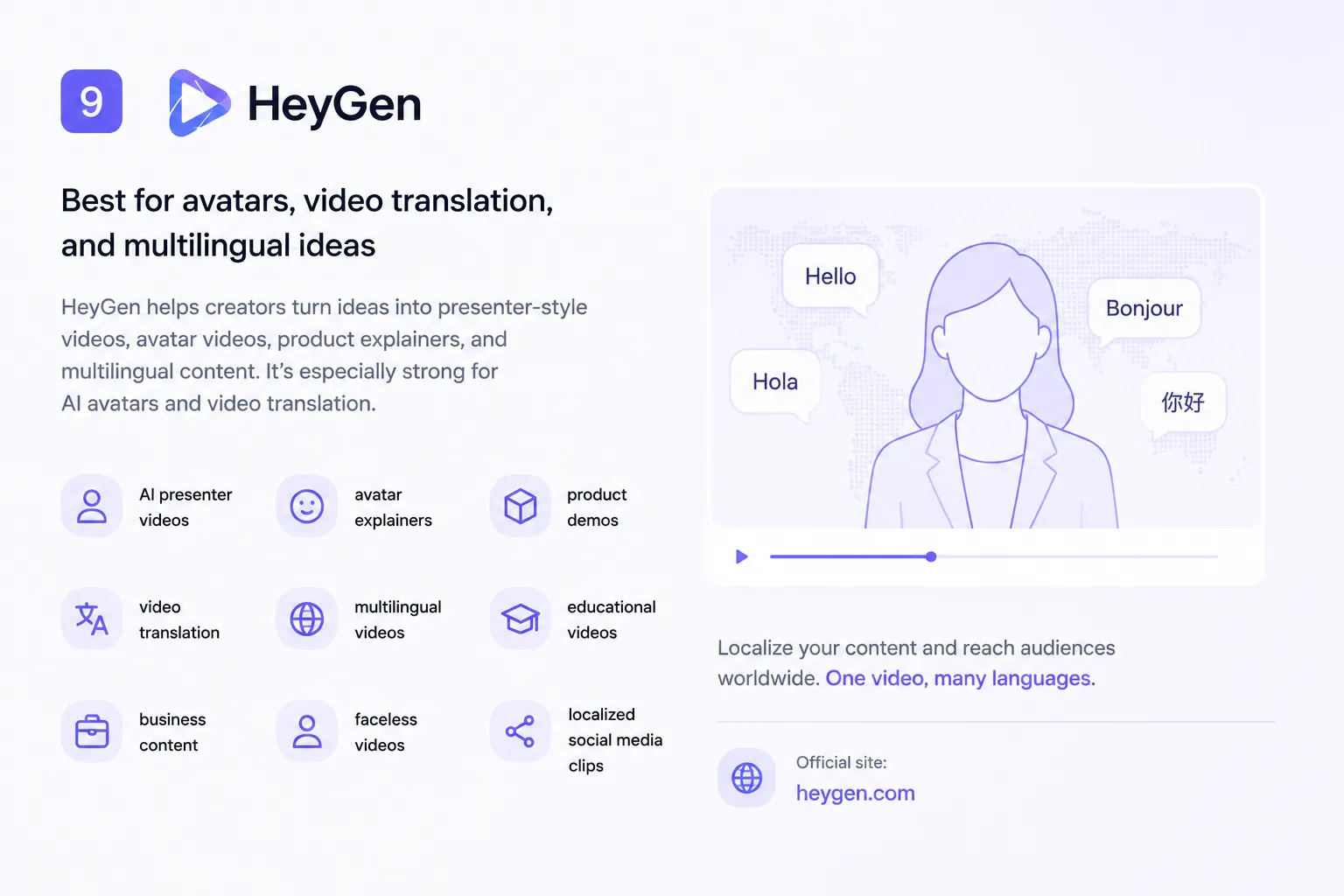
HeyGen is useful for creators who want to turn ideas into presenter-style videos, avatar videos, product explainers, and multilingual content. It is especially strong for AI avatars and video translation.
HeyGen is useful for:
- AI presenter videos;
- avatar explainers;
- product demos;
- video translation;
- multilingual videos;
- educational videos;
- business content;
- faceless videos;
- localized social media clips.
One of the strongest use cases is localization. If an idea works in one language, it may also work in other markets. HeyGen can help creators translate and adapt videos into multiple languages without filming everything again.
For creators, this means one idea can become several versions: English, Spanish, German, French, Portuguese, Hindi, Arabic, and other languages. That can be very useful for YouTube channels, educational creators, SaaS companies, and social media teams.
Best for: AI avatars, multilingual videos, video translation, and presenter-style content.
Official site: https://www.heygen.com/
10. ElevenLabs — best for turning scripts into realistic voiceovers
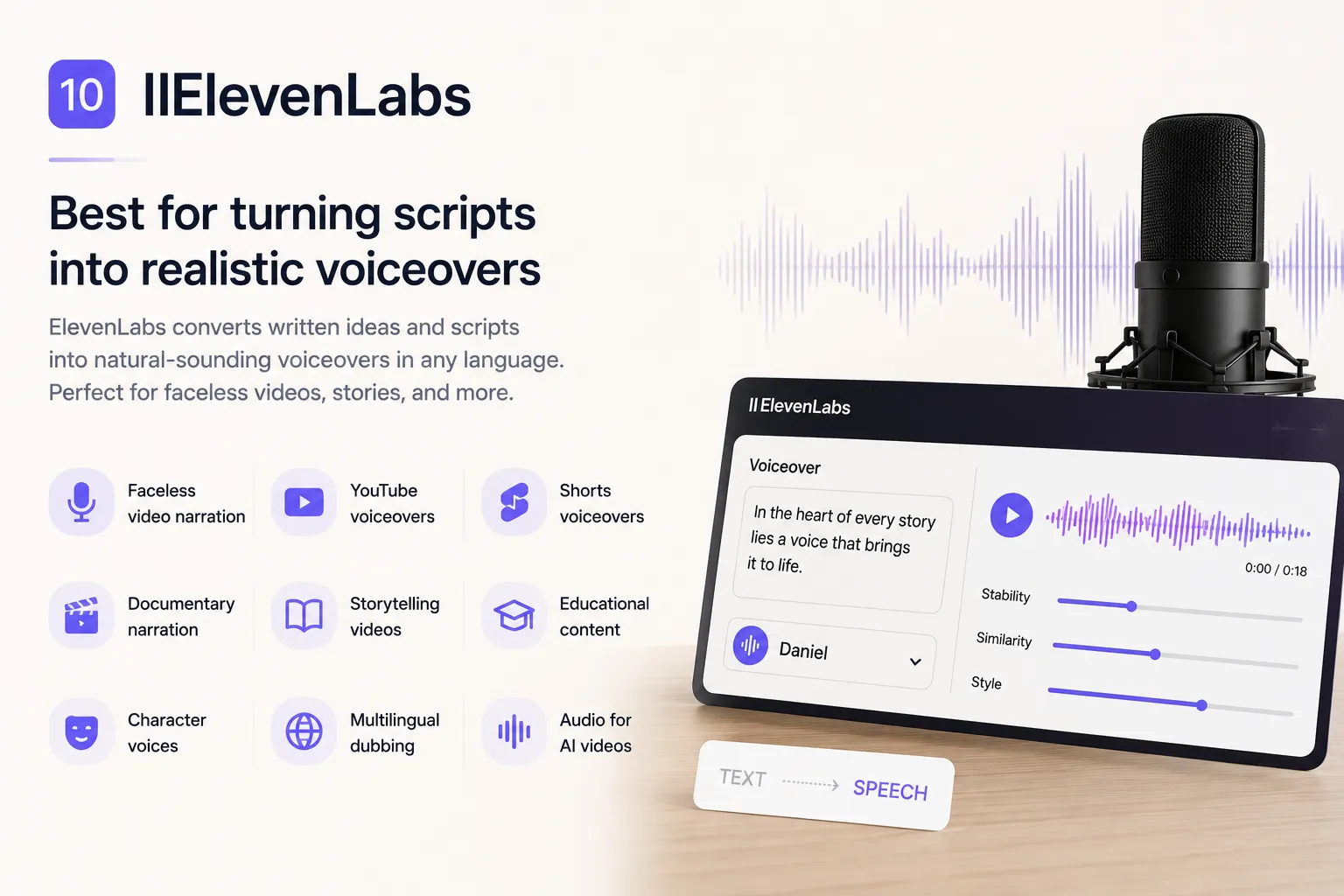
ElevenLabs is one of the best tools for turning written ideas and scripts into natural-sounding voiceovers. It is useful for creators who do not want to record their own voice, hire narrators, or use robotic text-to-speech.
ElevenLabs is useful for:
- faceless video narration;
- YouTube voiceovers;
- Shorts voiceovers;
- documentary narration;
- storytelling videos;
- educational content;
- character voices;
- multilingual dubbing;
- audio for AI videos.
A strong voiceover can make a simple video feel much more professional. This is especially important for faceless videos, where the voice often carries the whole story.
ElevenLabs is not a full video generator by itself, but it is one of the best tools to combine with other idea-to-video platforms. A common workflow is: write the script, generate the voiceover in ElevenLabs, create visuals in another tool, edit the final video, then publish.
Best for: realistic AI voiceovers, narration, faceless videos, and multilingual audio.
Official site: https://elevenlabs.io/
How to turn an idea into a video with AI
A strong AI video workflow in 2026 can look like this:
- Start with one idea.
- Turn it into several angles.
- Choose the strongest hook.
- Generate a script.
- Create or collect visuals.
- Generate a voiceover.
- Add captions.
- Edit the video.
- Create a thumbnail.
- Write the title and description.
- Repurpose the video into Shorts, Reels, and TikToks.
- Translate or dub it for other markets.
That is why tools like Play Profi are interesting: they focus not only on one output, but on the full creator workflow around the video.