Best AI Tools for Creating Viral Shorts in 2026
Short-form video is one of the fastest ways to grow on YouTube, TikTok, Instagram, Facebook, and other social platforms. But creating viral Shorts is not just about cutting a random 30-second clip and adding subtitles. A good Short needs a strong idea, a hook in the first seconds, fast pacing, visual movement, captions, a clear story, a satisfying ending, and a reason for people to watch until the end. In 2026, the best AI tools for Shorts help creators with much more than editing. They can generate ideas, write scripts, find viral moments in long videos, add captions, create voiceovers, generate visuals, translate videos, and repurpose one idea into multiple short-form videos. Here are the best AI tools for creating viral Shorts in 2026.

Share
1. OpusClip — best for turning long videos into viral Shorts
OpusClip is one of the strongest AI tools for creators who already have long-form content and want to turn it into Shorts, TikToks, and Reels. It can analyze a long video, identify engaging moments, create short clips, add captions, and prepare content for social platforms. OpusClip describes its workflow as turning one long video into multiple short clips and publishing them to social platforms faster.
This is especially useful if you create:
- podcasts;
- interviews;
- webinars;
- talking-head videos;
- educational videos;
- livestreams;
- gaming content;
- business content;
- long YouTube episodes.
The biggest advantage of OpusClip is speed. Instead of manually watching a one-hour video and trying to find the best moments, you can let AI suggest the strongest clips. You still need human taste, because not every AI-selected moment will be truly viral, but the tool can save a huge amount of time.
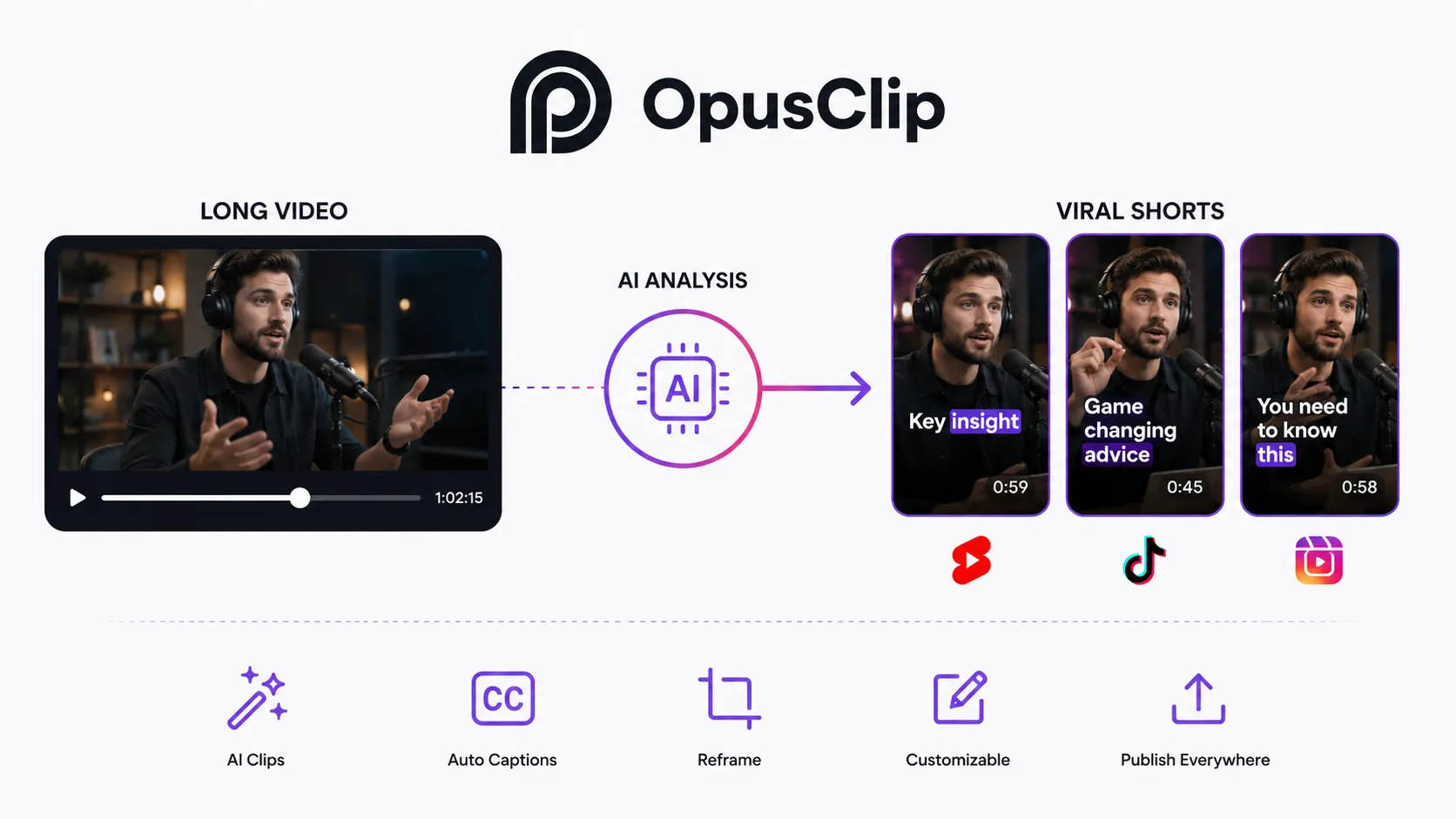
OpusClip is best when the source video already contains strong moments: emotional answers, useful tips, funny reactions, strong opinions, controversial takes, or clear educational points.
Best for: repurposing long videos into YouTube Shorts, TikTok clips, and Instagram Reels.
2. Play Profi — best for creating Shorts from an idea, not just clipping existing videos
Play Profi is different from many AI Shorts tools because it is not only about cutting long videos into short clips. It is built around the full content creation workflow: idea, script, visuals, voiceover, AI video, thumbnails, titles, dubbing, and short-form content.
That makes it especially useful for creators who do not already have a large library of long videos to repurpose. If you want to start from a raw idea and turn it into content, Play Profi is one of the most interesting tools in this category.
For Shorts creators, Play Profi can help with:
- finding video ideas;
- creating viral hooks;
- writing short scripts;
- generating voiceovers;
- creating AI visuals;
- making faceless Shorts;
- creating AI presenters;
- generating thumbnails and titles;
- dubbing content into other languages;
- building a repeatable content workflow.
The strongest use case is simple: you enter an idea, and then use Play Profi to move through the production process without jumping between five or six different tools.
For example, a creator can take one topic like “strange facts about the human brain,” generate several short video angles, write a script, create voiceover, produce visuals, and prepare content for YouTube Shorts or TikTok. This is useful for faceless channels, educational content, AI-generated entertainment, facts channels, motivational content, product explainers, and social media experiments.
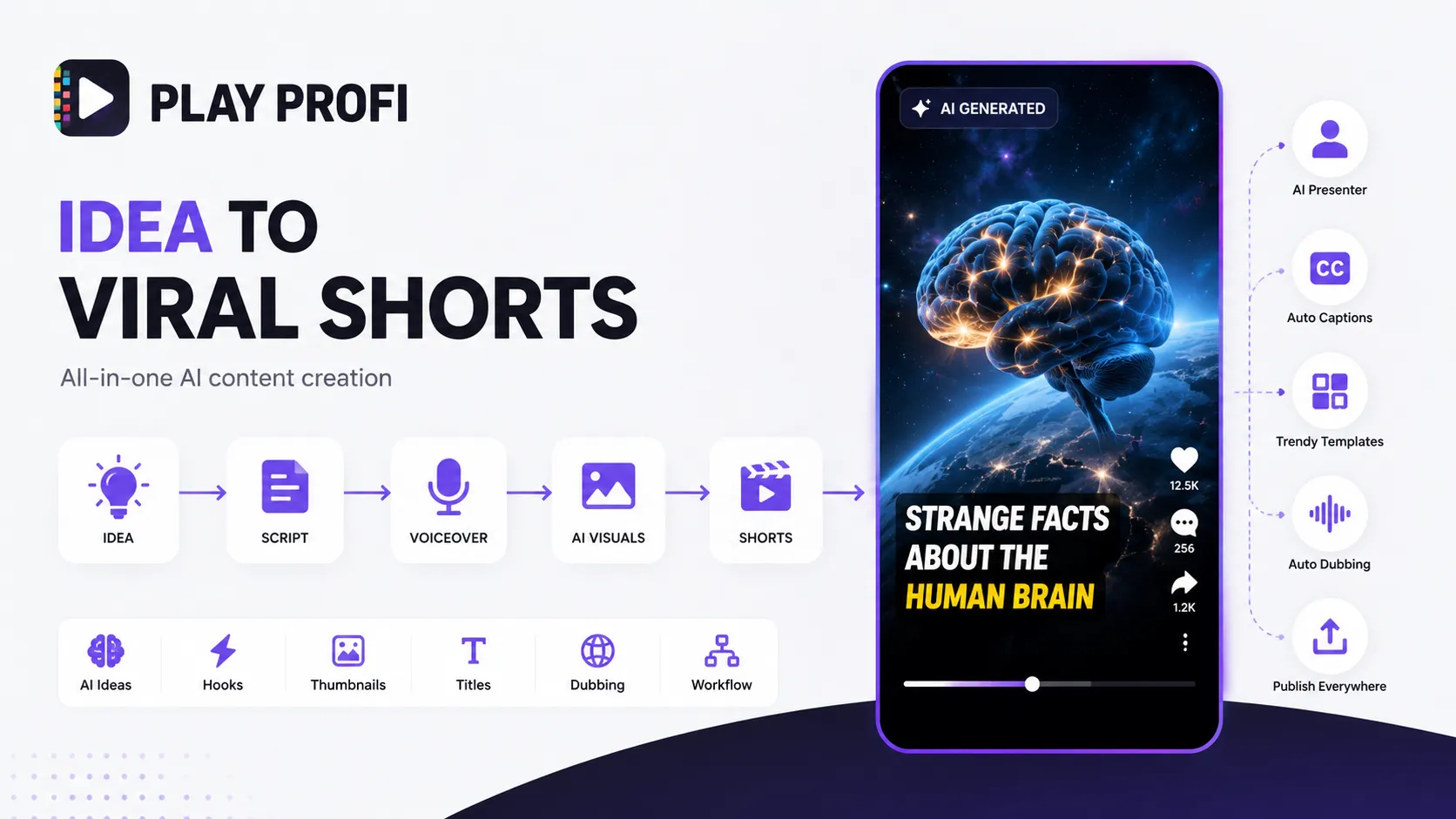
Play Profi also fits creators who want to produce more consistently. One of the hardest parts of Shorts is not making one video. It is making 30, 60, or 100 videos without burning out. A full AI workflow can help creators test more ideas faster and find which formats actually work.
Best for: creators who want to turn ideas into Shorts, build faceless channels, create AI-generated short videos, and use one platform for the full content workflow.
Official site: https://playprofi.com/
3. CapCut — best free editor for TikTok-style Shorts and captions
CapCut is one of the most popular tools for short-form video editing because it is fast, mobile-friendly, and closely connected to the style of modern TikTok, Reels, and Shorts content. It is especially useful for creators who want trending templates, quick edits, auto captions, text overlays, effects, music, and mobile-first editing.
CapCut’s AI caption tools can automatically create subtitles for videos, and its editing environment includes text overlays, effects, filters, music, and other short-form video features. (CapCut)
For Shorts creators, CapCut is useful for:
- auto captions;
- text overlays;
- quick mobile editing;
- TikTok-style templates;
- effects and transitions;
- trending sounds;
- vertical video formatting;
- fast exports for social platforms.
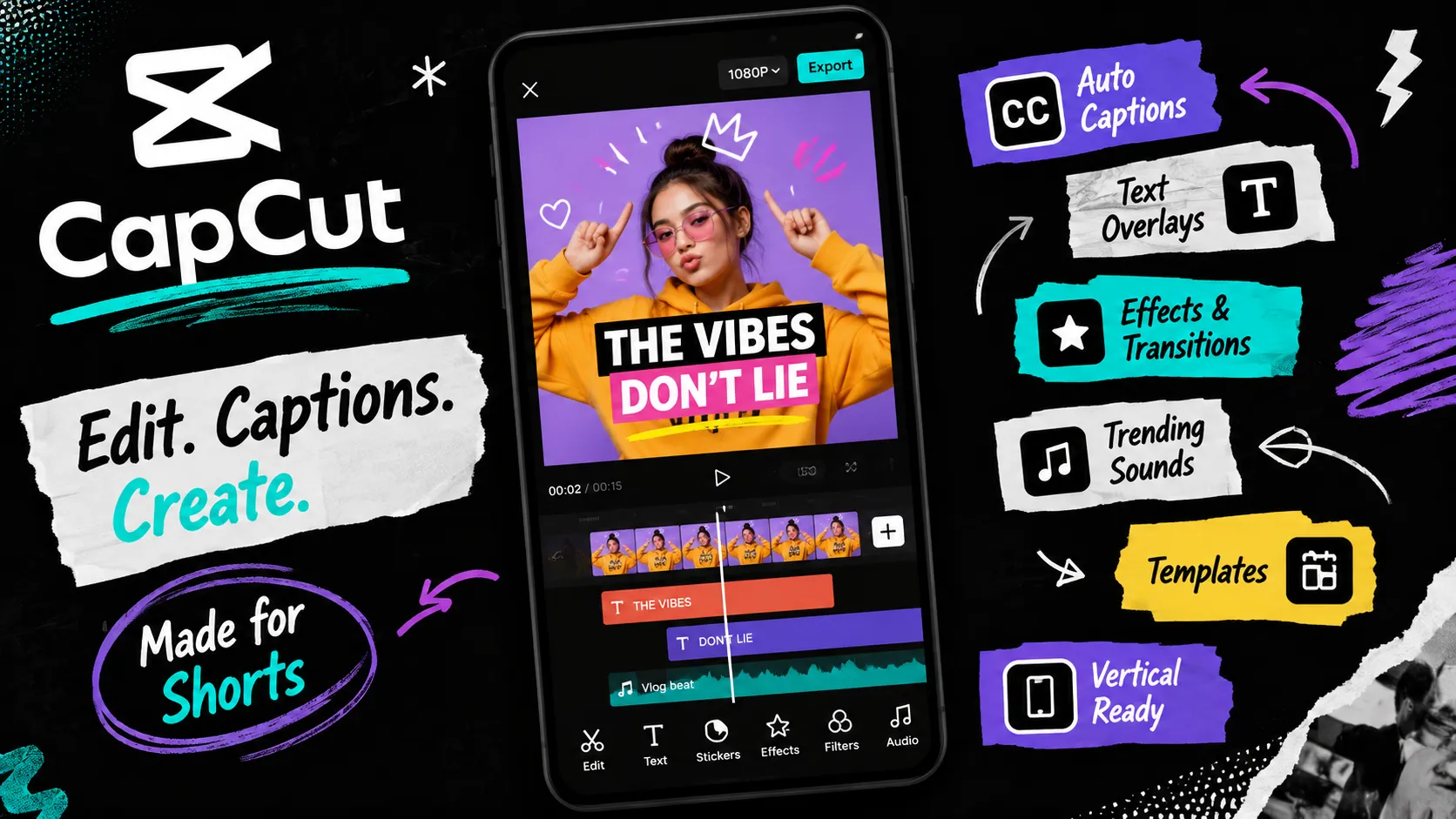
CapCut is not always the best tool for strategy, scripting, or full content automation, but it is one of the most practical editors for finishing Shorts quickly. If you already have footage and just need to make it more engaging, add captions, adjust pacing, and export it for TikTok or YouTube Shorts, CapCut is a strong choice.
Best for: mobile editing, captions, trending templates, and quick short-form video production.
4. Vizard — best for repurposing podcasts, interviews, and webinars
Vizard is another strong AI clipping tool for turning long-form videos into social-ready short clips. It is designed to help creators upload long videos and generate clips for TikTok, Instagram, YouTube Shorts, and other platforms. Vizard says its AI can turn long videos into viral clips and social-ready videos in just a few clicks. (vizard.ai)
It works especially well for:
- podcasts;
- interviews;
- webinars;
- tutorials;
- expert videos;
- educational content;
- business videos;
- long-form YouTube content.
Vizard is useful when you have a lot of recorded material but do not have time to manually search for clips. It can help identify moments that may work well as standalone short videos.
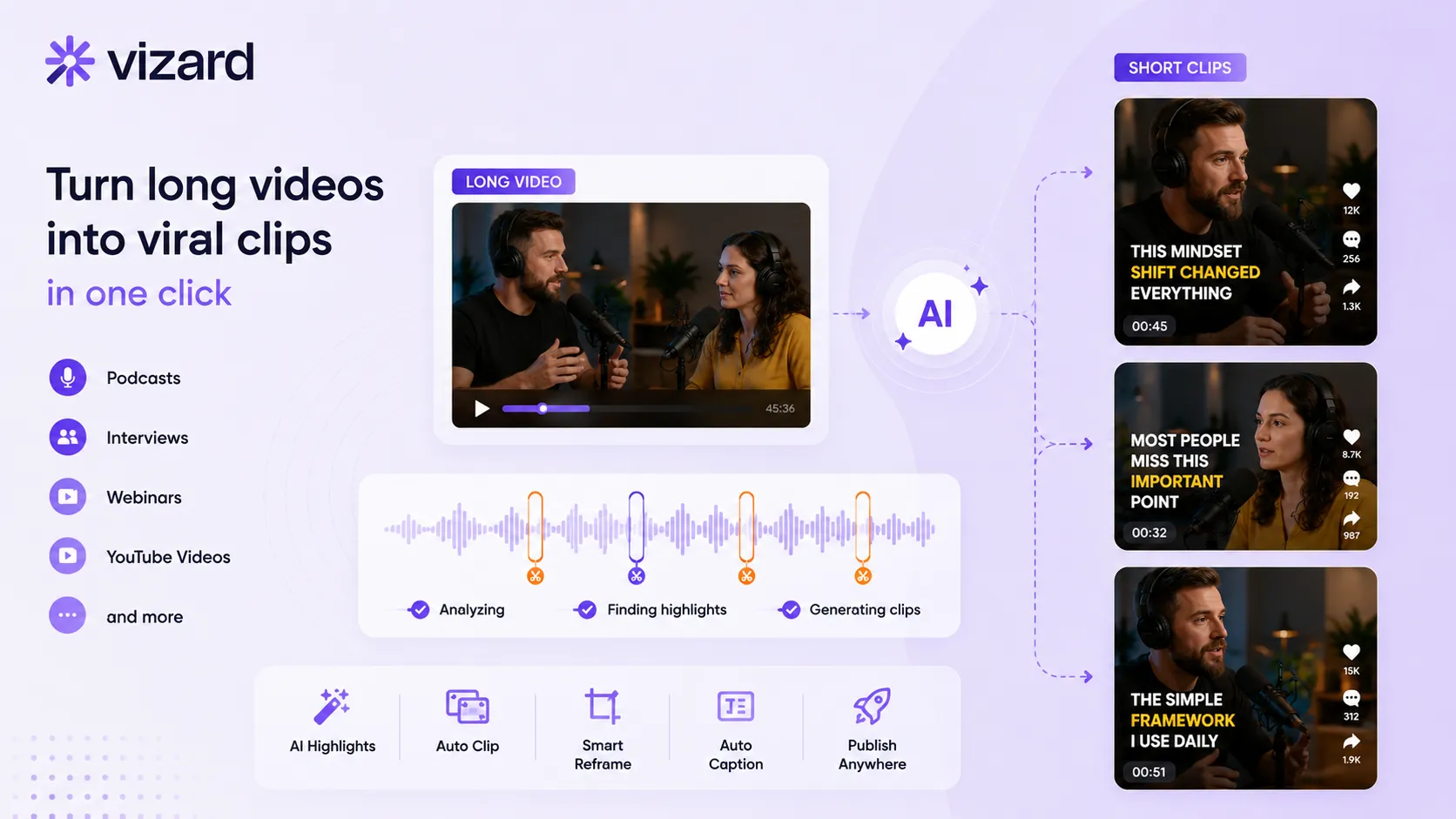
The tool is especially relevant for creators who publish long content regularly. If you record one podcast episode per week, you may be able to turn that episode into multiple short clips for different platforms. That gives you more distribution without having to create every Short from scratch.
Best for: AI clipping, podcast Shorts, interview clips, webinar repurposing.
5. Submagic — best for viral captions and short-form editing polish
Submagic is focused on making short-form videos more engaging with captions, hooks, B-roll, emojis, sound effects, and quick editing features. Its site positions it as a way to edit Shorts faster with AI and generate viral caption styles in many languages. (Submagic)
For Shorts, captions are not just accessibility. They are part of the visual experience. Many viewers watch short-form videos without sound, and bold animated captions can help retention.
Submagic is useful for:
- animated captions;
- viral subtitle styles;
- quick edits;
- social video polish;
- B-roll suggestions;
- sound effects;
- emojis;
- short-form formatting.
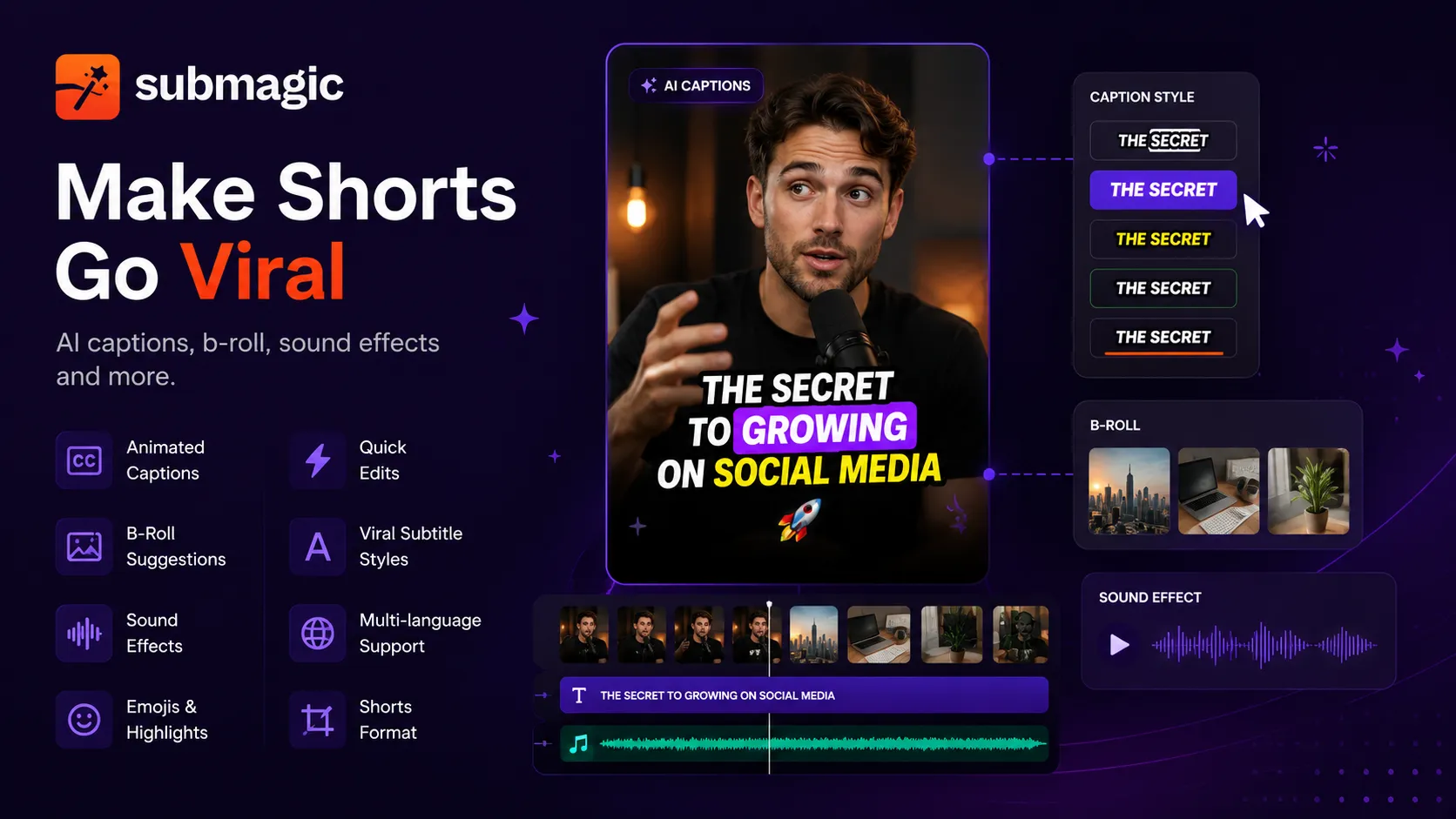
This tool is best when you already have a video and want to make it feel more native to TikTok, Reels, and Shorts. It can help make simple talking-head videos feel more dynamic and easier to watch.
Best for: animated captions, retention-focused editing, viral subtitle styles.
6. VEED — best for online Shorts editing, subtitles, and repurposing
VEED is a browser-based AI video creation and editing platform with tools for subtitles, AI video editing, dubbing, text-to-speech, avatars, video translation, and short-form content. VEED positions itself as an AI video creation platform where users can generate and edit in one workflow, including talking heads, dubbing, subtitles, and AI editing.
For creators making Shorts, VEED is useful for:
- auto subtitles;
- dynamic captions;
- resizing videos;
- online editing;
- AI dubbing;
- translation;
- screen recordings;
- social video exports;
- simple branded content.
VEED is especially practical for creators who do not want to install professional editing software. You can work in the browser, add captions, clean up the video, resize it for vertical platforms, and export it for Shorts, Reels, or TikTok.
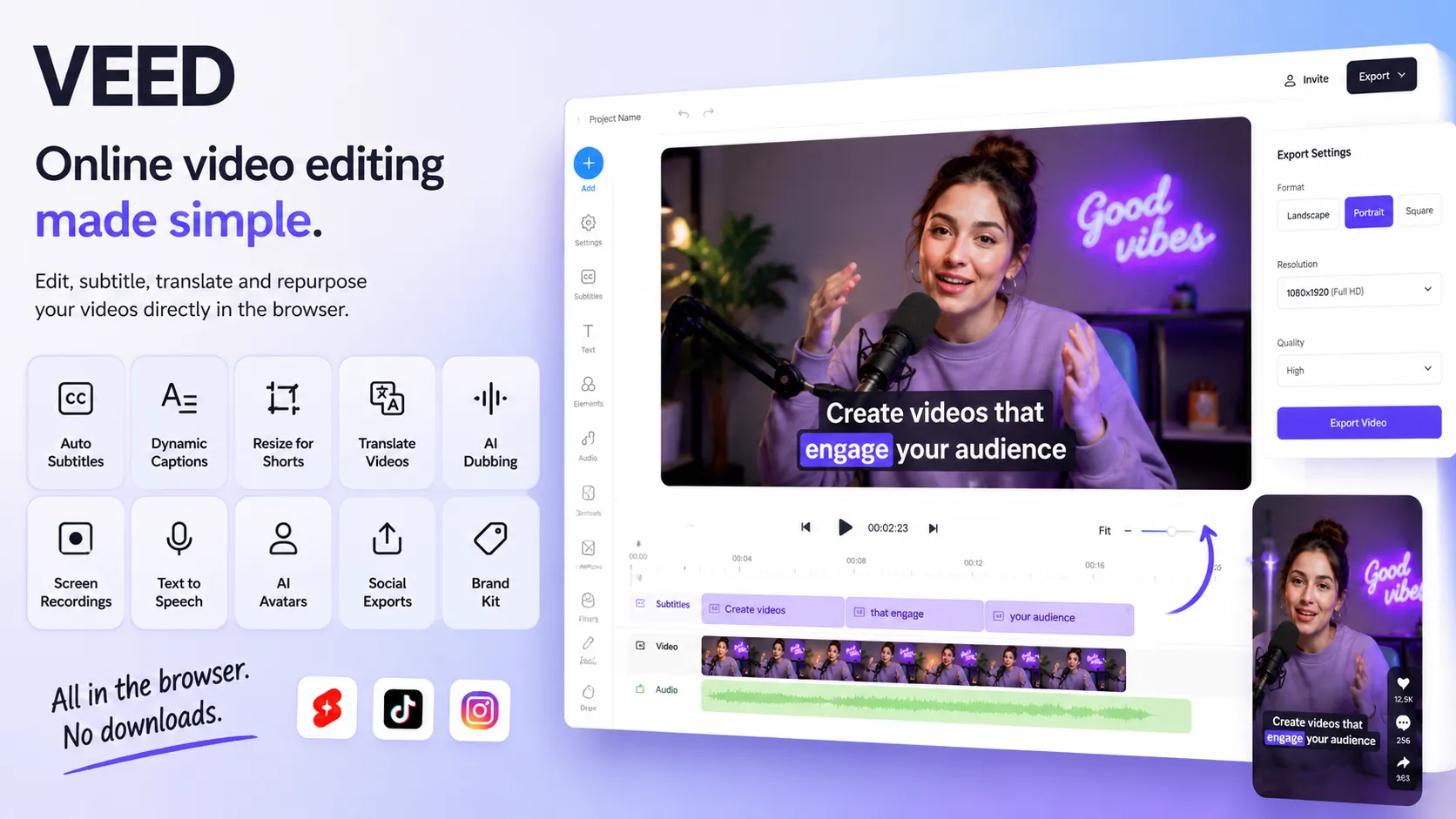
Its subtitle tools are also useful for short-form content because captions can be burned into the video and styled for mobile viewing.
Best for: browser-based editing, subtitles, repurposing, and quick social videos.
7. Descript — best for editing Shorts from talking-head videos and podcasts
Descript is useful for creators who produce spoken content: podcasts, interviews, educational videos, tutorials, commentary, and talking-head videos. Its main feature is text-based editing. You can transcribe a video, edit the transcript, and the video edits follow the text. Descript describes its editor as making video and audio editing as easy as editing text.
For Shorts creators, Descript is useful for:
- cutting talking-head videos;
- editing podcasts;
- removing filler words;
- creating captions;
- finding strong quotes;
- making short clips from longer recordings;
- recording screen content;
- polishing educational videos.
Descript is not the flashiest tool for TikTok-style edits, but it is very strong for creators who want to turn speech-heavy content into clean, watchable short videos.
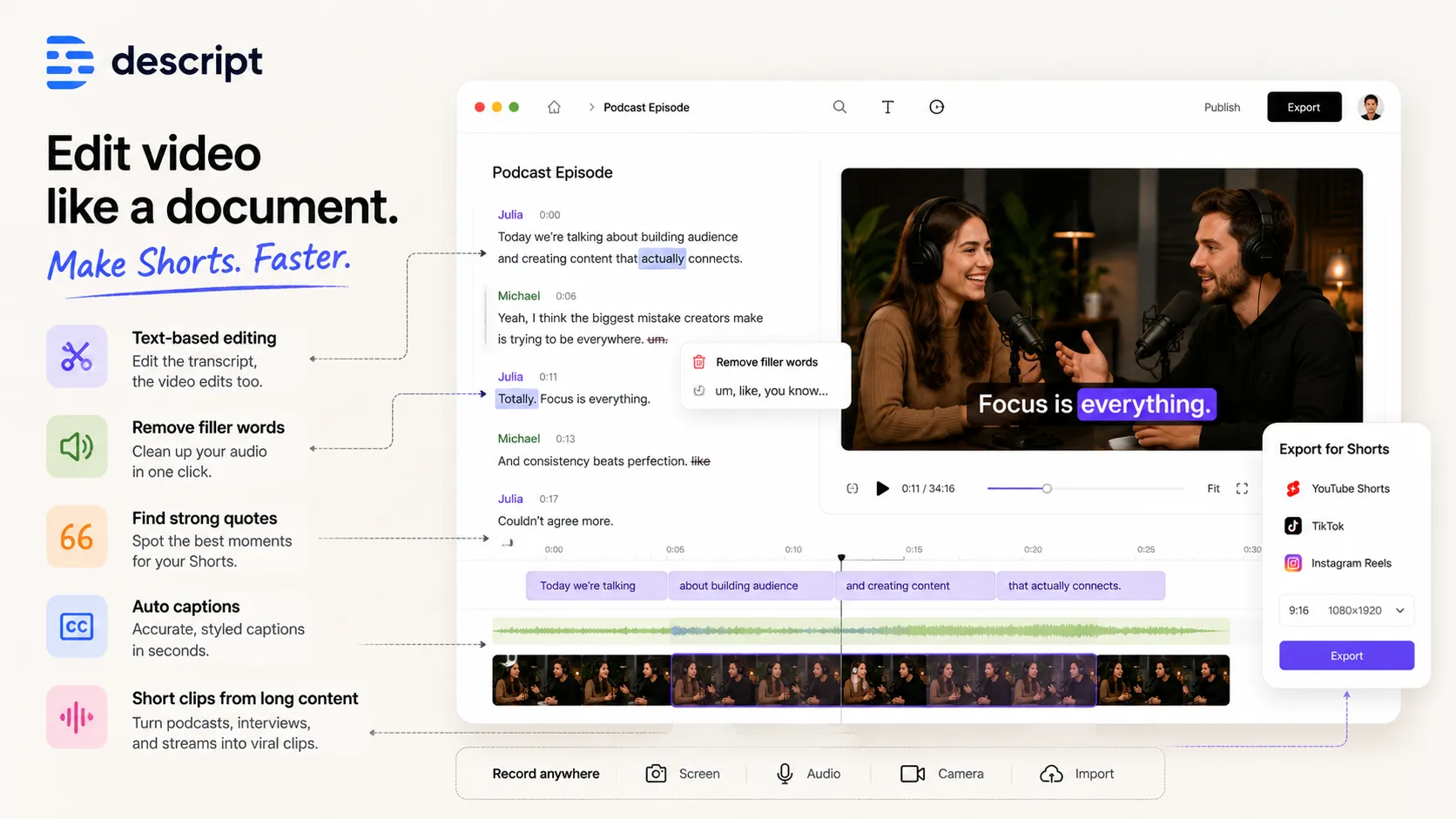
If your content is based on ideas, explanations, interviews, or commentary, Descript can make the editing process much faster.
Best for: text-based editing, podcasts, interviews, educational Shorts.
8. Canva — best for template-based Shorts and simple AI video assets
Canva is useful for creators who need quick visual content, templates, and simple video assets. Its AI video generator can turn text prompts into video clips and add generated visuals and synchronized audio inside Canva projects.
For Shorts creators, Canva can help with:
- short video templates;
- vertical video designs;
- text-based videos;
- quote videos;
- educational slides;
- simple animated content;
- thumbnails;
- social media graphics;
- brand kits.
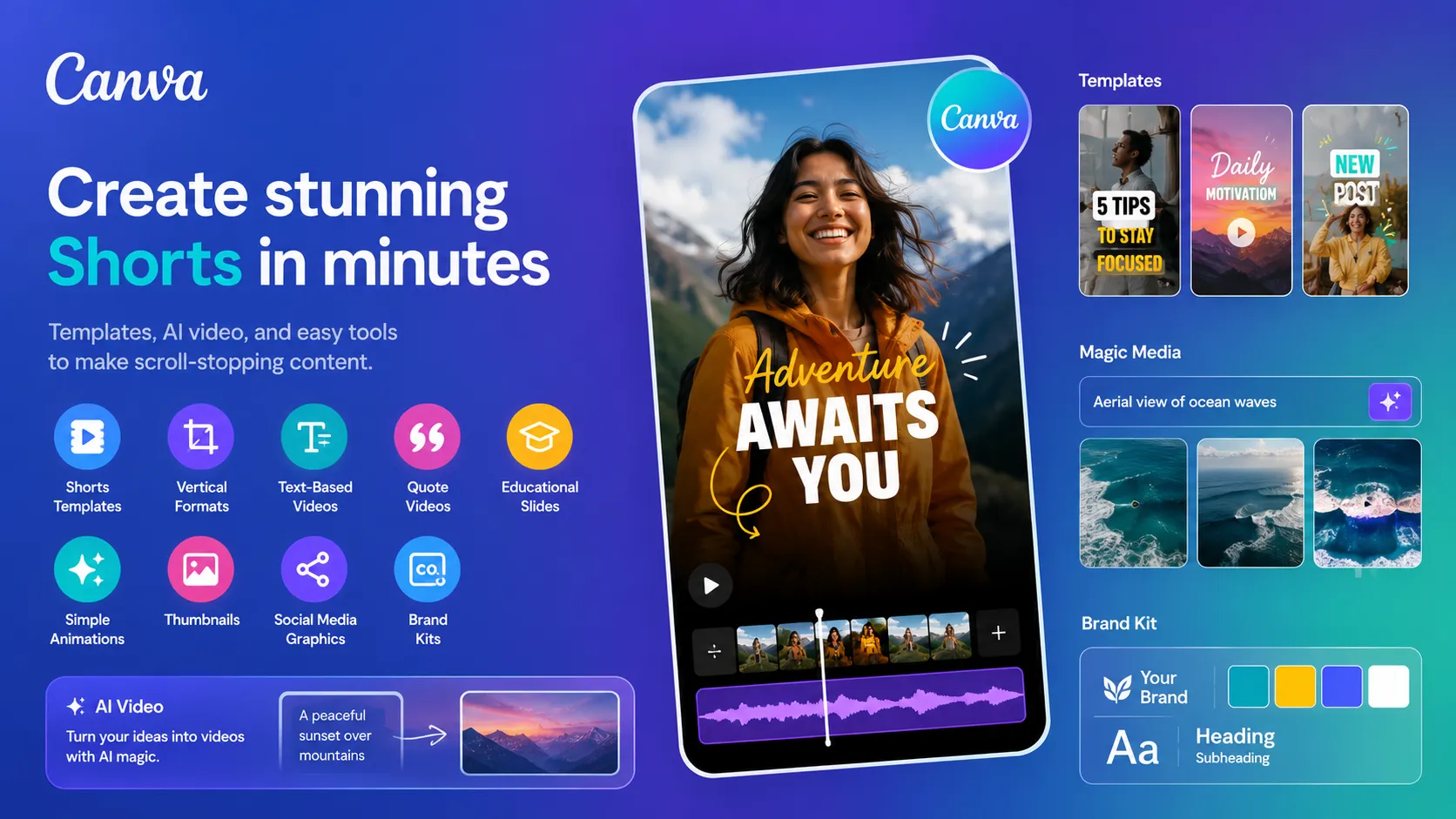
Canva is not the most advanced AI video editor, but it is one of the easiest tools for creators who want to make clean, branded, template-based videos quickly. It is especially useful for social media managers, small businesses, educators, coaches, and creators who care about consistent visual style.
Best for: simple visual Shorts, templates, branded content, social graphics.
9. HeyGen — best for AI avatar Shorts and multilingual short videos
HeyGen is useful for creators who want AI avatars, talking presenters, and video translation. Its video translation tool supports 175+ languages and dialects, with voice cloning, lip-sync, subtitles, and AI voiceovers.
For Shorts creators, HeyGen is useful for:
- AI presenter videos;
- avatar-based explainers;
- product demos;
- multilingual Shorts;
- translated clips;
- educational content;
- business videos;
- faceless content with a human-like presenter.
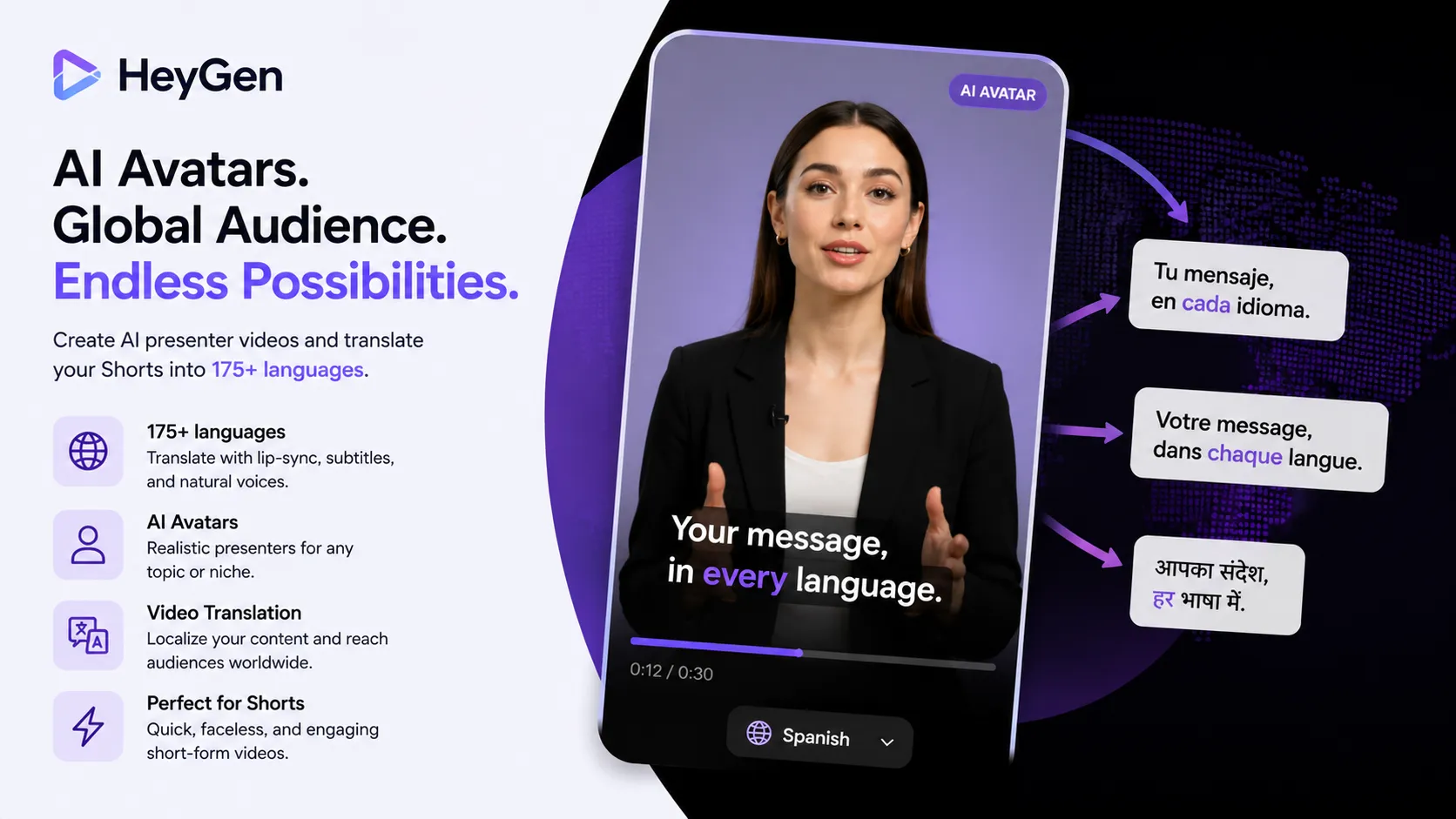
HeyGen is especially valuable if you want to create content in multiple languages or localize your existing videos for global audiences. A Short that works in English may also work in Spanish, Portuguese, German, French, Hindi, Arabic, or other markets if localized properly.
Best for: AI avatars, video translation, multilingual Shorts.
10. ElevenLabs — best for AI voiceovers for faceless Shorts
ElevenLabs is one of the best AI voice tools for creators who need realistic voiceovers. It offers AI voice generation, text-to-speech, voice cloning, voice agents, and support for many languages. ElevenLabs describes its platform as giving access to thousands of voices across 70+ languages.
For Shorts creators, ElevenLabs is useful for:
- faceless Shorts narration;
- documentary-style voiceovers;
- storytelling videos;
- motivational content;
- educational scripts;
- character voices;
- multilingual audio;
- fast voiceover production.
Voice is extremely important in short-form video. A weak robotic voice can make a video feel cheap. A strong voice can make even a simple script feel more emotional, professional, or entertaining.
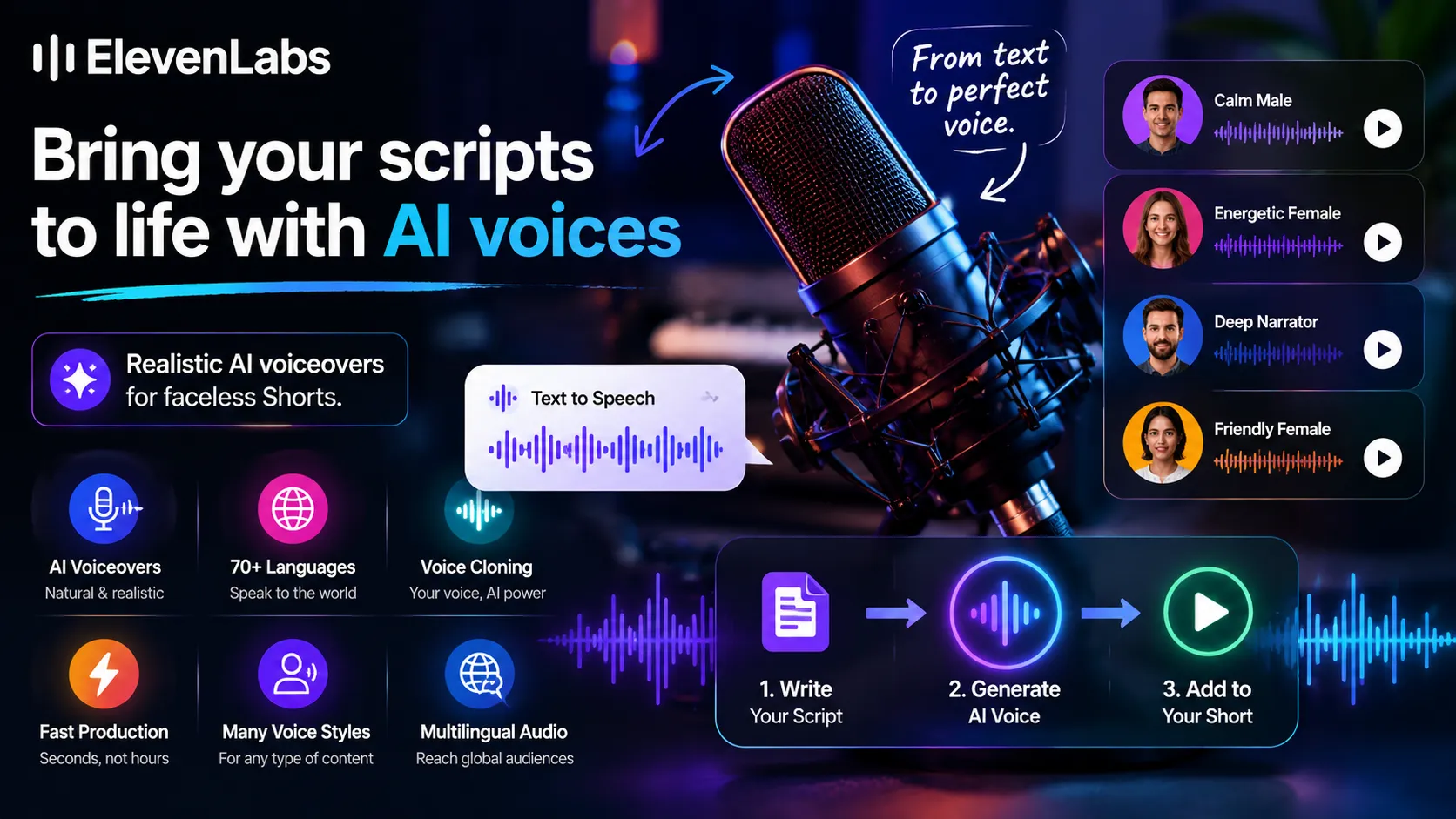
ElevenLabs is especially useful for creators who want to make Shorts without filming themselves or recording their own voice.
Best for: AI voiceovers, faceless Shorts, narration, multilingual audio.
How to choose the best AI tool for viral Shorts
The best AI Shorts tool depends on what kind of creator you are.
A smart Shorts workflow in 2026 may look like this: idea → hook → script → voiceover → visuals → captions → edit → publish → repurpose → test new versions.
The creators who win are not just using AI to make random videos faster. They are using AI to test more ideas, improve retention, publish consistently, and build repeatable content systems.
That is the real advantage of AI tools for YouTube Shorts, TikTok, and Reels in 2026: not one viral video, but a faster way to create, test, and improve short-form content every week.
If you want to start from an idea and create new Shorts from scratch, Play Profi is one of the strongest options because it helps with the full workflow: idea, script, visuals, voiceover, AI video, thumbnails, and more.