Top 10 AI Tools for YouTube Creators in 2026
Creating YouTube videos in 2026 is no longer just about filming, editing, and uploading. The modern YouTube creator needs a full content workflow: finding viral ideas, writing scripts, creating thumbnails, generating voiceovers, editing Shorts, translating videos, repurposing long-form content, and optimizing titles for YouTube SEO. The best AI tools for YouTube creators now help with every part of this process: video ideas, scripts, thumbnails, AI video generation, dubbing, subtitles, faceless videos, Shorts, Reels, TikTok clips, and complete content automation. Here are the top AI tools for YouTube creators in 2026.
Share
1. ChatGPT — best for ideas, scripts, hooks, titles, and content planning
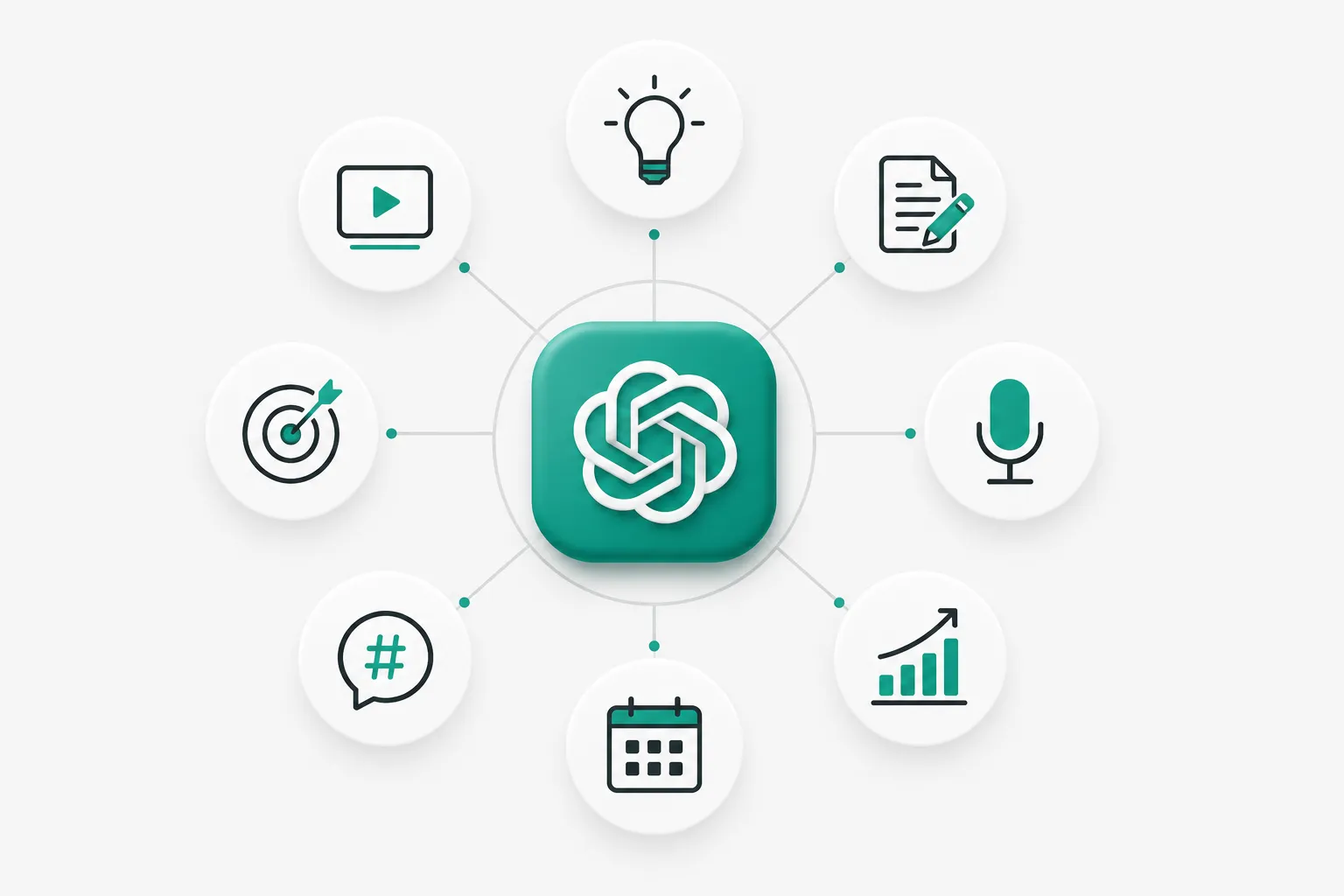
ChatGPT is one of the most useful AI tools for YouTube creators because it helps with the thinking part of content creation: finding ideas, writing scripts, creating hooks, improving titles, preparing descriptions, building content calendars, and rewriting boring concepts into more clickable formats.
For YouTube creators, ChatGPT is especially useful for:
- YouTube video ideas;
- viral hooks;
- long-form video scripts;
- Shorts scripts;
- YouTube titles;
- video descriptions;
- content calendars;
- audience research;
- rewriting scripts in different tones;
- creating prompts for thumbnails and AI video tools.
It is not a full YouTube production platform by itself, but it is one of the best starting points for almost any creator workflow. You can use it to brainstorm ten different angles for one video idea, turn a rough thought into a structured script, or generate multiple title options before recording.
ChatGPT also works well for creators who want to publish more consistently. Instead of starting every video from a blank page, you can use it to create repeatable formats: “top 10” videos, documentary scripts, reaction scripts, educational explainers, faceless video narration, product reviews, and Shorts.
Best for: YouTube ideas, scripting, hooks, titles, descriptions, planning.
Official site: https://chatgpt.com/
2. Play Profi — best all-in-one AI workflow for YouTube creators
Play Profi is one of the most interesting AI tools for YouTube creators because it is built not as a single-purpose generator, but as a full content production workflow. Instead of using one tool for ideas, another for scripts, another for thumbnails, another for voiceovers, and another for video generation, Play Profi brings many of these steps into one platform.
For creators, this matters because the hardest part of YouTube is not just generating one asset. The hard part is moving from idea to finished content quickly.
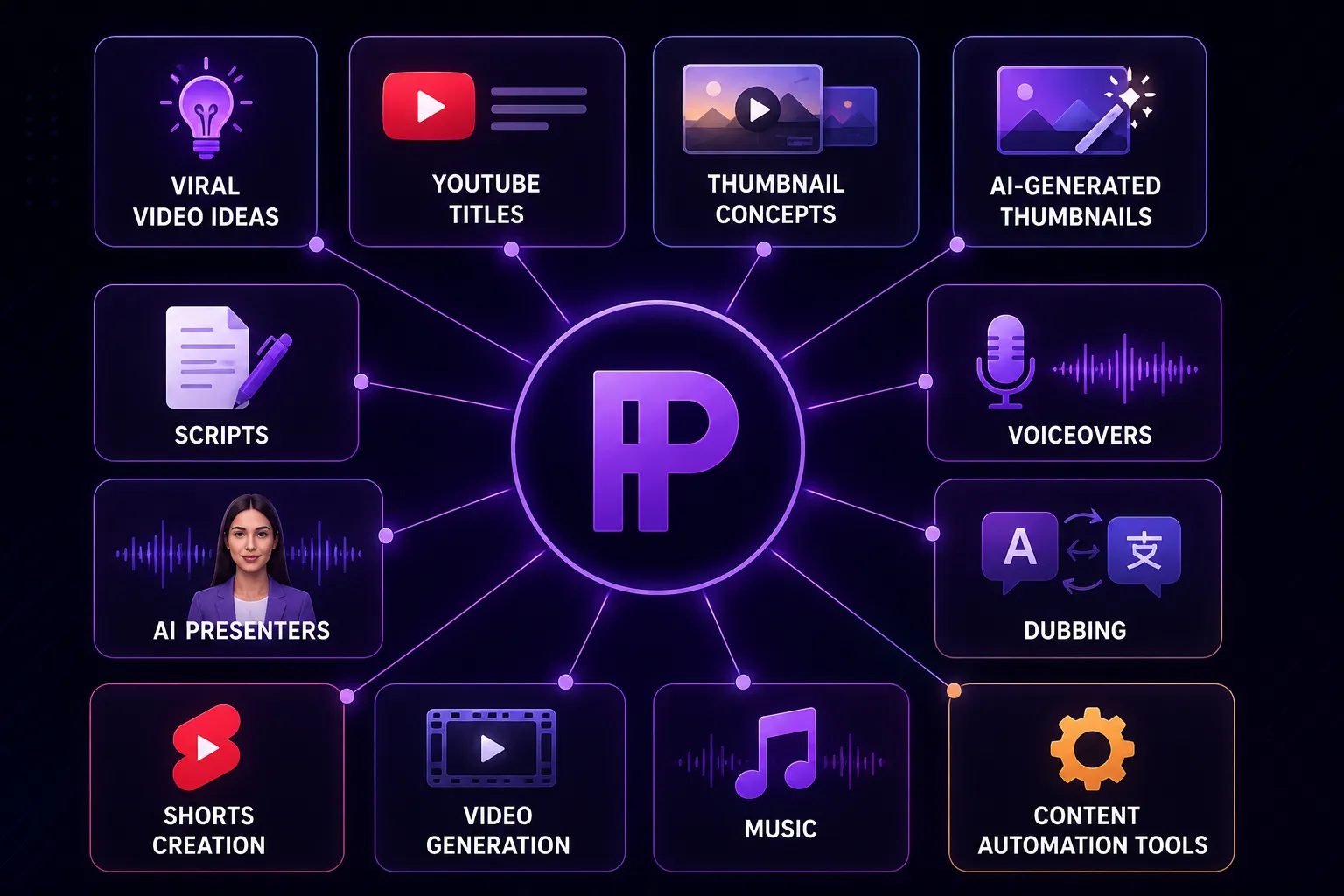
Play Profi helps creators work with:
- viral video ideas;
- YouTube titles;
- thumbnail concepts;
- AI-generated thumbnails;
- scripts;
- voiceovers;
- dubbing;
- AI presenters;
- Shorts creation;
- video generation;
- music;
- content automation tools.
The strongest use case is for creators who want to make content faster without hiring a full team. A solo creator, faceless YouTube channel, small media team, or social media manager can use Play Profi as a central workspace for turning an idea into multiple content assets.
It is especially useful for YouTube creators who need more than just one AI feature. For example, a typical creator workflow may look like this: find a video idea, create several titles, generate a thumbnail, write a script, create a voiceover, produce a short video version, and then repurpose that idea for Shorts, TikTok, or Reels. Play Profi is designed for this kind of full-cycle content creation.
What makes it stand out is the “one subscription instead of a team” approach. Many AI tools solve only one narrow task. Play Profi is more useful when you need a complete content pipeline: idea, script, visuals, audio, video, and promotion assets.
Best for: creators who want one AI platform for YouTube content production, Shorts, thumbnails, scripts, voiceovers, dubbing, and video workflows.
Official site: https://playprofi.com/
3. Canva — best for thumbnails, visual design, and quick video assets
Canva remains one of the easiest tools for YouTube creators who need thumbnails, banners, social posts, simple video edits, and visual assets without advanced design skills. Its AI tools can generate designs, layouts, images, and video elements directly inside the editor, making it useful for creators who want speed and simplicity. Canva also offers AI video tools that can create videos from prompts and help users work with templates, graphics, animations, fonts, and visual effects.
For YouTube creators, Canva is especially strong for:
- YouTube thumbnails;
- channel banners;
- video graphics;
- social media posts;
- simple Shorts visuals;
- presentation-style videos;
- brand kits;
- quick design templates.
Canva is not always the deepest tool for professional video editing, but it is one of the easiest tools for creators who want polished visuals fast. If your biggest bottleneck is making thumbnails, social posts, and simple graphics, Canva is still one of the most practical AI design tools in 2026.
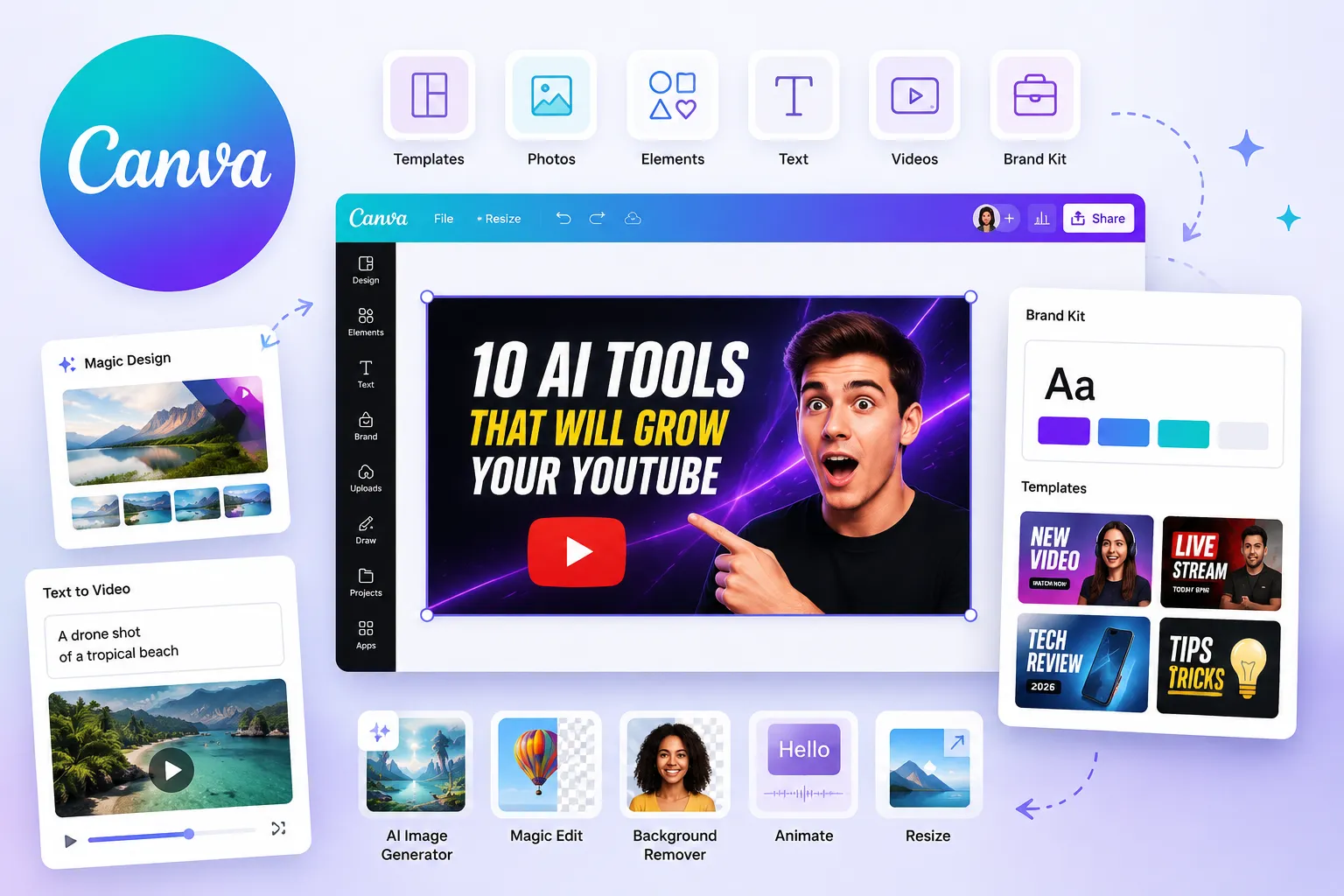
Best for: thumbnails, banners, social graphics, quick visual design.
Official site: https://www.canva.com/
4. Descript — best for editing videos by editing text
Descript is one of the best AI tools for YouTube creators who work with talking-head videos, podcasts, interviews, tutorials, webinars, and educational content. Its main advantage is text-based editing: Descript can transcribe your footage, and then you can edit the video by editing the transcript. The platform also supports captions, audio cleanup, screen recording, multitrack editing, and AI media generation.
For YouTube creators, Descript is useful for:
- editing interviews;
- cutting talking-head videos;
- removing filler words;
- cleaning audio;
- creating captions;
- editing podcasts;
- recording screens;
- repurposing long content.
Descript is especially good if you create content where speech is the main structure of the video. Instead of scrubbing through a timeline for hours, you can search the transcript, delete unnecessary parts, and polish the video much faster.
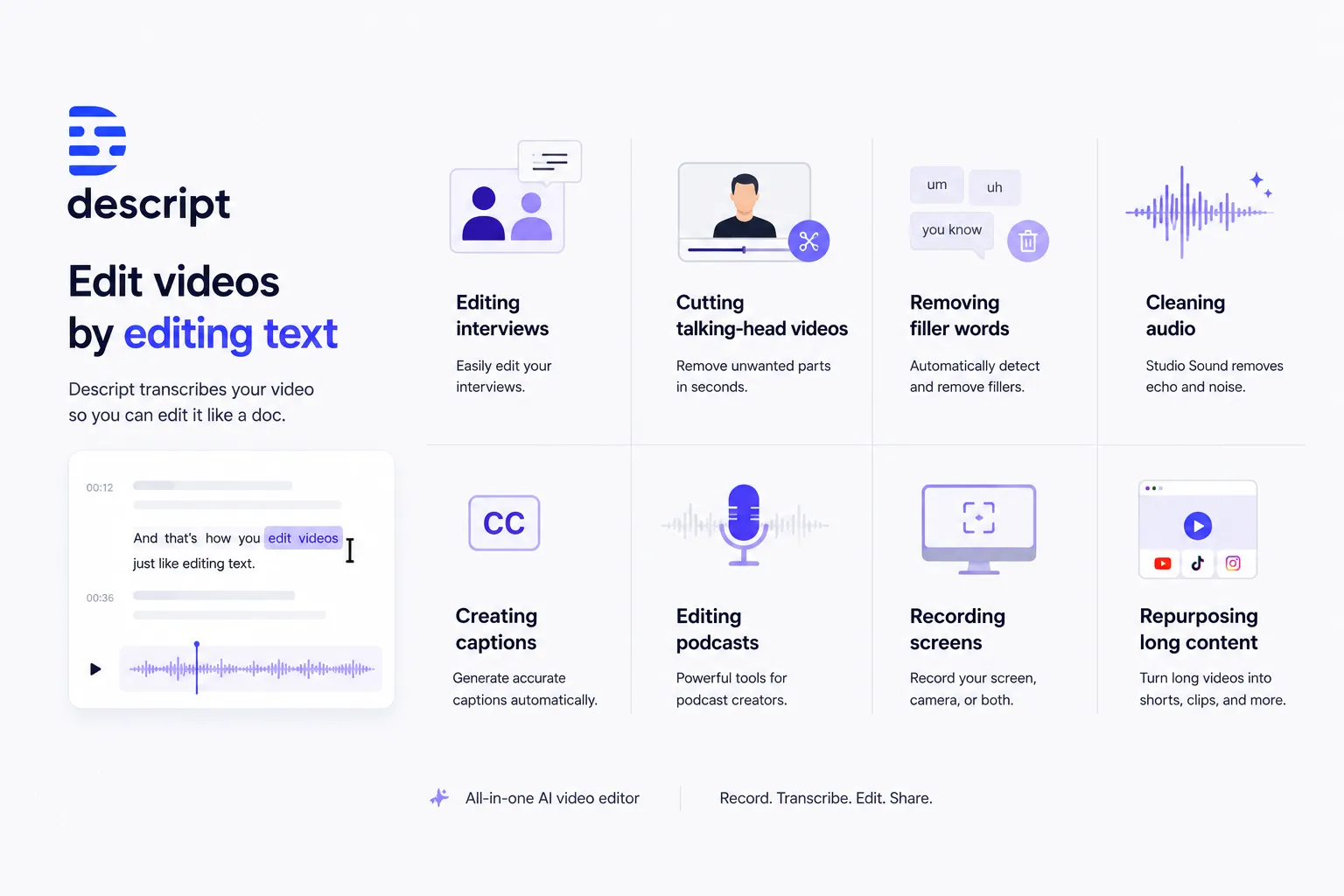
Best for: talking-head videos, podcasts, interviews, tutorials, text-based editing.
Official site: https://www.descript.com/
5. OpusClip — best for turning long videos into Shorts
OpusClip is one of the most popular AI tools for creators who want to repurpose long-form content into short videos. It can analyze long videos, find strong moments, generate clips, add captions, and prepare content for TikTok, Reels, and YouTube Shorts. Its own documentation describes it as a tool that turns long videos into Shorts and can publish them to social platforms.
This is useful for creators who already make:
- podcasts;
- interviews;
- webinars;
- livestreams;
- educational videos;
- long YouTube episodes;
- gaming content;
- business content.
Instead of manually searching for the best 30–60 second moments, creators can use OpusClip to speed up the process. It is not a replacement for a strong content strategy, but it is a practical tool for increasing output from content you already have.
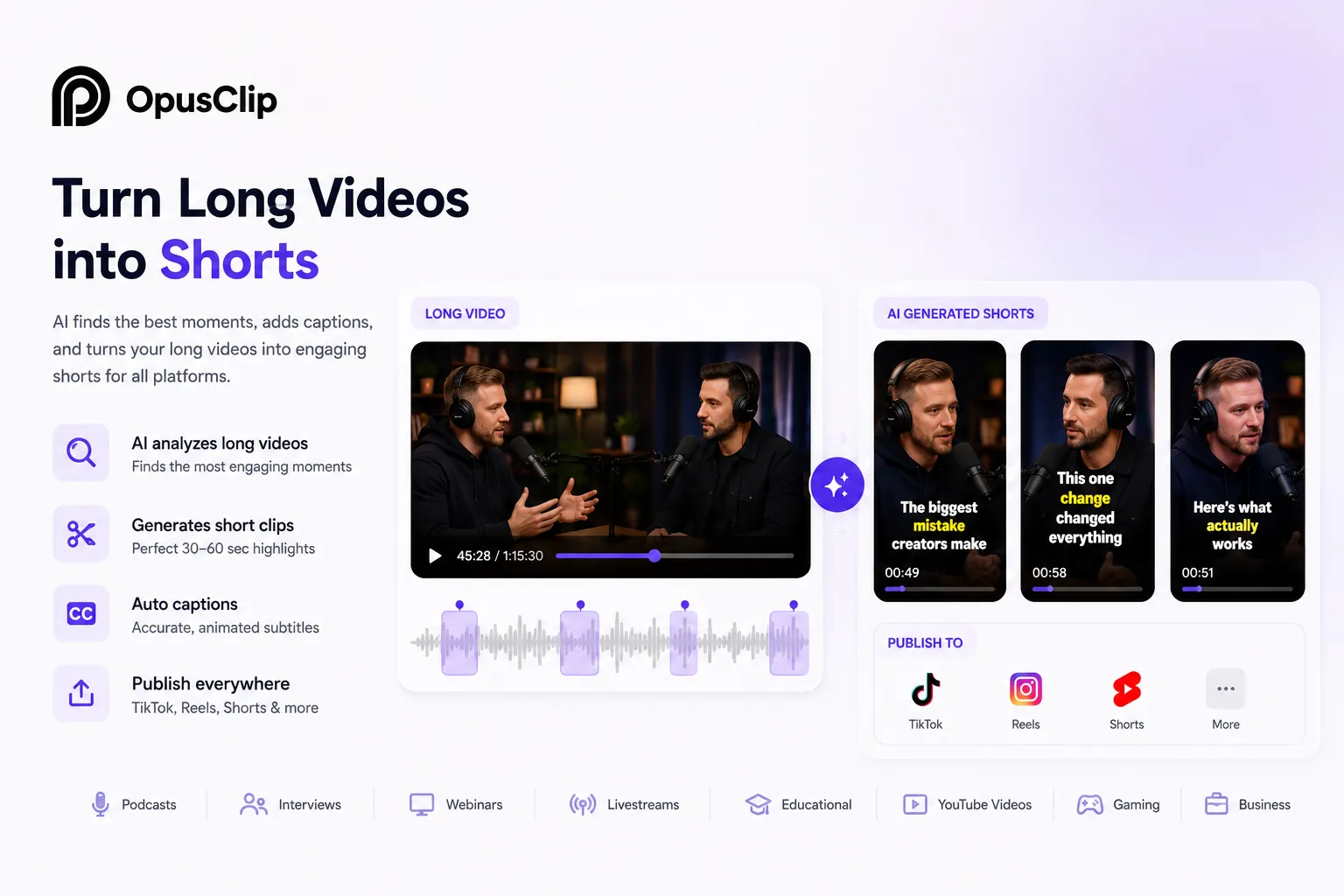
Best for: repurposing long videos into Shorts, Reels, and TikTok clips.
Official site: https://www.opus.pro/
6. Runway — best for cinematic AI video generation
Runway is one of the strongest AI video generation platforms for creators who want cinematic visuals, experimental video, AI-generated scenes, and advanced creative control. Runway’s Gen-4 model focuses on consistency across styles, subjects, locations, and visual references, which is important for creators who want more coherent AI-generated video sequences. (Runway)
For YouTube creators, Runway can be useful for:
- cinematic B-roll;
- AI-generated scenes;
- visual storytelling;
- concept videos;
- music videos;
- sci-fi visuals;
- documentary-style inserts;
- creative experiments.
Runway is more of a professional creative tool than a simple YouTube growth tool. It is powerful when you need visuals that are hard or expensive to film in real life. For example, a creator can generate futuristic cities, historical scenes, abstract visuals, product shots, or cinematic transitions.
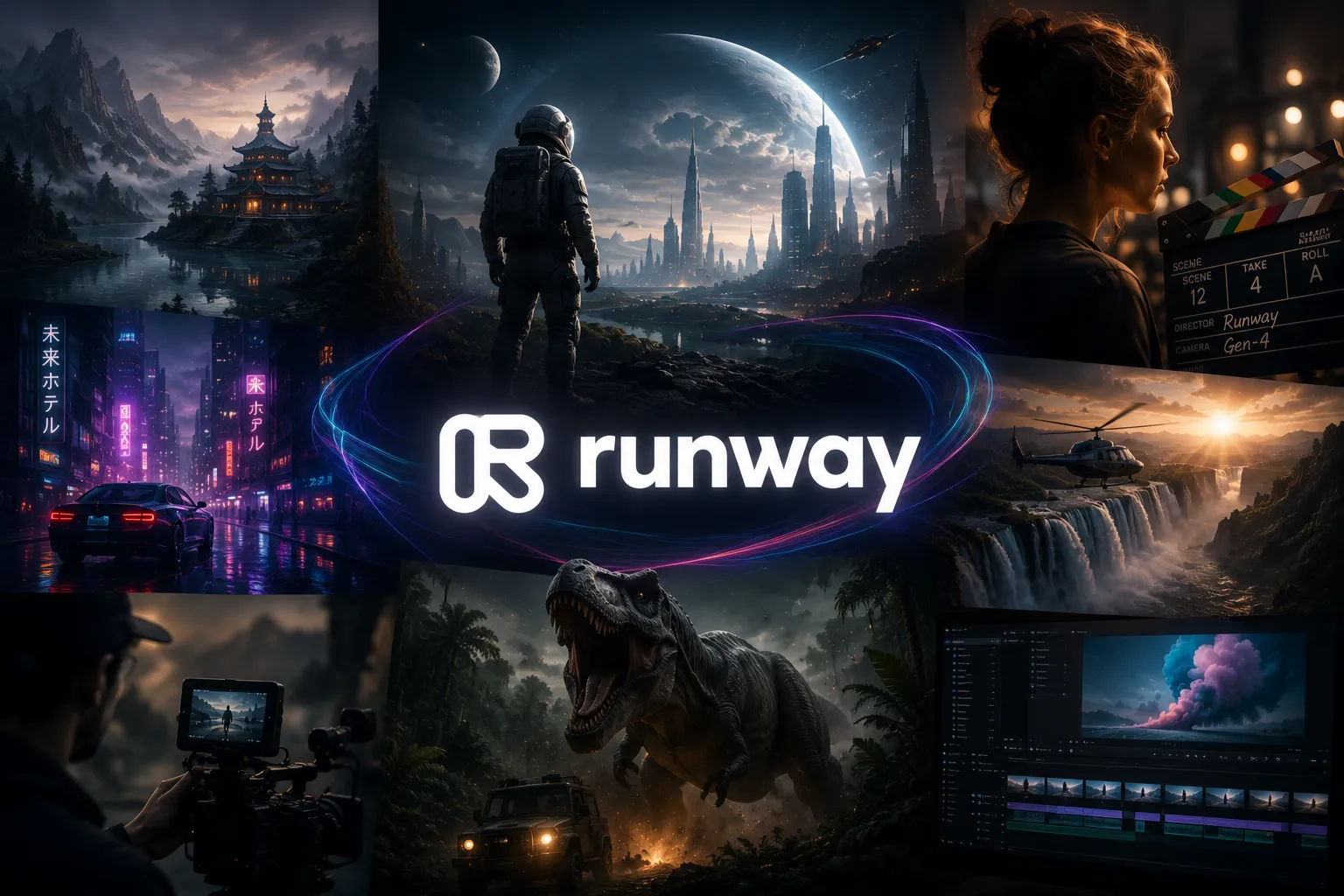
Best for: AI video generation, cinematic visuals, creative B-roll.
Official site: https://runwayml.com/
7. HeyGen — best for AI avatars and video translation
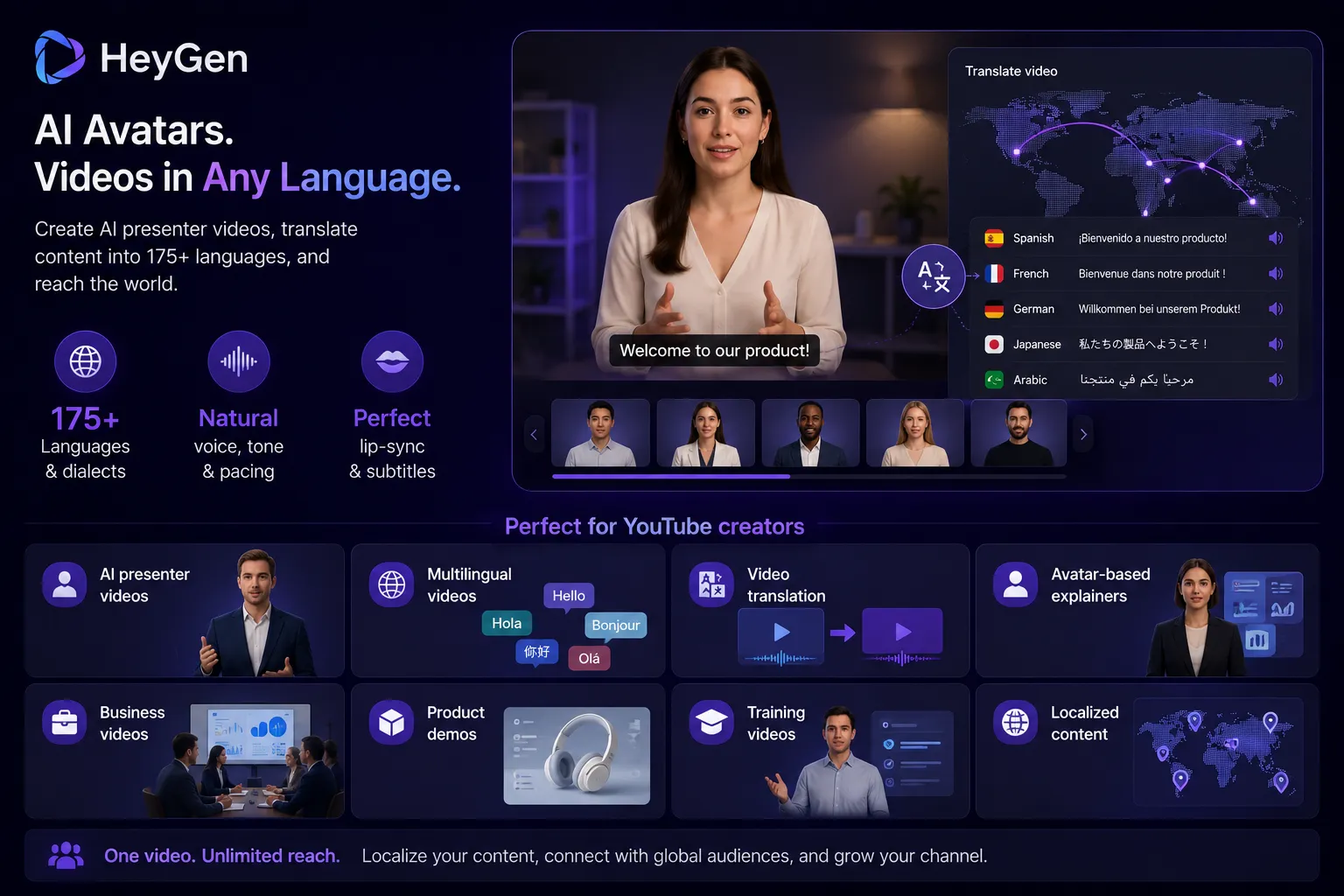
HeyGen is a strong tool for creators who want AI avatars, talking presenters, video translation, and multilingual content. Its AI video translator can translate videos into 175+ languages and dialects with voice, tone, pacing, lip-sync, and subtitles.
For YouTube creators, HeyGen is useful for:
- AI presenter videos;
- multilingual videos;
- video translation;
- avatar-based explainers;
- business videos;
- product demos;
- training videos;
- localized content.
The biggest value is localization. If you already have videos in one language, tools like HeyGen can help adapt them for other markets. This is especially useful for creators who want to reach viewers in English, Spanish, German, French, Portuguese, Hindi, Arabic, Japanese, Korean, and other languages without recording everything again.
Best for: AI avatars, talking-head videos, video translation, localization.
Official site: https://www.heygen.com/
8. ElevenLabs — best for AI voiceovers and dubbing
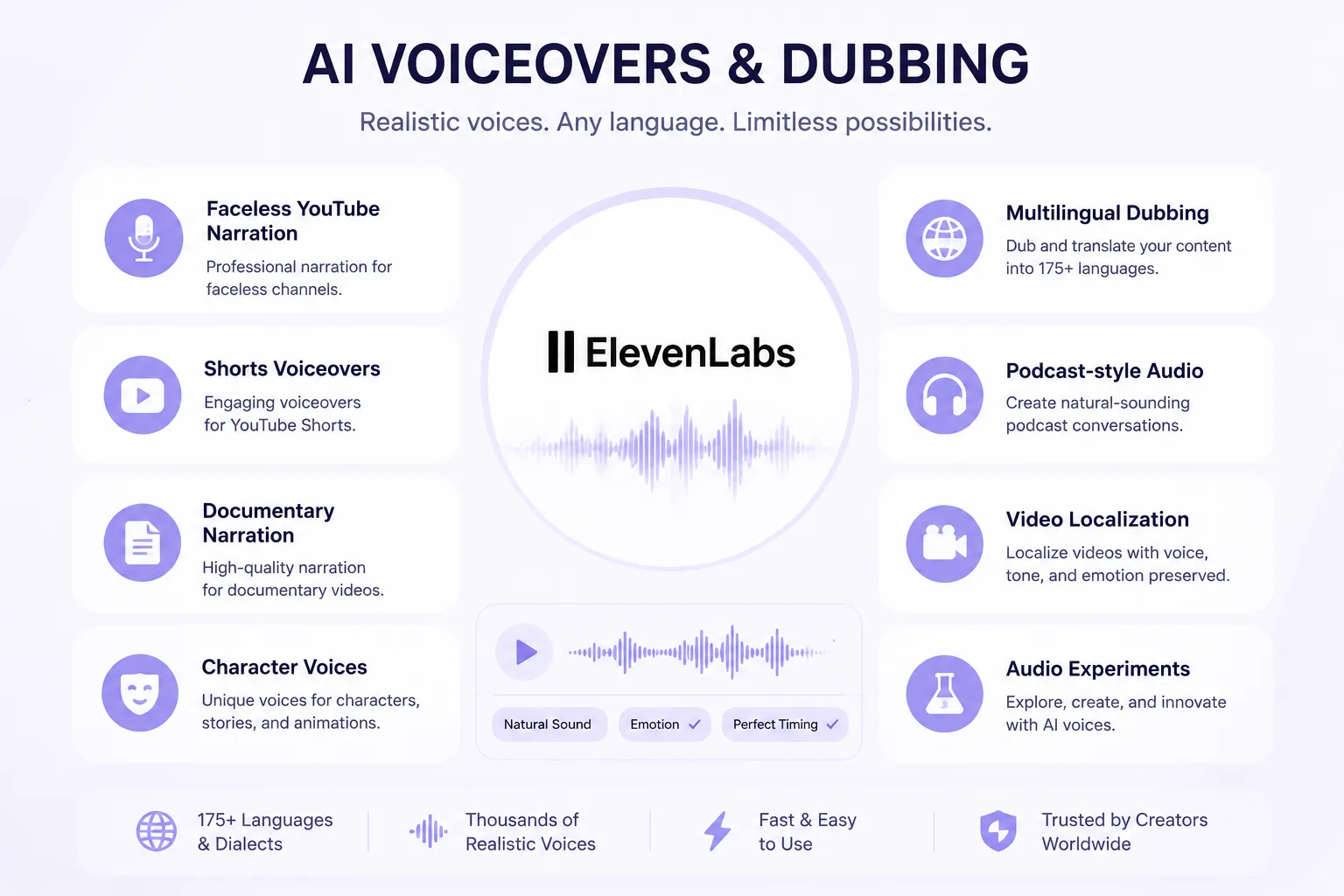
ElevenLabs is one of the best AI voice tools for creators. It offers realistic AI voices, text-to-speech, voice cloning, voice changing, speech-to-text, sound effects, and dubbing. ElevenLabs says its platform supports thousands of voices and many languages, and its dubbing tools are designed to localize content while preserving voice, emotion, and timing.
For YouTube creators, ElevenLabs is useful for:
- faceless YouTube narration;
- Shorts voiceovers;
- documentary narration;
- character voices;
- multilingual dubbing;
- podcast-style audio;
- video localization;
- audio experiments.
A good voiceover can completely change how professional a video feels. For faceless channels, this is especially important because the voice becomes the main human connection with the audience.
Best for: AI voiceovers, narration, dubbing, faceless channels.
Official site: https://elevenlabs.io/
9. vidIQ — best for YouTube SEO, keywords, and growth research
vidIQ is one of the most useful AI tools for creators who care about YouTube SEO, keyword research, titles, content ideas, and channel growth. Its keyword tools show YouTube-specific search volume, competition scores, and trend data, and the company says its tools are used by millions of creators.
For YouTube creators, vidIQ helps with:
- keyword research;
- video topic ideas;
- YouTube SEO;
- title optimization;
- trend discovery;
- competitor research;
- thumbnail ideas;
- content planning.
vidIQ is not a video generator. Its value is in helping creators decide what to make and how to position it for YouTube search and recommendations.

If you are serious about growing a YouTube channel, you need tools not only for production, but also for discovery. vidIQ is strong in that part of the workflow.
Best for: YouTube SEO, keyword research, video ideas, channel growth.
Official site:https://vidiq.com/
10. VEED — best for online AI video editing, subtitles, and repurposing
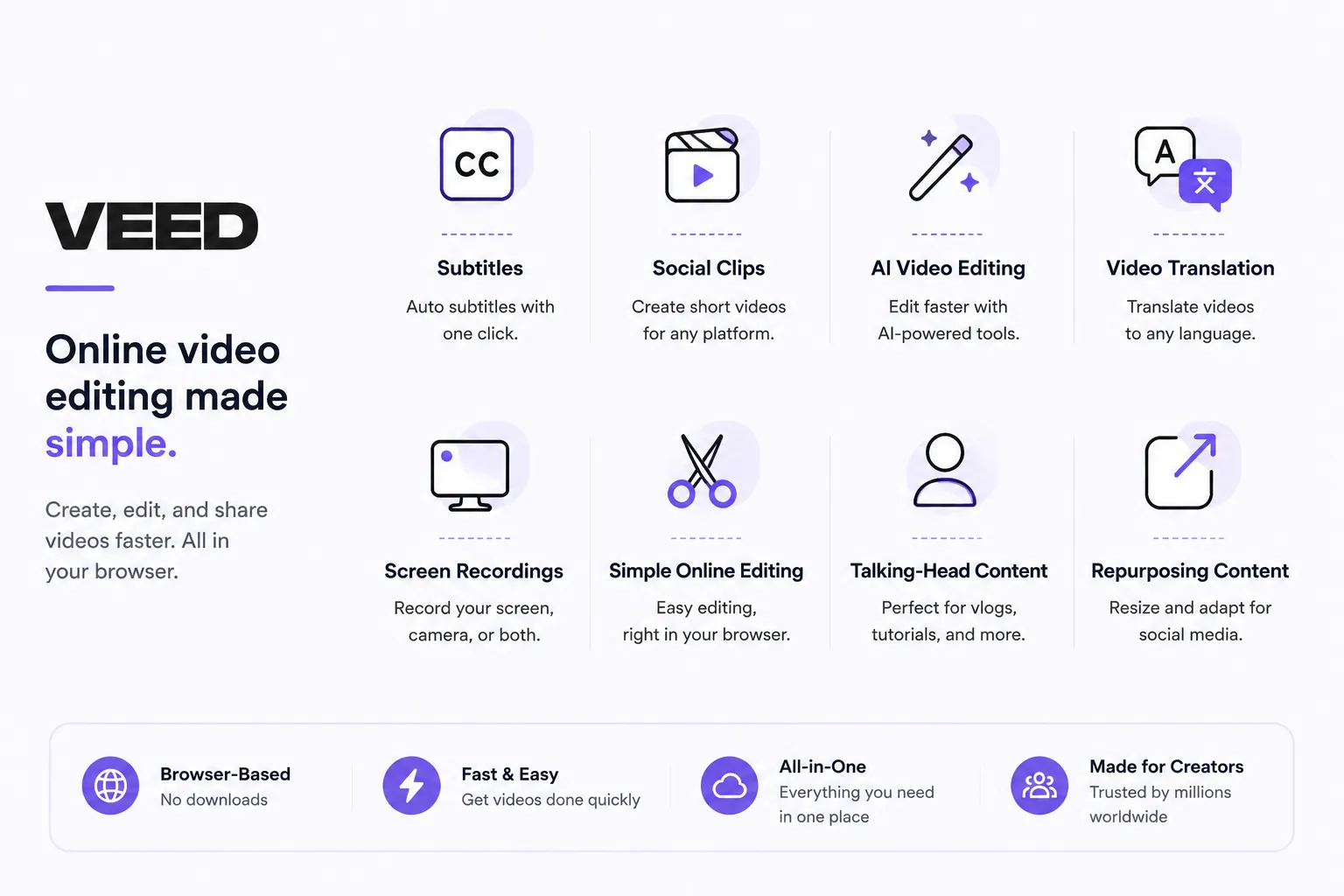
VEED is an online AI video creation and editing platform that combines video editing, subtitles, dubbing, AI avatars, text-to-speech, video translation, screen recording, and social video tools. Its website positions it as an idea-to-video workflow for marketers and solopreneurs.
For YouTube creators, VEED is useful for:
- subtitles;
- social clips;
- AI video editing;
- video translation;
- screen recordings;
- simple online editing;
- talking-head content;
- repurposing content for social media.
VEED works well for creators who need a browser-based editor and do not want to use complex professional software. It is especially useful for quick edits, captions, resizing, and turning content into social-friendly formats.
Лучше всего подходит для: субтитров, онлайн-монтажа, адаптации контента и быстрого создания видео для социальных сетей.
Официальный сайт: https://www.veed.io/
Final thoughts: what is the best AI tool for YouTube creators?
There is no single best AI tool for every YouTube creator. The right choice depends on your workflow.
- If you need ideas and scripts, use ChatGPT.
- If you need thumbnails and simple design, Canva is still one of the easiest choices.
- If you edit talking-head videos, Descript can save hours.
- If you repurpose long videos into Shorts, OpusClip is a strong option.
- If you need cinematic AI visuals, Runway is one of the leaders.
- If you want AI avatars and video translation, HeyGen is useful.
- If you need realistic voiceovers, ElevenLabs is one of the best.
- If you care about YouTube SEO, vidIQ is essential.
- If you want quick online editing and subtitles, VEED is a practical choice.
If you want a full AI content workflow for YouTube, Shorts, thumbnails, scripts, voiceovers, and video creation, Play Profi is one of the most interesting all-in-one options.